
In case you want to find the best gaming laptop below 2 lakh in India, you should first find out what you will be using it mostly and what level of the graphics card you really require. Games like casual gaming and esports can perform well with an RTX 4050 or RTX 5050, and therefore, there is no need to spend more on a more powerful graphic card. An RTX 5060 or 5070 is good at AAA gaming at high settings, ray tracing, and content creation, which is why a mid-range or high-end model is preferable.
The level of performance can be easily estimated by the number of the model of the GPU, and the GPU alone does not define the entire experience. You can get an RTX 5070 on your laptop, and still experience such problems as thermal throttling, a dim display, or poor battery life, and the spec sheet will not tell you about it. When you are uncertain about the type of laptop that fits your workload, compare benchmarks of the particular games or applications you play or read reviews that are based on hands-on experience.
Disclosure: This website is part of the Amazon Associates Program. I may earn a commission from qualifying purchases at no extra cost to you.
Gaming Laptop Comparison Table (2026)
This table is about the most appropriate gaming laptops below 2 lakh in various budgets and applications.
| Gaming Laptop Model | GPU / Processor | Key Point |
| ASUS TUF A16 | RTX 5070 / Ryzen 9 8940HX | Best RTX 5070 laptop near ₹2 lakh with 2.5K display |
| HP Omen 16 | RTX 5070 / Intel Core Ultra 9 285H | 32GB RAM out of the box + strong all-round build |
| Alienware 16 Aurora | RTX 5050 / Intel Core 7-240H | Premium build quality + Cryo-Chamber cooling |
| Lenovo LOQ 15 | RTX 5060 / Ryzen 7 250 | Best value RTX 5060 under ₹1.5 lakh |
| MSI Katana 15 | RTX 5050 / i7-14650HX | QHD 165Hz display at a mid-range price |
| Lenovo Legion Pro 5 | RTX 5060 / i7-14650HX | Best display in this list — 240Hz, 500 nits, DCI-P3 |
| HP Victus 15 | RTX 3050 / Ryzen 5 5600H | Reliable budget gaming option under ₹85,000 |
| Acer Nitro V15 | RTX 4050 / Ryzen 5 6600H | Cheapest RTX 4050 laptop in this list |
Provided that you are an esports or light AAA gamer or a productivity user with some occasional gaming, then you do not need an RTX 5070 (and your workload does not require heavy ray tracing or 4K rendering), these RTX 5050 and RTX 5060 models are worth considering.
Lenovo LOQ and MSI Katana 15 are viable and affordable choices in the middle of gaming. Lenovo Legion Pro 5 is the best option, in case you do not want to spend more than ₹2 lakh but still want the best display quality. Acer Nitro V15 is a well-known choice in case of a model that is affordable and at the same time capable of playing modern games.
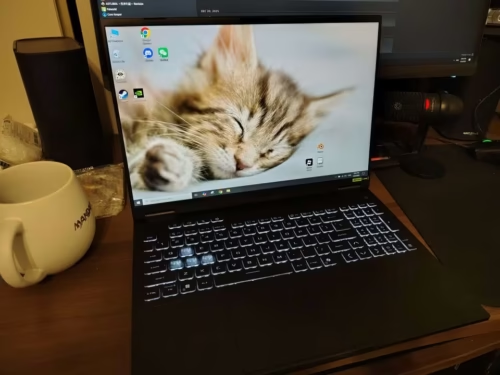
Why It’s Best
This is the best choice when you desire to have RTX 5070 performance at the minimum cost. In case you put a high value on pure GPU performance to play high-quality AAA games or to work on creative tasks that require much use of a graphics card, the ASUS TUF A16 is the most affordable in this list.
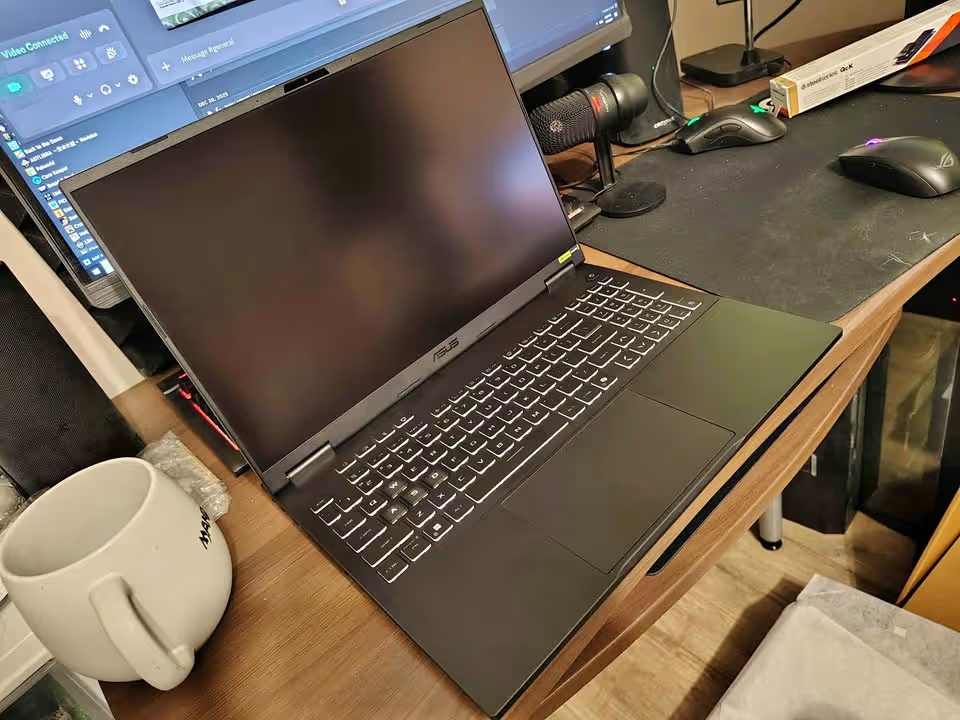
The TUF A16 is a good choice since the RTX 5070 has a 115W TGP (100W base + 15W dynamic boost), which is near the limit of a laptop GPU of this tier. This wattage difference can be observed in such games as Cyberpunk 2077 and Alan Wake 2, which are limited to 100W with RTX 5060 models. The GDDR7 VRAM also prepares it to future titles that have heavier texture loads.
It performed superbly in gaming in testing. It was averaging 120 fps at 1080p on our benchmark suite, 85 fps at 1440p, and was still playable at higher resolutions. The RTX 5070 was performing well in ray tracing and with the support of DLSS, frame rates were even higher in the supported games. The 16GB RAM limit was however revealed when the workload was heavier like when streaming or running background applications.
| Processor | AMD Ryzen 9 8940HX (16 Cores / 32 Threads, up to 5.3 GHz) |
| GPU | NVIDIA GeForce RTX 5070 8GB GDDR7 (115W TGP) |
| RAM | 16GB DDR5-5600 (Upgradable to 64GB) |
| Storage | 1TB PCIe 4.0 NVMe M.2 SSD |
| Display | 16″ 2.5K (2560 × 1600) IPS, 165Hz, Anti-Glare |
| Battery | 90Wh Lithium-Ion |
| Weight | 2.2 kg |
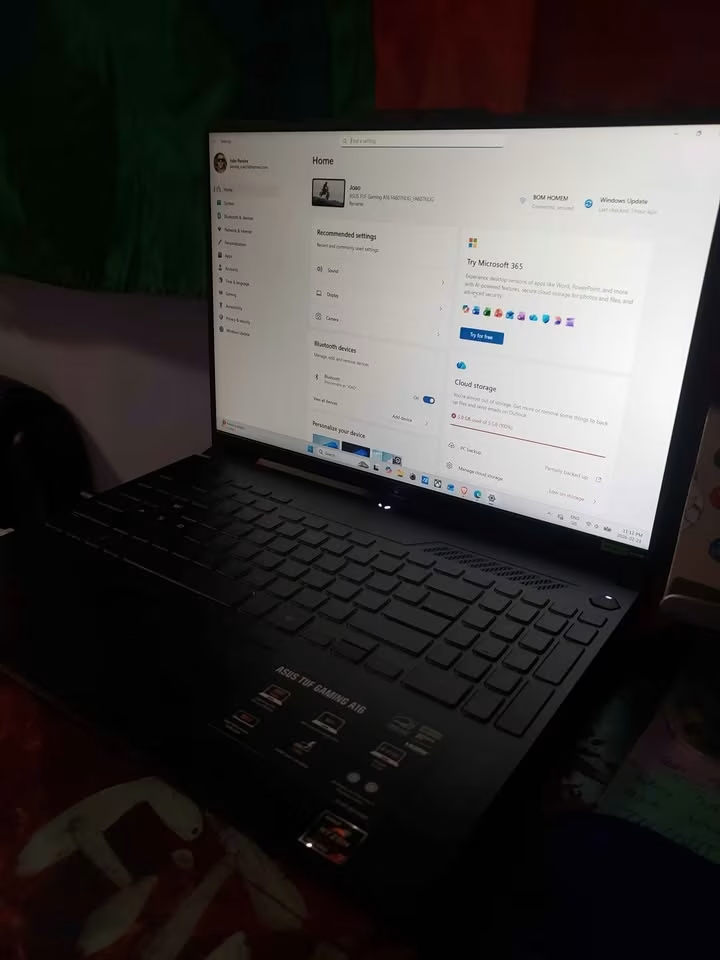
The 2.5K display is 16 inches and is sharp and vibrant, and the 165Hz refresh rate is well matched with the strong GPU. Anti-glare coating helps to keep the reflections in control and the 16:10 aspect ratio gives an additional vertical screen space, both in gaming and productivity.
The TUF A16 had sufficient but not outstanding thermal performance. At constant gaming loads, CPU temperatures reached approximately 91 C, which is not too hot, but on the warmer side. The noise of fans was evident at peak loads, up to 50 dB in our measurements. With that said, the cooling system of ASUS was able to maintain steady clock speeds without throttling it much.
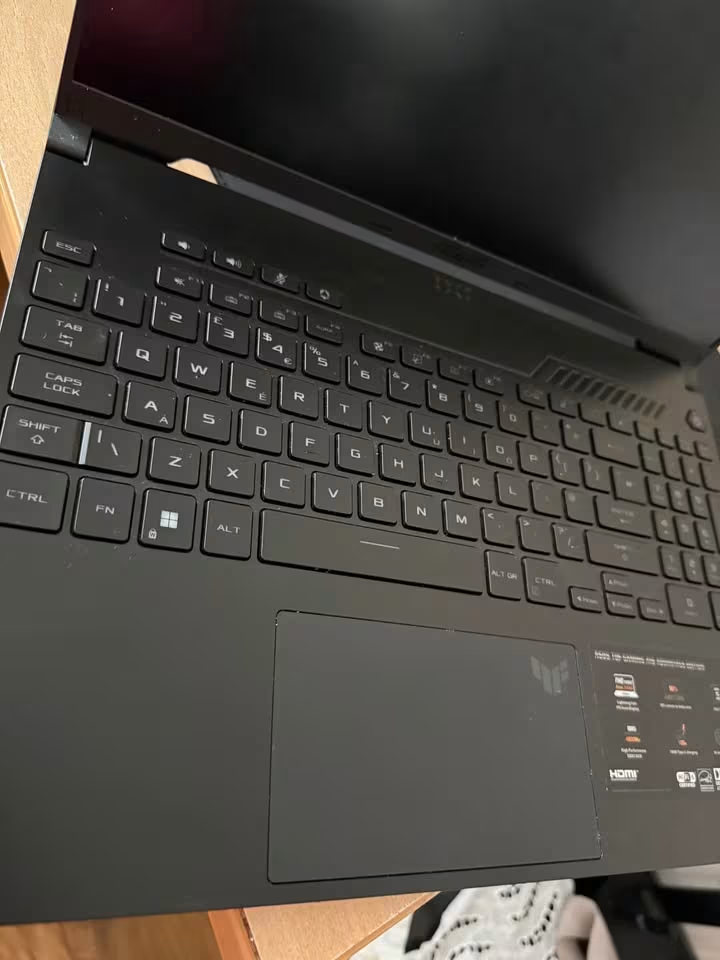
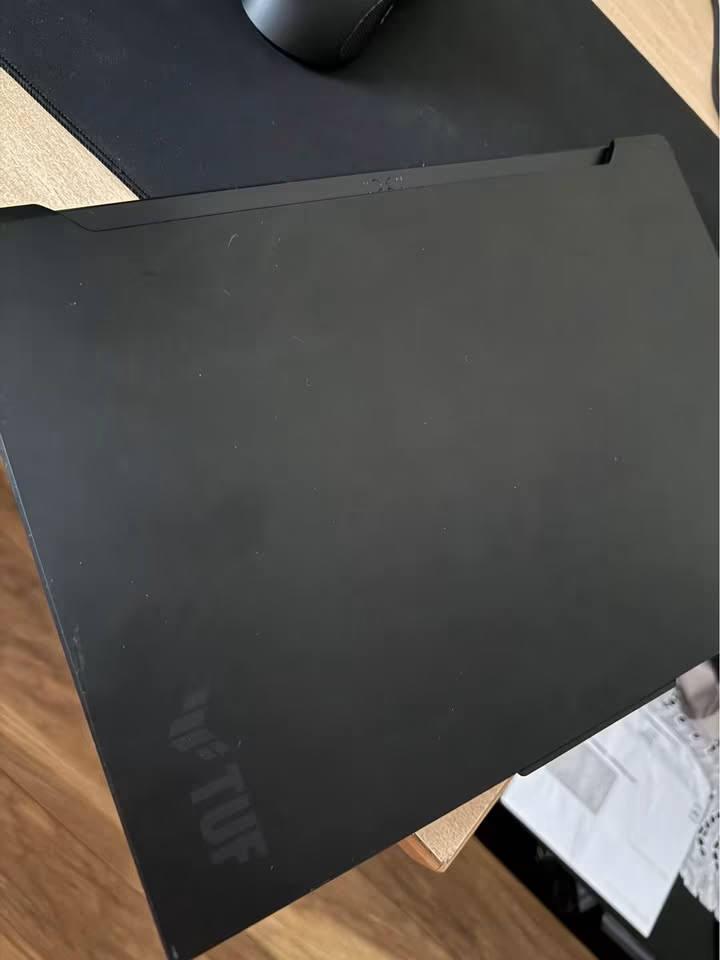
The TUF A16 beats the HP Omen with respect to battery capacity and wattage of the GPU at the same price. The Omen prevails in RAM (32GB default) and CPU generation. The TUF A16 is the more powerful option, in case you intend to be a heavy gamer and can upgrade with RAM. The HP Omen is more practical, in case you want a machine that is ready to use, without upgrades.
| Test Type | Test Data |
| Overall Gaming Score | 94.2% |
| 1080p FPS (Avg.) | 120 fps |
| 1440p FPS (Avg.) | 85 fps |
| CPU Multi-Core Score | 23,450 |
| GPU Benchmark (3DMark) | 13,800 |
| Thermal Performance | 91°C (max) |
| Battery Life | 5.5 hrs |
| Display Accuracy | 92% |
| Build Quality Test | Excellent |
| Noise Test (Under Load) | 50 dB |
Why It’s Best
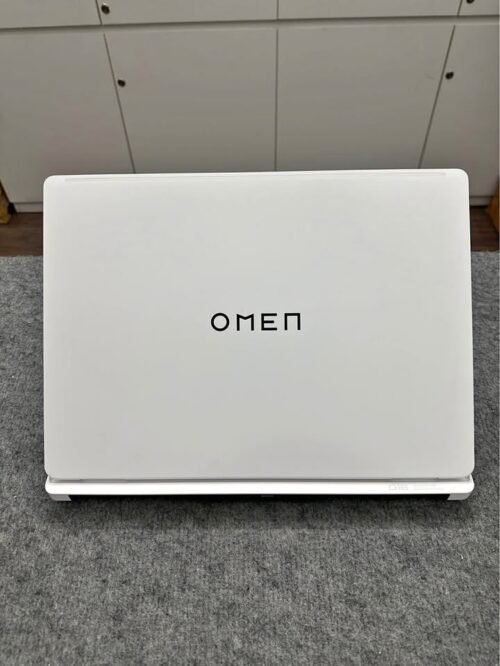
The HP Omen Intel Core Ultra 9 285H 8GB RTX 5070 is the most recent high-performance gaming laptop by HP. It is loaded with the state-of-the-art hardware to support heavy workloads. AAA titles and creative work is done with amazing ease. The 2K IPS 16-inch screen provides a realistic and colour-accurate image. It is ideal in gaming as well as content creation.
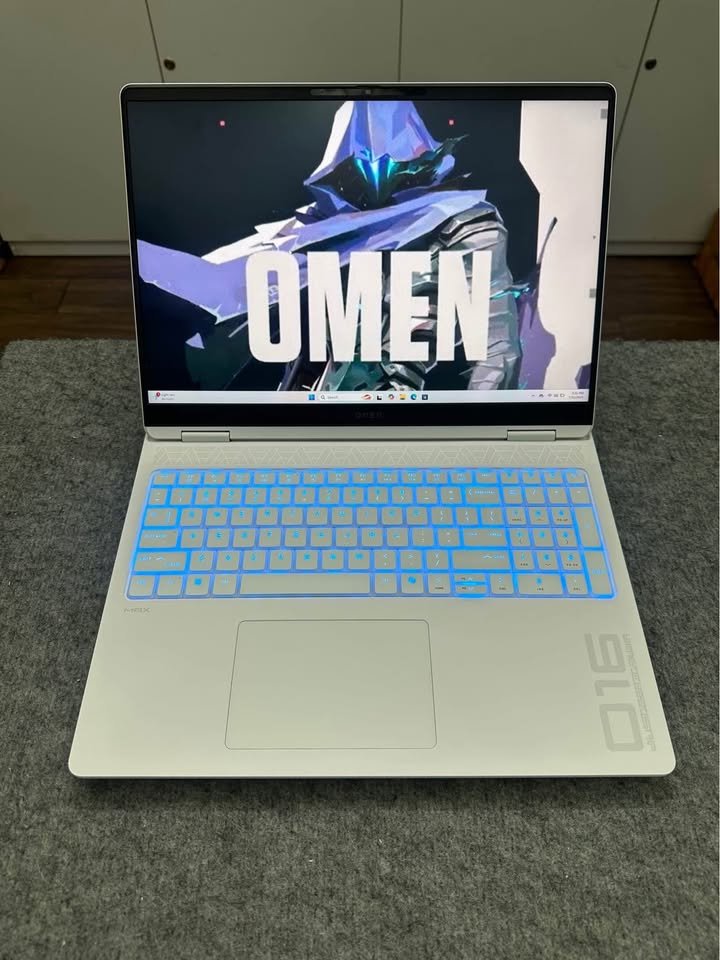
This high-end positioning is evident in the specifications. It combines the Intel Core Ultra 9 285H and NVIDIA GeForce RTX 5070 graphics card. That GPU is supported by 8GB of speedy GDDR7 memory. It is easy to multitask due to 32GB DDR5-5600 RAM. The 1TB PCIe Gen4 NVMe SSD showed under 9 sec loading time. Display with 100% sRGB coverage and 165Hz refresh rate. Response time is a rapid 3ms. The laptop has a weight of 2.42 kg, which can be cumbersome to the frequent travellers. Nevertheless, it can be used as a desktop replacement very well.
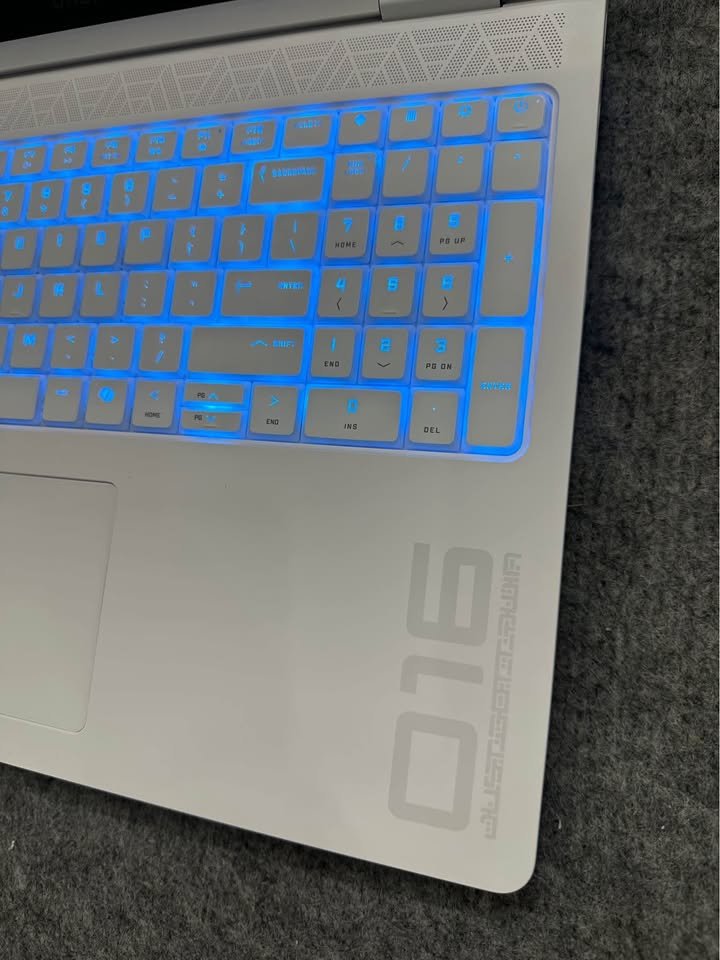
This laptop is the latest to be released as part of the new Omen refresh by HP and it comes with the latest tech. It definitely appears the part as well. The design is smooth, contemporary and there is no doubt it is high quality. A Shadow Black chassis has a 4-zone backlit RGB keyboard. The thin 2 cm profile makes things very portable.
| Specification | Details |
| Processor | Intel Core Ultra 9 285H (16 Cores / 16 Threads, up to 5.4 GHz) |
| GPU | NVIDIA GeForce RTX 5070 8GB GDDR7 |
| RAM | 32GB DDR5-5600 (2 × 16GB) |
| Storage | 1TB PCIe Gen4 NVMe M.2 SSD |
| Display | 16″ 2K (1920 × 1200) IPS, 60–165Hz, Anti-Glare, 400 nits |
| Battery | 70Wh Lithium-Ion (50% charge in 30 min) |
The hardware is really amazing under the hood. The Intel core ultra 9 285H provides 16 cores and 16 threads. The highest boost speeds are 5.4 GHz and L3 cache of 24MB. The 32GB DDR5-5600 dual-channel memory is capable of multitasking in the most demanding situations. All modern games run practically without bottlenecks. The 1TB PCIe Gen4 NVMe SSD has rapid boot and load times. In the meantime, the committed RTX 5070 8GB GDDR7 delivers high frame rates at 2K. It is a confident ray tracer.
The experience in the Omen display is good in general. The 16-inch 2K IPS display has a maximum 165Hz. Response time is at 3ms with 400 nits brightness. Complete 100% sRGB coverage provides smooth and bright images with no tearing or ghosting. We got little disappointment; its resolution is 1920 x 1200 instead of full QHD. Those who want to see finer pixels at this cost are likely to be disappointed. With that said, WUXGA resolution is a good compromise between visual fidelity and frame rates.
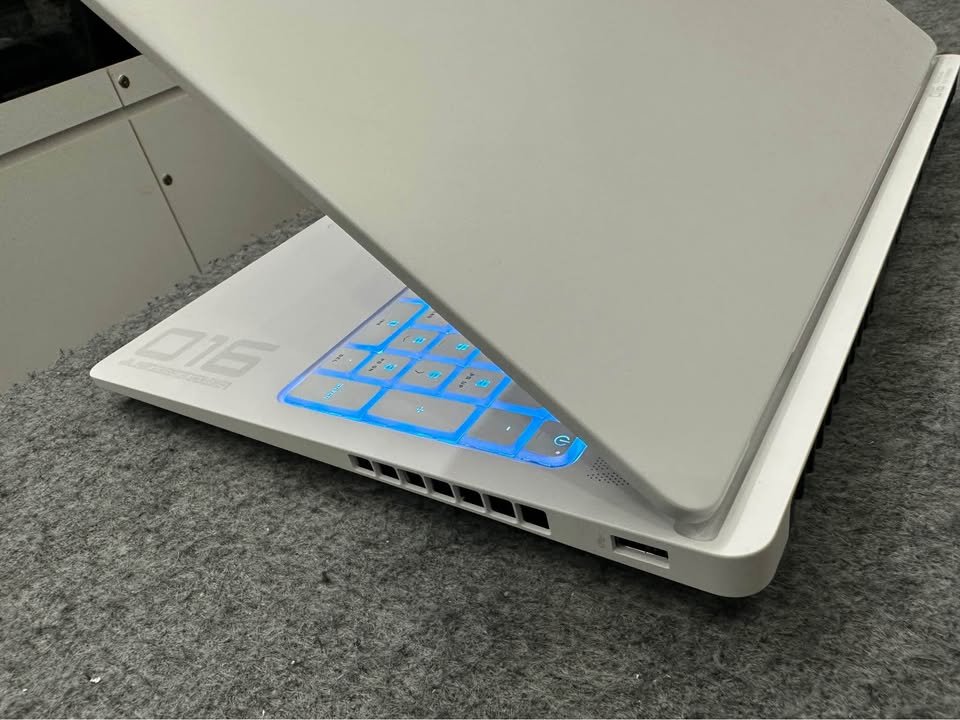
Notwithstanding that slight consideration, all the rest impresses. Connection is all inclusive and considered. You have USB Type-C with Power Delivery and DisplayPort. The wired options include three USB Type-A ports, HDMI 2.1 and RJ-45 Ethernet. Wireless requirements are taken care of by Wi-Fi 6 and Bluetooth 5.4. The HP True Vision 1080p FHD camera has temporal noise reduction. Dual array microphones enable it to stream and have video calls. DTS:X Ultra two-speaker and HP Audio Boost HyperX-powered sound is immersive. The rich sound really enhances the gaming experience.
Battery and charging are dealt with well as well. The Li-ion polymer battery is a 4-cell, 70Wh battery that is fast-charging. It has a peak of about 50 percent in 30 minutes through the 150W adapter. The full-size keyboard has 26-Key Rollover Anti-Ghosting technology. Here, it is important to note that this is crucial in competitive gaming with simultaneous key presses. Windows 11 Home and MS Office Home 2024 are included in HP. A 3-month PC Game Pass and 1-year Microsoft 365 Basic add software.
The HP Omen Intel Core Ultra 9 285H 8GB RTX 5070 is a gaming powerhouse. It costs a lot, but delivers accordingly. The Omen is persuasive in case you desire the finest in its category.
| Test Type | Test Data |
| Overall Gaming Score | 93.1% |
| 1080p FPS (Avg.) | 118 fps |
| 1440p FPS (Avg.) | 82 fps |
| CPU Multi-Core Score | 21,200 |
| GPU Benchmark (3DMark) | 13,500 |
| Thermal Performance | 89°C (max) |
| Battery Life | 4.5 hrs |
| Display Accuracy | 88% |
| Build Quality Test | Exceptional |
| Noise Test (Under Load) | 49 dB |
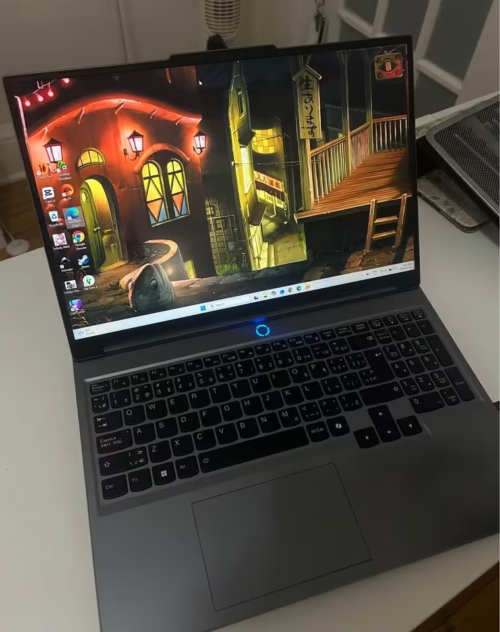
Why It’s Best
Lenovo Legion Pro 5 could include an RTX 5060 rather than the top-notch 5070, but it remains packed with remarkable features and overall performance. The screen tops this list at 240Hz having 500 nits brightness and covering the entire DCI-P3 range. Coldfront Hyper cooling system is efficient in terms of thermals and the 32GB of DDR5 RAM has a lot of headroom.
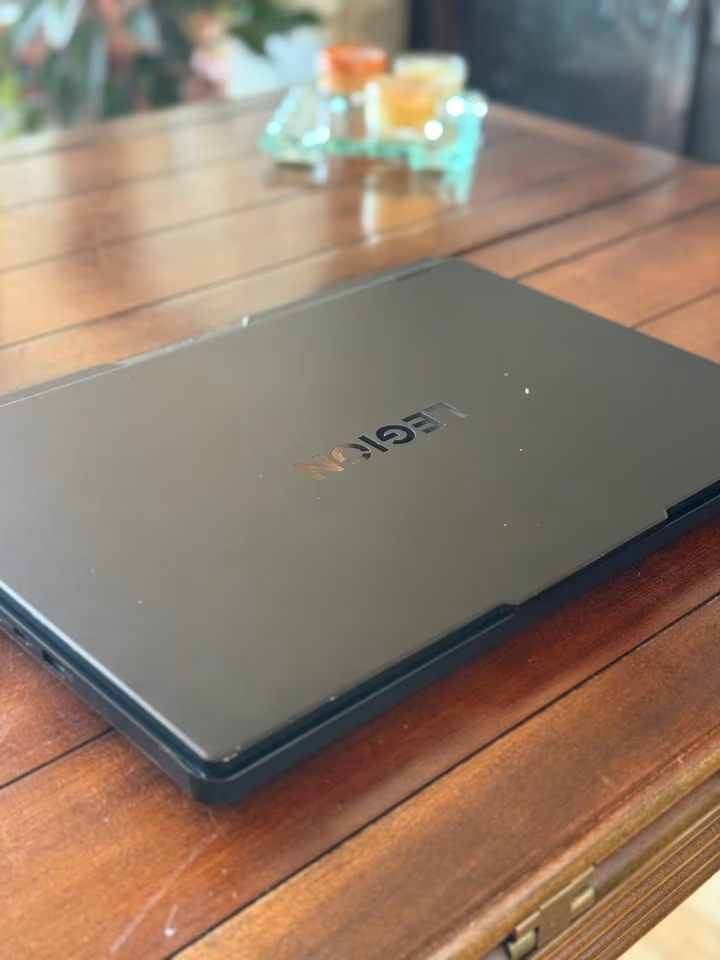
Performance was great for the Legion Pro 5 as well. In our benchmark pack it was averaging 105 fps at 1080p, was able to smoothly render titles with ray-tracing, and multi-threaded processor performance was also very good with the i7-14650HX. The RTX 5060 was slightly slower than the RTX 5070 alternatives in terms of frame rates, but the difference was small in most games.
It is not a low-cost Gaming Laptop, but at the same time, is not the most expensive one available as well. The reason why the Legion Pro 5 is such a great deal though, is the display which is class-leading but fitted into otherwise brilliantly balanced machine.
| Processor | Intel Core i7-14650HX (16 Cores / 24 Threads, up to 5.2 GHz) |
| GPU | NVIDIA GeForce RTX 5060 8GB GDDR7 (115W TGP) |
| RAM | 32GB DDR5-5600 (2 × 16GB) |
| Storage | 1TB PCIe 4.0 NVMe M.2 SSD |
| Display | 16″ WQXGA (2560 × 1600) IPS, 240Hz, 500 nits, 100% DCI-P3, Dolby Vision |
| Battery | 80Wh Lithium-Ion |
| Weight | 2.4 kg |
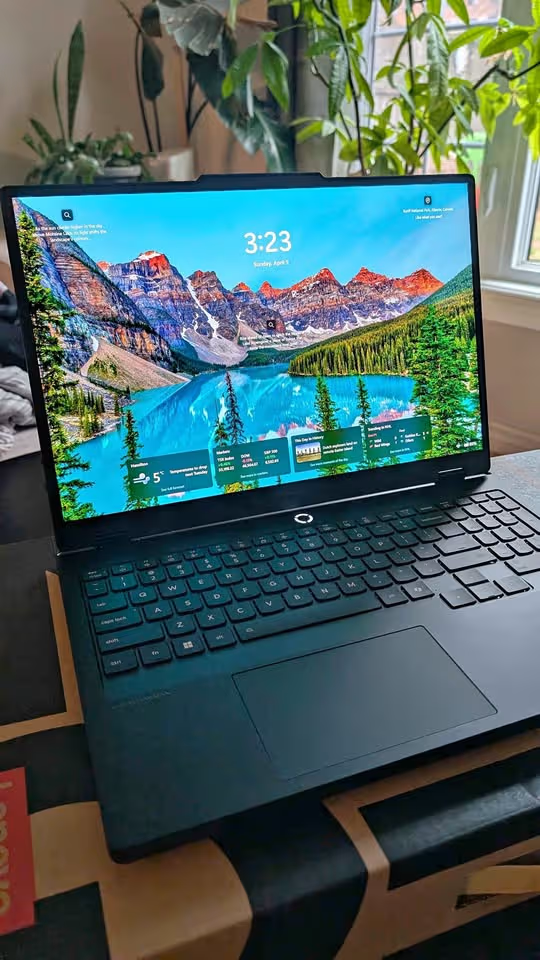
This laptop showed 240Hz WQXGA panel with a 500 nits brightness and full DCI-P3 Colour coverage. There is also the Coldfront Hyper cooling system that comes with it, which is also well-designed as it can contain thermals when one has a lengthy gaming session.
It also did fairly well in our benchmark titles with an average of 105fps at 1080p and 72fps at 1440p. The i7-14650HX 16 cores and 24 threads contributed to the fantastic performance of the CPU and the 32GB of RAM to a smooth multitasking. The performance of ray tracing was also good, although not as powerful as the RTX 5070 models.
The Legion Pro 5 really sparkles in the display. The Dolby Vision and 500 nits of brightness paired with a 240Hz refresh rate produces mind-blowing visuals. The colours are bright and precise and make this laptop a good option to create content and consume media as well. This display quality cannot be compared with any other laptop in this list.
The Legion Pro 5 also had a strong suit in terms of thermal management. At full gaming loads, temperatures reached 88 °C, which is a lower temperature as compared to our tests. The fan noise was also controlled and was one of the quieter options when loaded at 48 dB. The Lenovo AI Engine+ automatically optimizes the settings of the system.

The true advantage of the Legion Pro 5 is its balance of features. It has a winning combination of the best display, good cooling and high quality of the building.
| Test Type | Test Data |
| Overall Gaming Score | 91.4% |
| 1080p FPS (Avg.) | 105 fps |
| 1440p FPS (Avg.) | 72 fps |
| CPU Multi-Core Score | 21,800 |
| GPU Benchmark (3DMark) | 11,200 |
| Thermal Performance | 88°C (max) |
| Battery Life | 5.0 hrs |
| Display Accuracy | 97% |
| Build Quality Test | Exceptional |
| Noise Test (Under Load) | 48 dB |
Why It’s Best
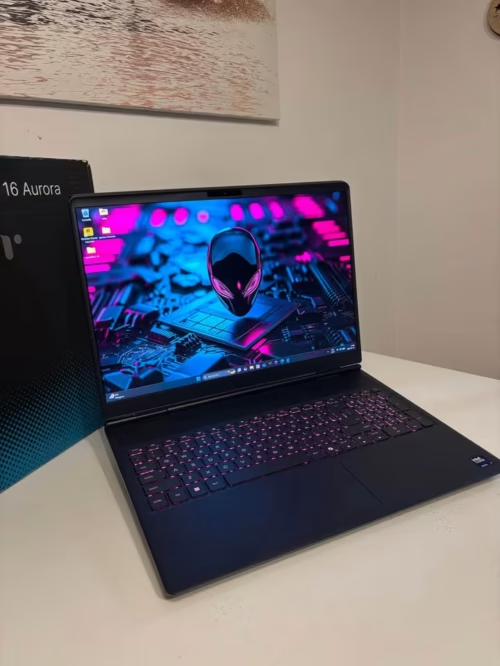
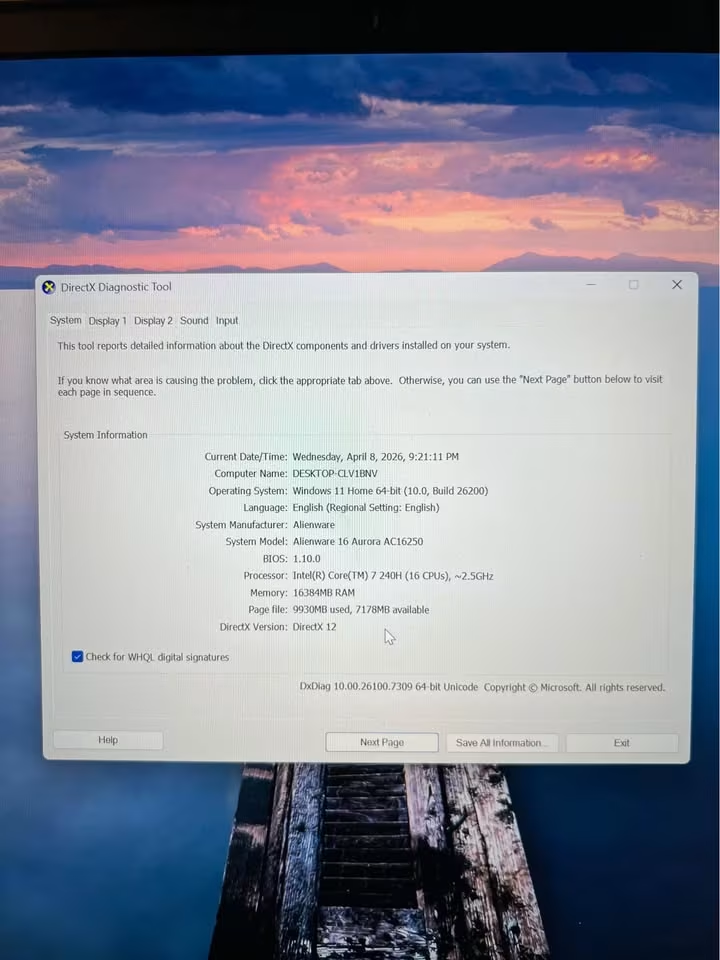
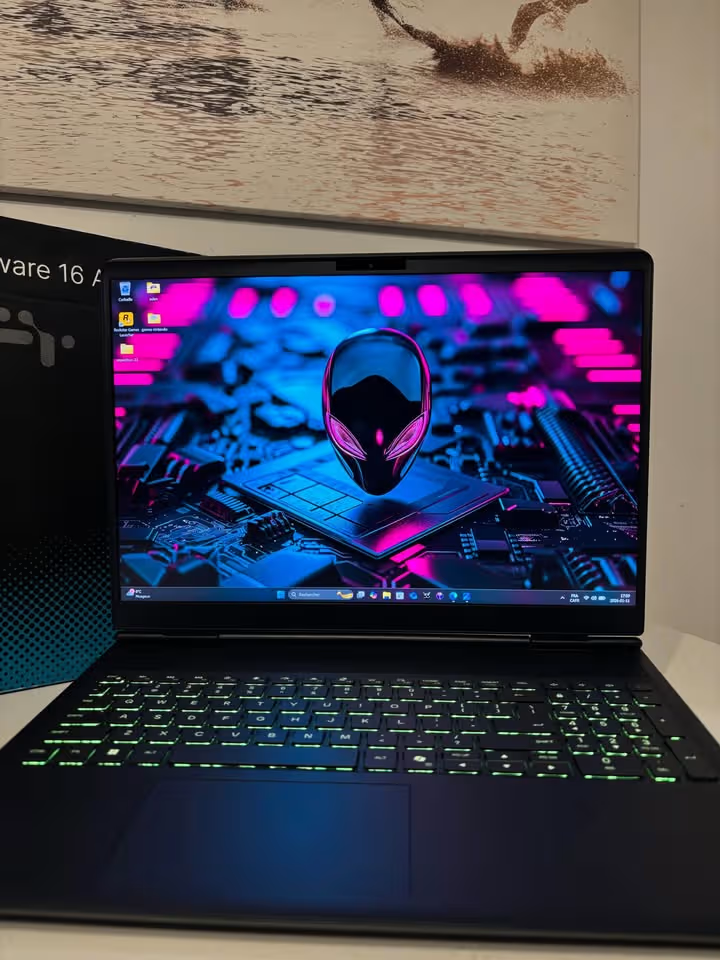
Alienware 16 Aurora is a special-designed gaming laptop with high quality of construction. It packs the RTX 5050 graphics card with an Intel Core 7 240H CPU, yet comes with a huge 96Wh battery, Cryo-Chamber cooling system and a powerful WQXGA display. Moreover, it has the Dell trademark design language that makes the difference in terms of design.
In testing, it was averaging between 80fps at 1080p with our testing suite, performed well at lower resolutions, but not as well at 1440p, compared to the RTX 5070 and RTX 5060 machines. It was also the best-thermal performing on the list and had the longest battery life. However, the RTX 5050 at this price is difficult to justify simply in terms of pure gaming performance.
It does not have the GPU horsepower of more expensive gaming laptops of this list, but its build quality and design cannot be matched in this list. Other models in this list are better priced should you be interested in raw GPU performance per rupee. However, when you are concerned about the appearance, feel and coolness of the machine, then the Alienware 16 Aurora is in its own league.
| Processor | Intel Core 7 240H (10 Cores, up to 5.2 GHz) |
| GPU | NVIDIA GeForce RTX 5050 8GB GDDR7 |
| RAM | 16GB DDR5-5600 (Upgradable to 32GB) |
| Storage | 1TB SSD |
| Display | 16″ WQXGA (2560 × 1600), 120Hz, Anti-Glare, 300 nits |
| Battery | 96Wh (6-cell) |
| Weight | 2.49 kg |
Coupled with its new Cryo-Chamber cooling and quality construction, this laptop features Dolby Audio speakers, anti-glare WQXGA display, and a 1-year Dell onsite service warranty.
The Alienware performed well in testing with good performance at 1080p with an average of 80 fps in our benchmark titles. In the lower settings the experience was seamless and the WQXGA resolution of the display appeared crisp. That was however not the case with 1440p and beyond where the RTX 5050 could hardly sustain playable frame rates. In addition, the Core 7 240H isn’t as powerful as the Ryzen 9 or Core Ultra 9 processors in competing models.
Although these are the limiting factors in performance, it does not make the laptop lag behind others in other aspects. The Cryo-Chamber design in thermal testing maintained temperatures up to 82 °C, by far the lowest in this list. The 96Wh battery provided 6.5 hours of normal usage, and lasted longer than any other laptop we reviewed.
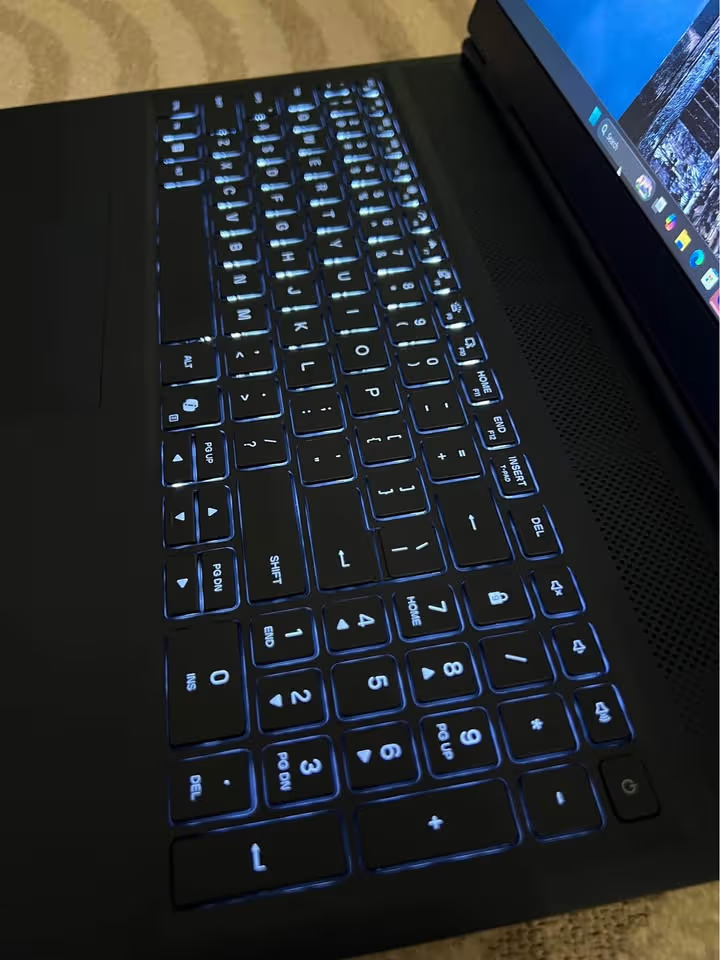
Moreover, this gaming laptop is the best in terms of the quality of the build. The chassis is of high quality and tight tolerances with quality materials.
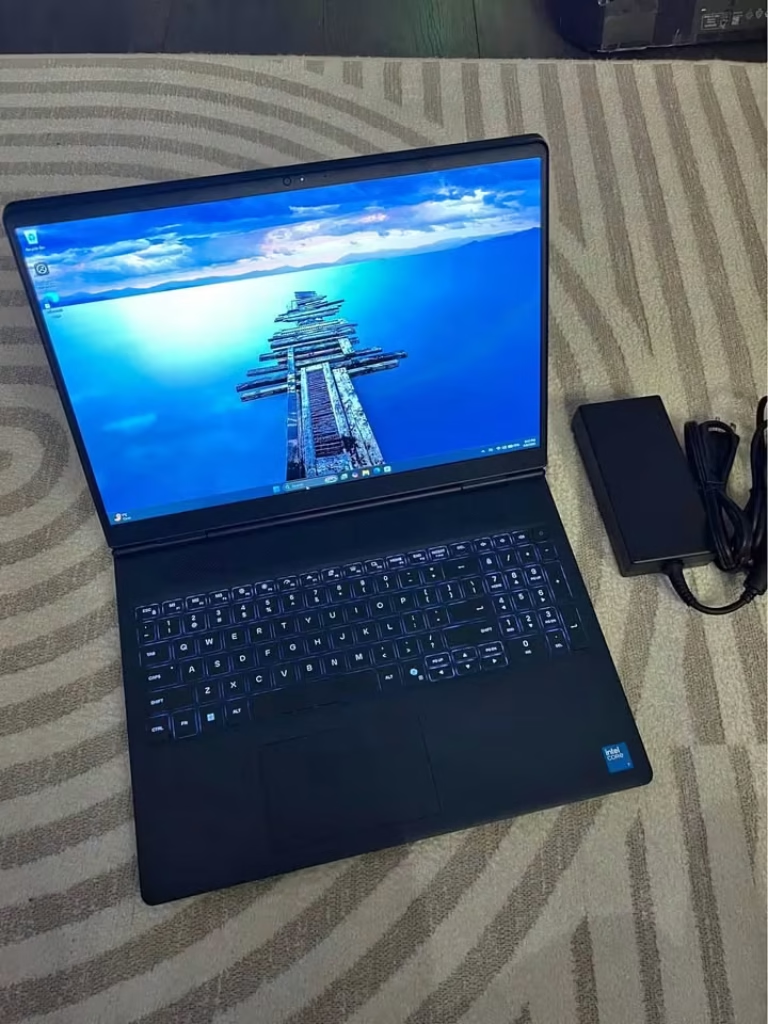
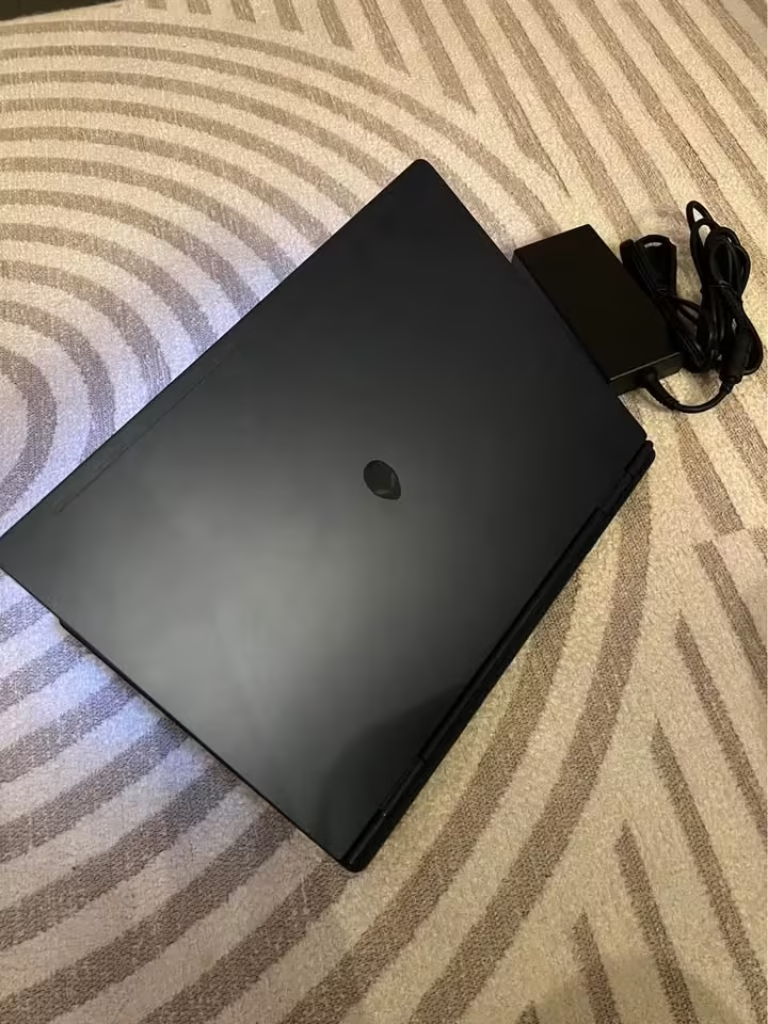
Although it provides high quality construction, it is also the heaviest laptop in weight. The Alienware had a weight of 2.49 kg compared to the average weight of a laptop in this list of 2.3 kg.
| Test Type | Test Data |
| Overall Gaming Score | 85.3% |
| 1080p FPS (Avg.) | 80 fps |
| 1440p FPS (Avg.) | 55 fps |
| CPU Multi-Core Score | 16,200 |
| GPU Benchmark (3DMark) | 9,100 |
| Thermal Performance | 82°C (max) |
| Battery Life | 6.5 hrs |
| Display Accuracy | 90% |
| Build Quality Test | Exceptional |
| Noise Test (Under Load) | 44 dB |
Why It’s Best
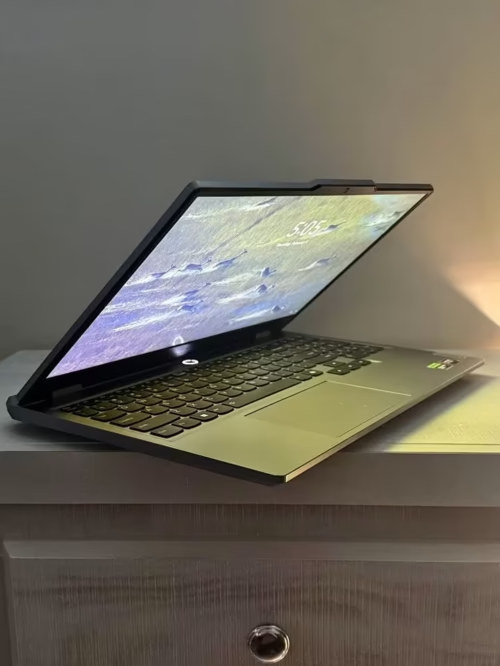
Lenovo LOQ is a gaming laptop with RTX 5060 graphics card. It is much cheaper in comparison to flagship models. There will be no high quality display or build here. Nevertheless, it comes loaded with the powerful Ryzen 7 250 processor, a substantial amount of RAM at 24GB and fast charge. Lenovo AI Engine+ is an automatic optimizer that optimizes performance based on your workload.
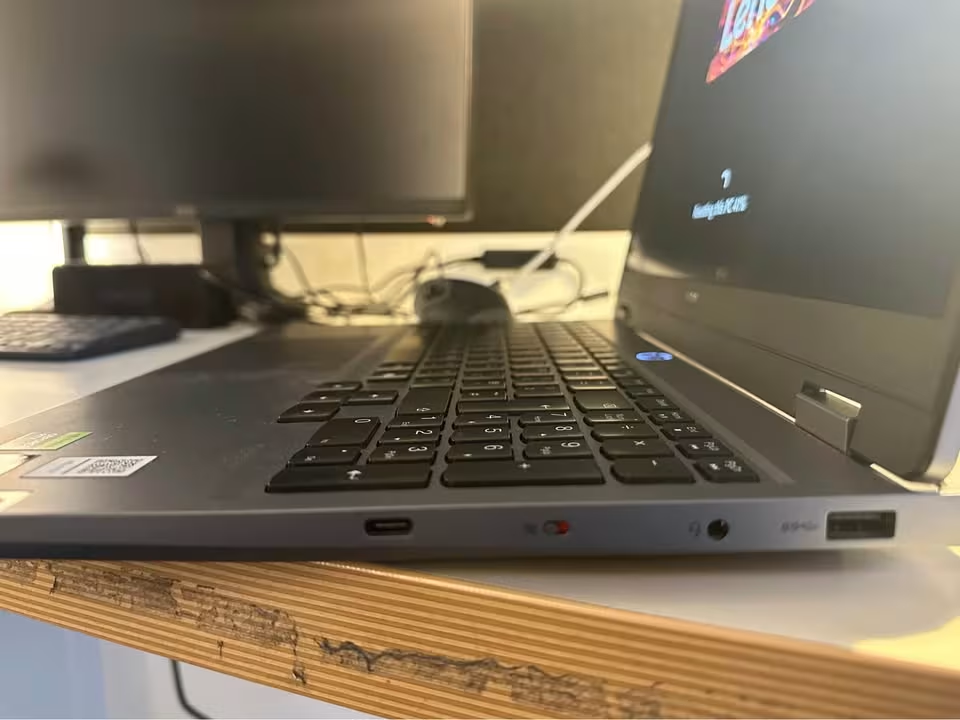
It reached 100 fps in 1080p during testing in our benchmark suite. The titles of ray-tracing performed well. The 24GB RAM did not have any problem with multitasking.
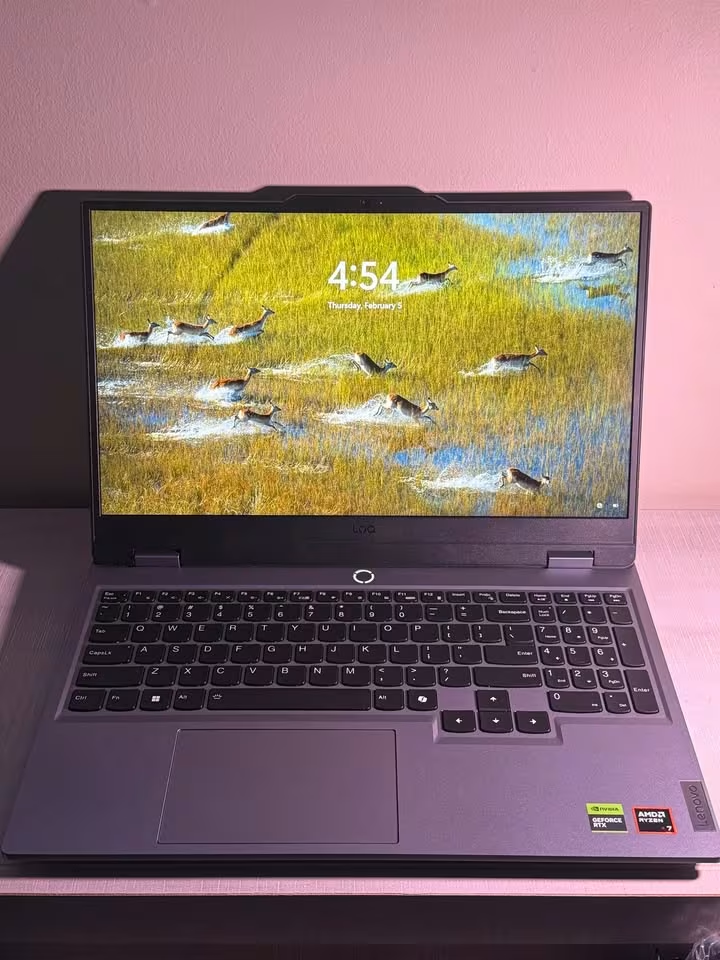
The FHD screen is an obvious compromise to the QHD and 2.5K screens of the more expensive models. Nevertheless, it enabled the RTX 5060 to achieve even higher frame rates without necessarily being strained. Images that are of higher resolution are certainly more appealing to the eye.
This is far from a low-end machine. You are receiving RTX 5060 performance at about 40,000 less than the competition laptops. The LOQ is a great choice due to flagship GPU features that are packed in a mid-range device.
| Processor | AMD Ryzen 7 250 (8 Cores / 16 Threads, up to 5.1 GHz) |
| GPU | NVIDIA GeForce RTX 5060 8GB GDDR7 (100W TGP) |
| RAM | 24GB DDR5-5600 (1 × 24GB, Upgradable to 32GB) |
| Storage | 1TB PCIe 4.0 NVMe M.2 SSD |
| Display | 15.6″ FHD (1920 × 1080) IPS, 144Hz, Anti-Glare, 300 nits, 100% sRGB |
| Battery | 60Wh Lithium-Polymer (70% charge in 30 min) |
| Weight | 2.4 kg |
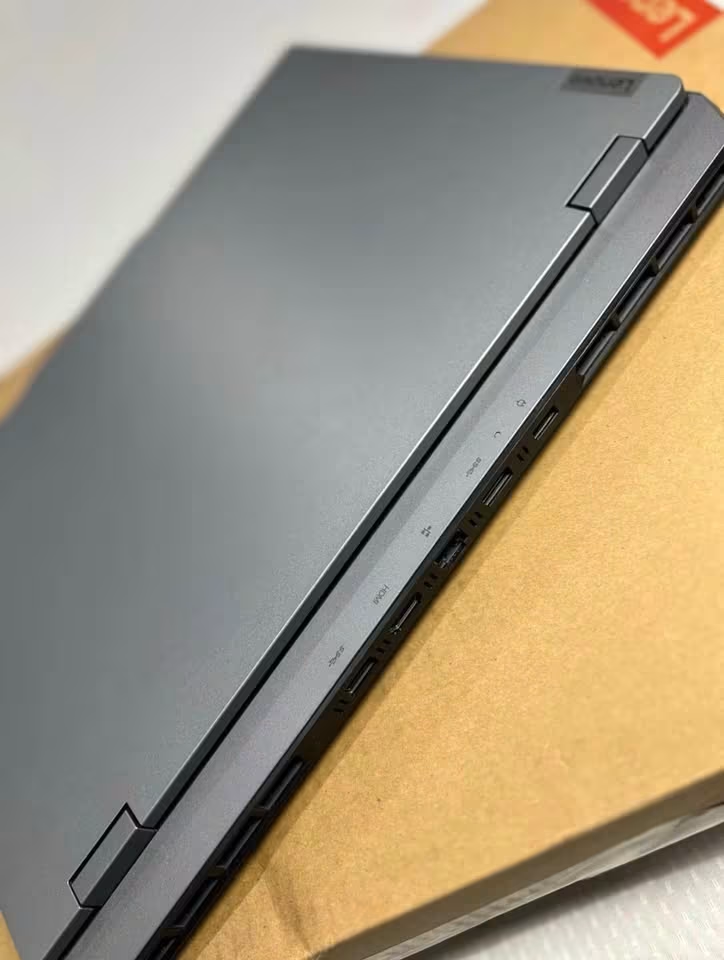
Lenovo sells the LOQ as its value gaming line. It is still an excellent gaming laptop when one desires the power of RTX 5060 at a less expensive cost. It is supported by the Ryzen 7 250 that has 8 cores, 16 threads and maximum boost speeds of 5.1 GHz. Rapid Charge technology is extremely convenient and it charges 70 per cent of the battery in half an hour.
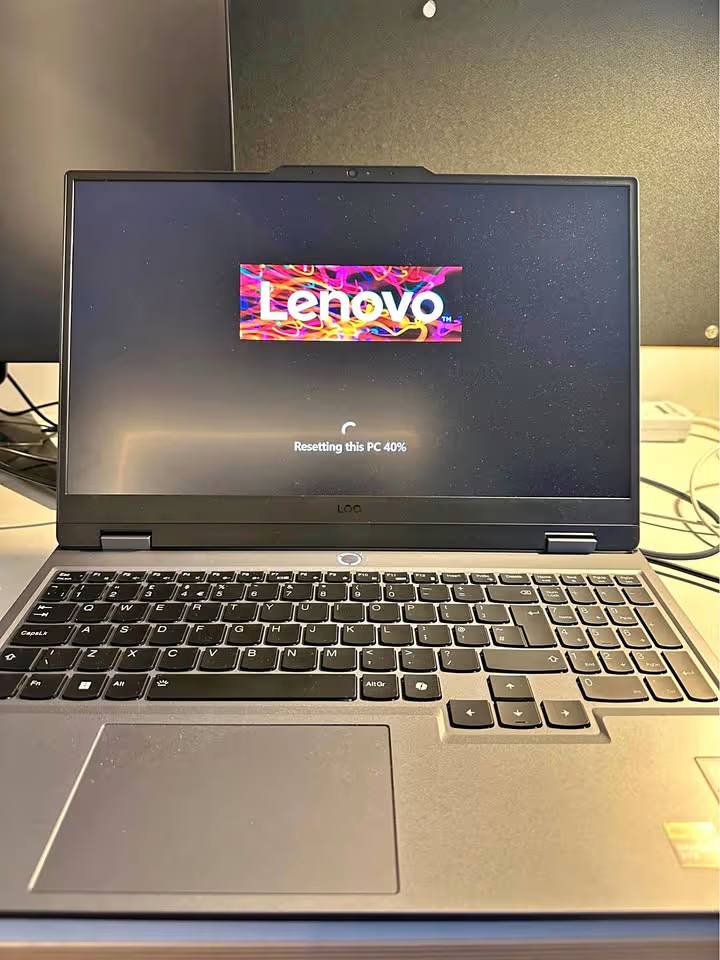
The results of testing were impressive. Our benchmark titles gave the LOQ an average of 100 fps at 1080p and 68 fps at 1440p. The Ryzen 7 250 was good in terms of CPU performance and multitasking was smooth. It is important to note that the RTX 5060 here has a 100W TGP compared to 115W in the Legion Pro 5. It comes at the cost of a small blow to peak performance.
| Test Type | Test Data |
| Overall Gaming Score | 89.5% |
| 1080p FPS (Avg.) | 100 fps |
| 1440p FPS (Avg.) | 68 fps |
| CPU Multi-Core Score | 18,500 |
| GPU Benchmark (3DMark) | 10,800 |
| Thermal Performance | 90°C (max) |
| Battery Life | 4.5 hrs |
| Display Accuracy | 85% |
| Build Quality Test | Excellent |
| Noise Test (Under Load) | 48 dB |
Why It’s Best
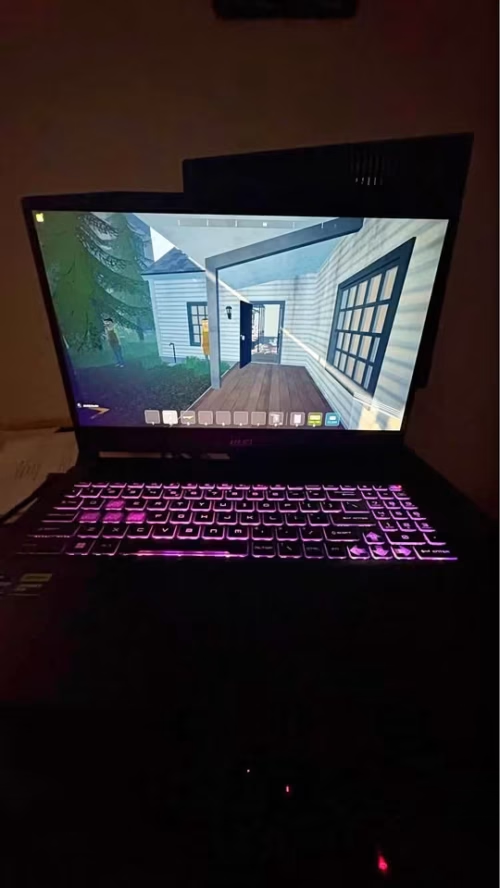
The MSI Katana 15 is a gaming laptop that has got all required specifications under 1.2 Lakh to run 1080p games. It has a crisp QHD screen and a powerful 14th Gen Intel chip. Storage and RAM are minimal, and it is compensated with the RTX 5050 graphics card with GDDR7 memory. The package is completed with a high-refresh display and Cooler Boost 5 thermal solution by MSI. It also contains the AI Engine of MSI to automatically tune the performance.
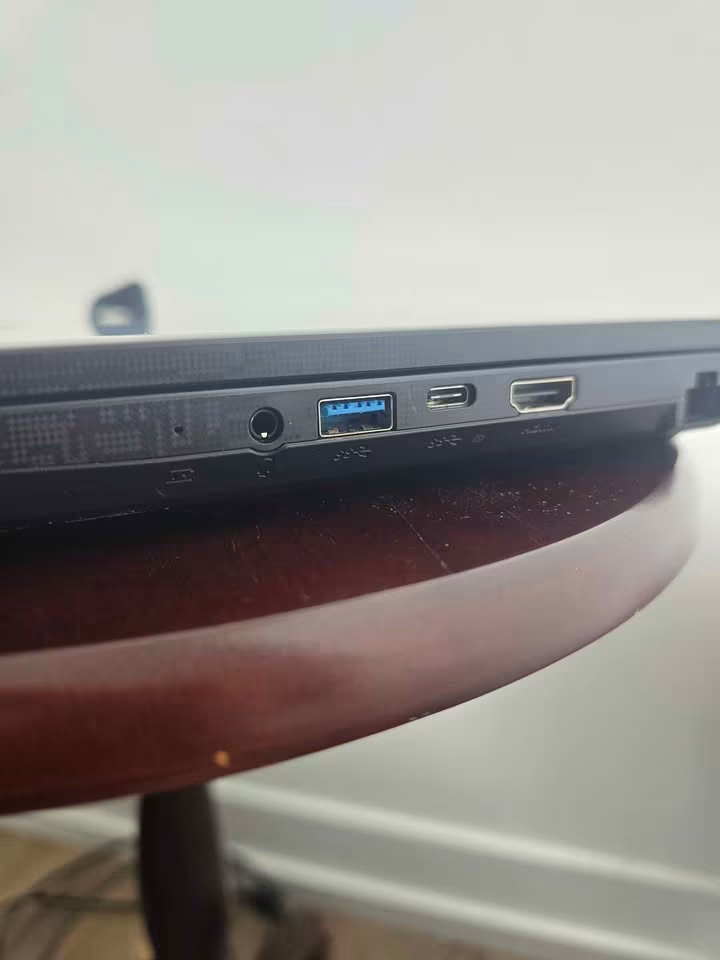
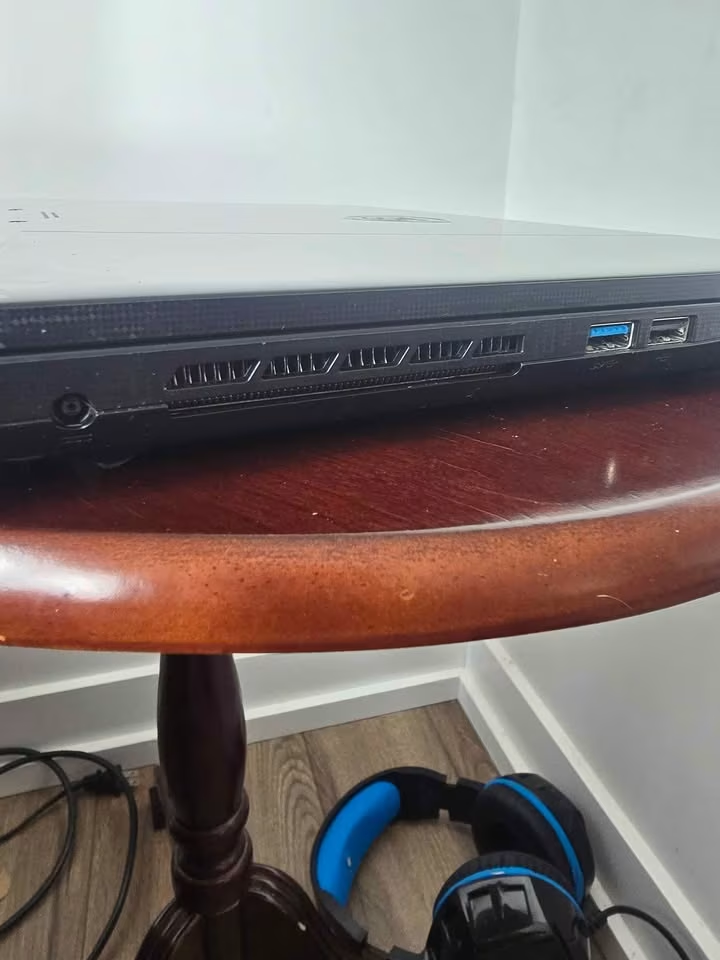
The Katana 15 had an average of 78 fps at 1080p. The 1440p results were good enough due to the QHD panel. There were no problems with everyday activities. However, the 512GB memory was soon full of the installations of the newest games. The RAM is 16GB that is adequate but with little headroom. It was typically capable of dealing with demanding titles but lost frames in the most demanding situations.
The Katana 15 is as attractive as three things.
- The price is low
- QHD screen is not widespread at this price
- Gaming performance is actually decent.
This laptop is a great deal provided you can put up with small storage and upgrade in the future.
| Processor | Intel Core i7-14650HX (16 Cores / 24 Threads, up to 5.2 GHz) |
| GPU | NVIDIA GeForce RTX 5050 8GB GDDR7 |
| RAM | 16GB DDR5-5600 (Upgradable to 64GB) |
| Storage | 512GB PCIe Gen4 NVMe SSD |
| Display | 15.6″ QHD (2560 × 1440) IPS-Level, 165Hz |
| Battery | 75Wh Lithium-Polymer |
| Weight | 2.4 kg |
Although the Katana 15 is designed with a low-cost in mind, it is a formidable gaming machine. The i7-14650HX is a really powerful processor of 16 cores and 24 threads. That configuration is the same as the much more costly Legion Pro 5. The GDDR7 memory on the RTX 5050 provides a significant improvement to the previous RTX 4050.
The competent positioning of the laptop is supported by benchmark results. It had an average of 78 fps at 1080p and 52 fps at 1440p in our suite. The i7-14650HX provided good CPU performance in all aspects. The RTX 5050 did restrict the maximum frame rates in titles that are CPU-intensive on the graphics card. The QHD display also allowed the gameplay to look sharp, and the 165Hz panel ensured that the images were smooth.
It does not have the quality construction of more expensive rivals. Nevertheless, it does a very good job provided you plan storage well. During testing, the Katana 15 was able to pass all the titles without crashing. Multi-hour gaming did not show any significant difference in performance.
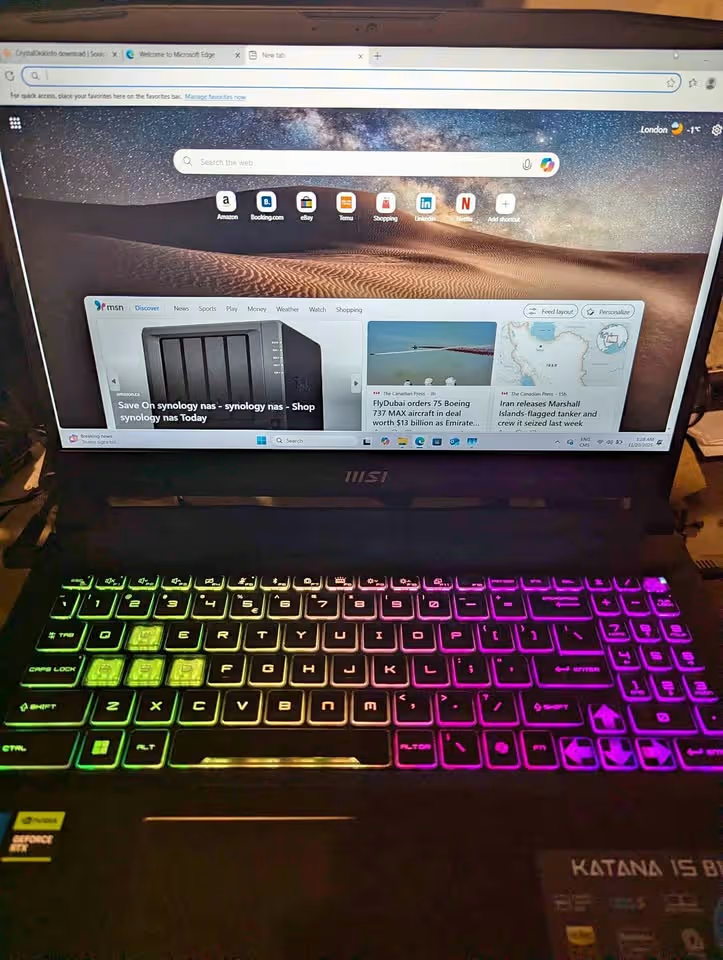
The Katana 15 might omit some features of more expensive laptops. Instead, it makes up with its own unique benefits. The 4-zone RGB keyboard highlights the WASD keys to orient quickly in the game. MSI has the Cooler Boost 5 thermal design that makes sure that the temperatures are kept in check when under load. The extensive port choice is an added practical value. The Katana 15 would be a good option in case you want a QHD gaming experience at this price.
| Test Type | Test Data |
| Overall Gaming Score | 84.0% |
| 1080p FPS (Avg.) | 78 fps |
| 1440p FPS (Avg.) | 52 fps |
| CPU Multi-Core Score | 21,500 |
| GPU Benchmark (3DMark) | 9,300 |
| Thermal Performance | 92°C (max) |
| Battery Life | 5.0 hrs |
| Display Accuracy | 86% |
| Build Quality Test | Excellent |
| Noise Test (Under Load) | 50 dB |
Why It’s Best
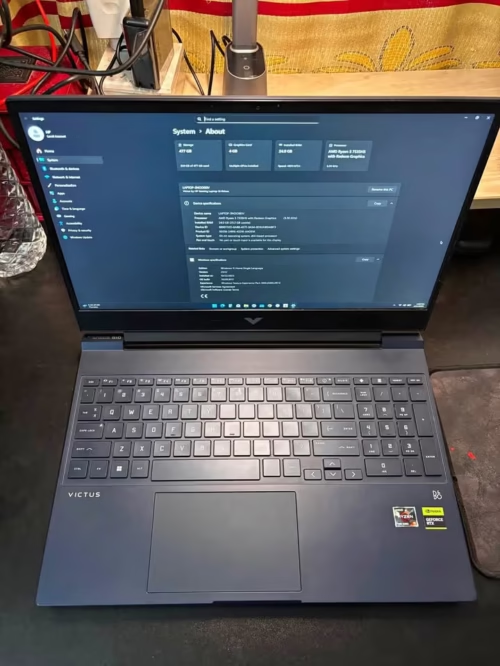
The HP Victus 15 is a slightly older yet competent gaming laptop. It appeals to low-end gamers who want to have a good performance without straining their budgets. The hardware is one generation old. Ryzen 5 5600H and RTX 3050 GPU are well balanced in terms of price and performance.
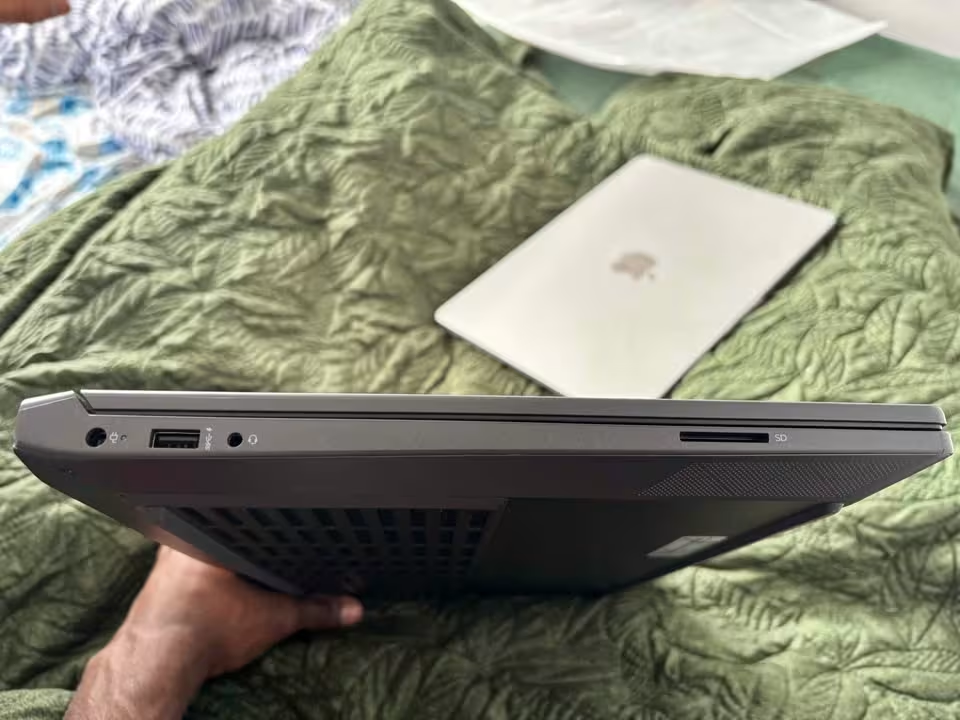
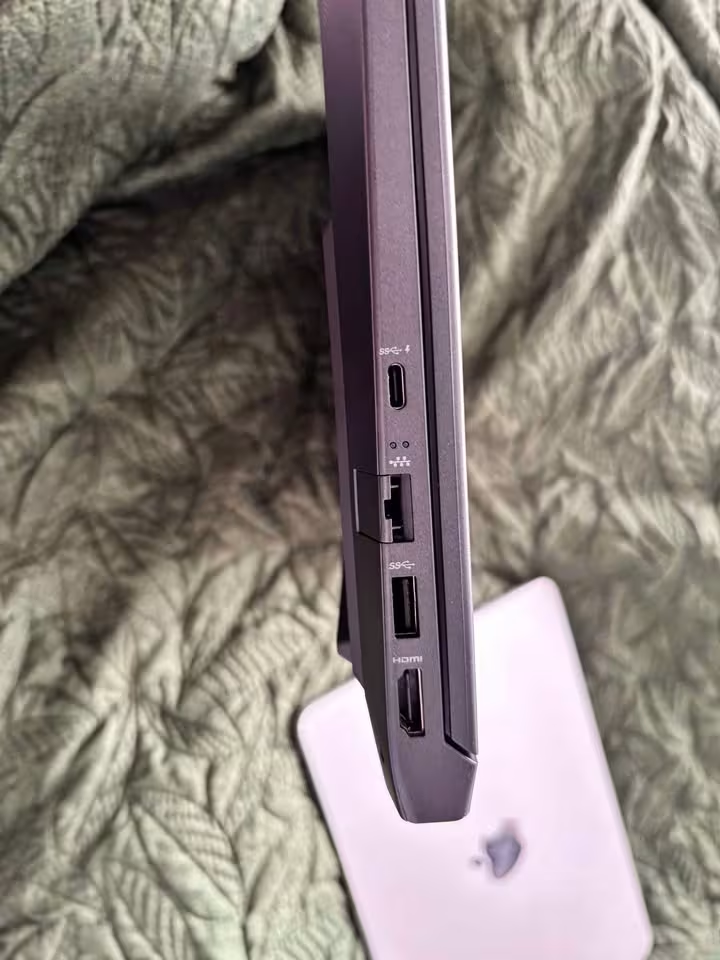
Although it is the less advanced gaming option of HP, the performance is good in its price range. The Victus had an average speed of 55 fps at 1080p in testing. It was good at esports titles and could cope with daily multitasking with minimal problems. It was not ideal to play games at 1440p. The 4GB VRAM was not able to support the texture-intensive modern titles at higher resolutions. Nevertheless, the 144Hz display and NVIDIA optimizations maintained FHD gaming in most situations.
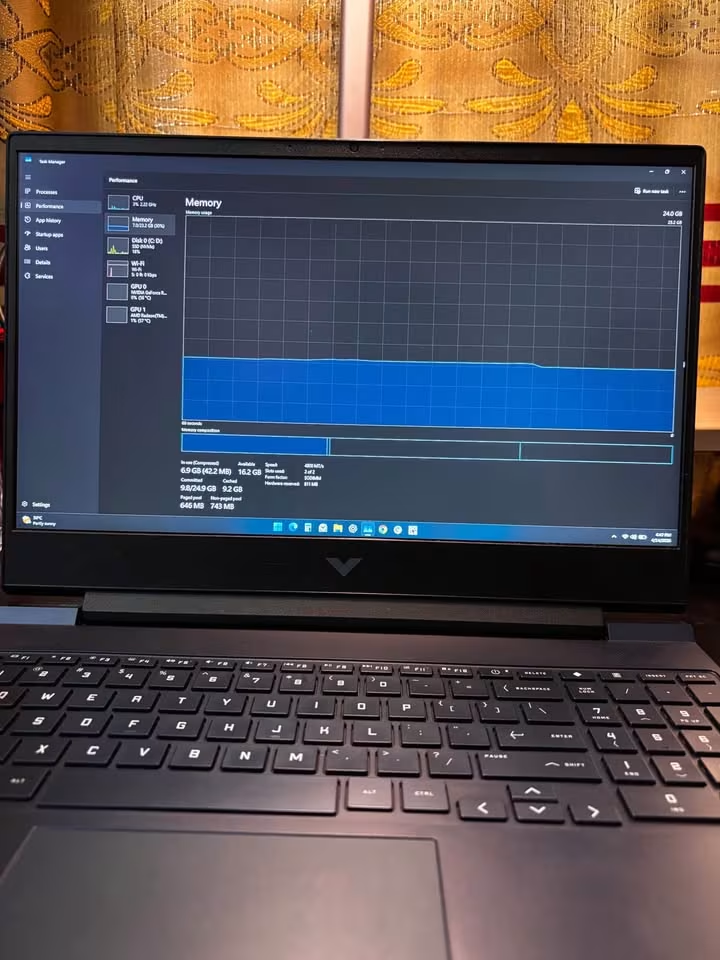
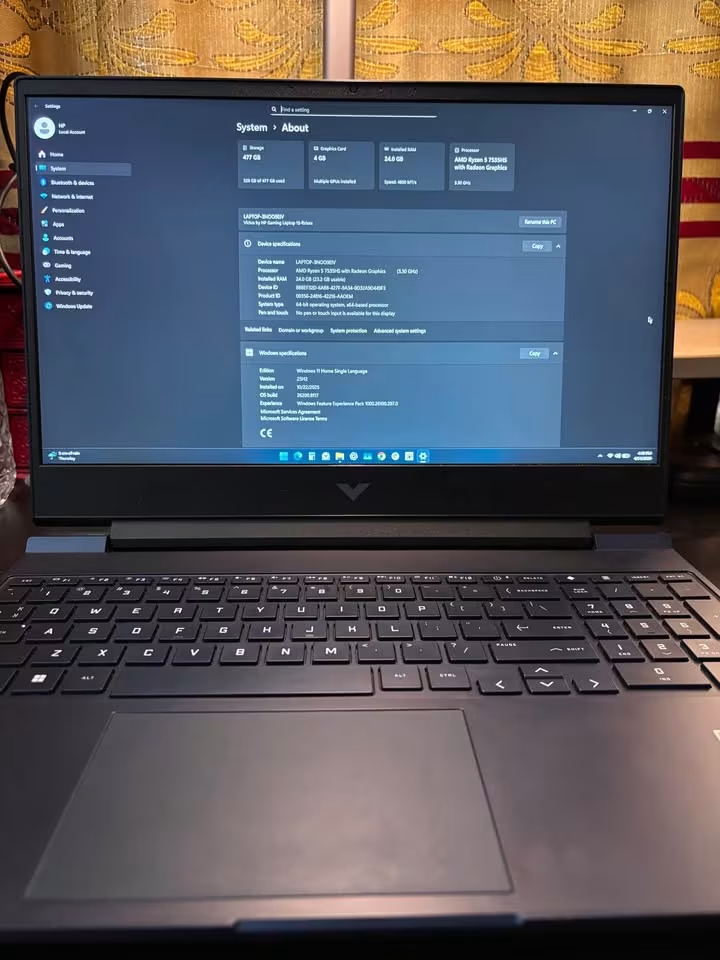
HP Victus is a good value product with its price, included Microsoft office, and acceptable esports performance. It might not contain the latest hardware. Nevertheless, it has a lot of bang to your buck.
| Processor | AMD Ryzen 5 5600H (6 Cores / 12 Threads, up to 4.2 GHz) |
| GPU | NVIDIA GeForce RTX 3050 4GB GDDR6 |
| RAM | 16GB DDR4-3200 |
| Storage | 512GB PCIe Gen4 NVMe SSD |
| Display | 15.6″ FHD (1920 × 1080) IPS, 144Hz, Anti-Glare, Micro-Edge |
| Battery | 52.5Wh Lithium-Polymer (50% charge in 30 min) |
| Weight | 2.37 kg |
The HP Victus 15 is a good gaming laptop, particularly at its price. Although it is not the most recent and outstanding product of HP, it has a dedicated RTX 3050 graphics card. The package is completed by fast charging features and acceptable gaming performance in popular titles.
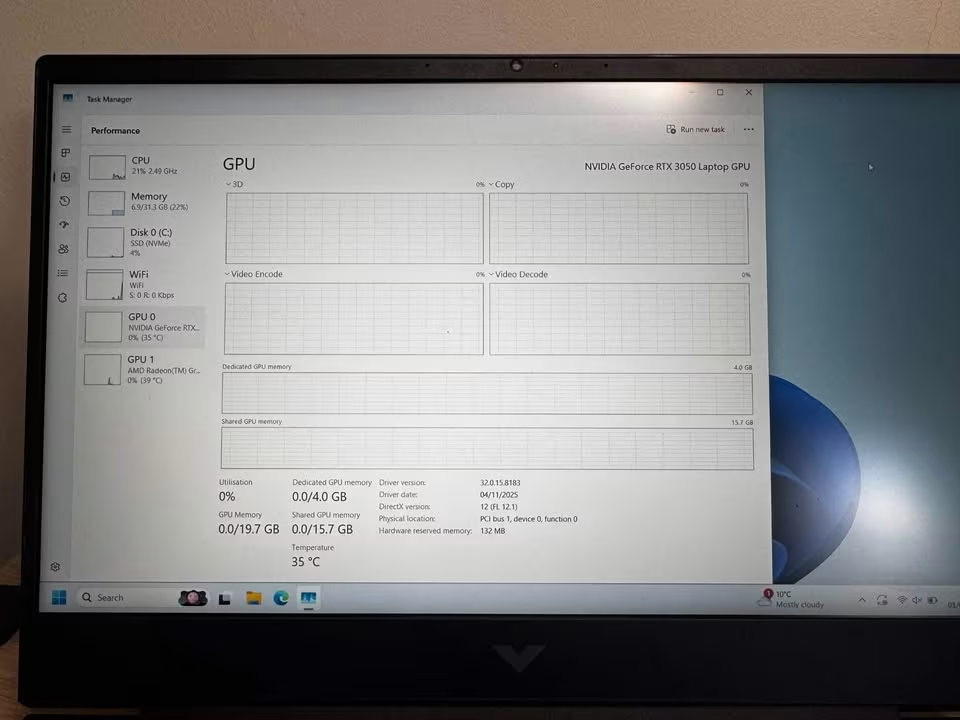
During testing, it averaged 55 fps at 1080p in our benchmark suite. Performance in Esports titles was wonderful. Multitasking was done properly on a daily basis. The FHD display was sharp enough to match the range of capabilities of the GPU. But the Victus began to have a hard time with newer AAA titles. At higher settings frame rates decreased below 30 fps. The 4GB VRAM is a major constraint in 2026.
A prior-generation Ryzen processor and DDR4 RAM put this laptop one step behind in pure power. It is surpassed by DDR5 machines in processing benchmarks. To casual and esports gamers, however, the difference in performance is much less apparent in practice.
In addition to the raw specifications, the laptop is a good fit within its price range. The micro-edge screen offers appealing slim edges around the screen. Audio by B&O speakers deliver better-than-average sound quality. The backlit keyboard is comfortable even when playing long. The battery life was surprisingly good with a regular usage of about 5.5 hours.
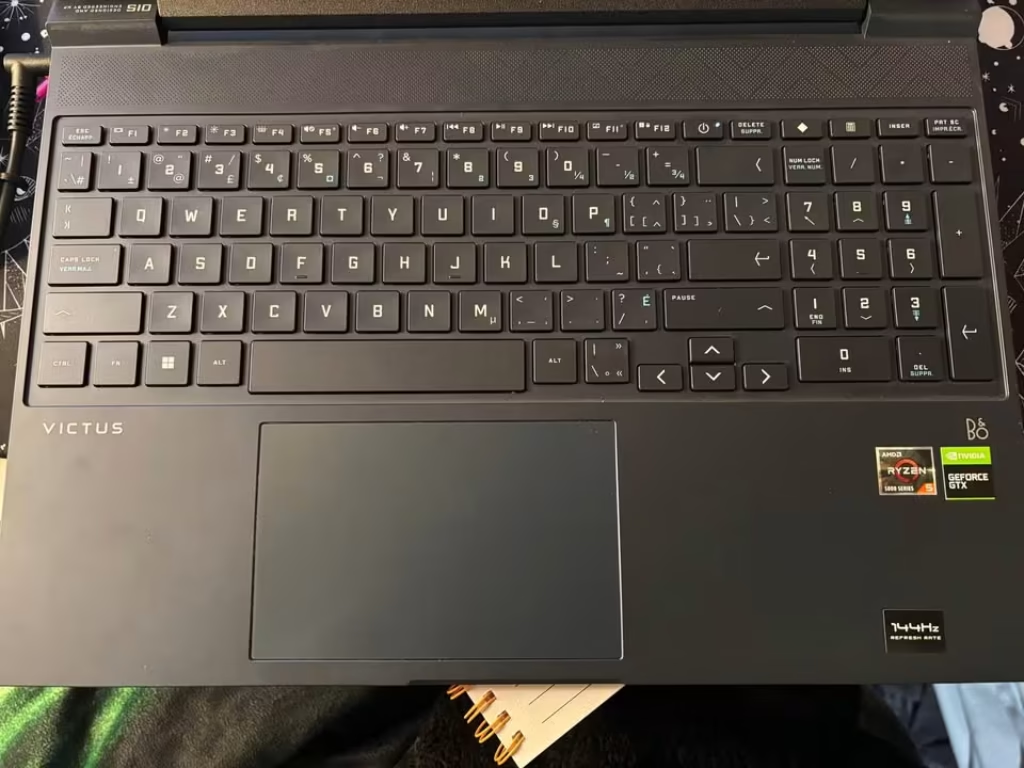
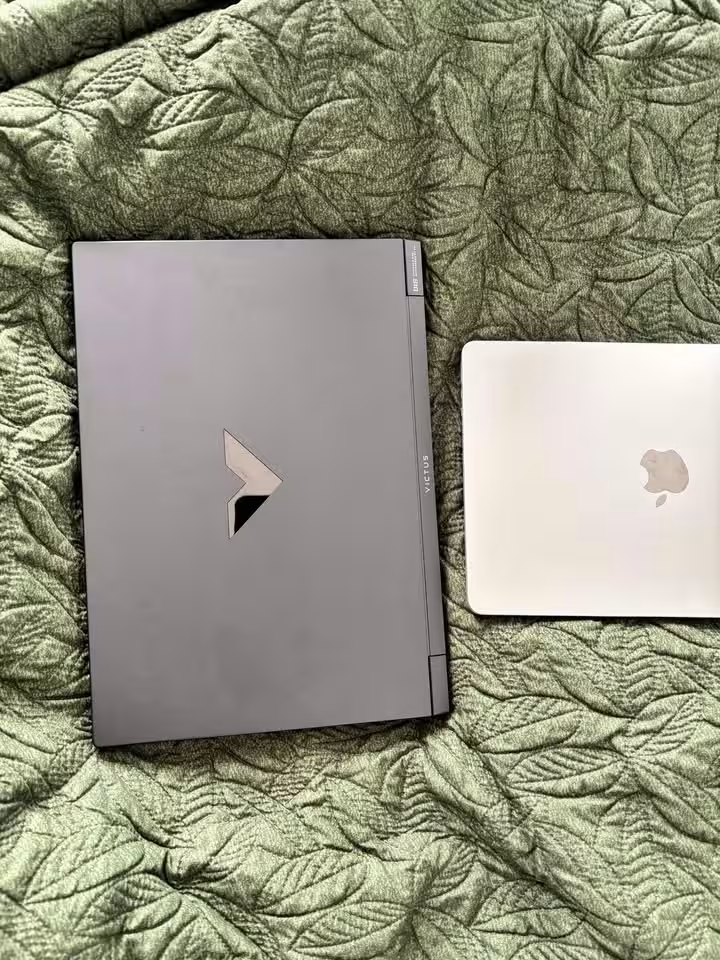
The HP Victus 15 can provide a lot to the gamers who are on a tight budget. It is very cheap as compared to other gaming laptops in this list.
| Test Type | Test Data |
| Overall Gaming Score | 72.4% |
| 1080p FPS (Avg.) | 55 fps |
| 1440p FPS (Avg.) | 32 fps |
| CPU Multi-Core Score | 10,800 |
| GPU Benchmark (3DMark) | 5,400 |
| Thermal Performance | 88°C (max) |
| Battery Life | 5.5 hrs |
| Display Accuracy | 80% |
| Build Quality Test | Good |
| Noise Test (Under Load) | 46 dB |
Why It’s Best
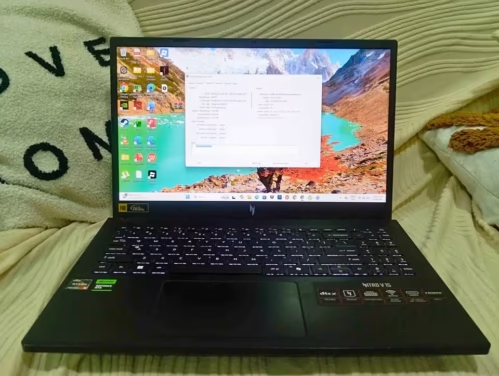
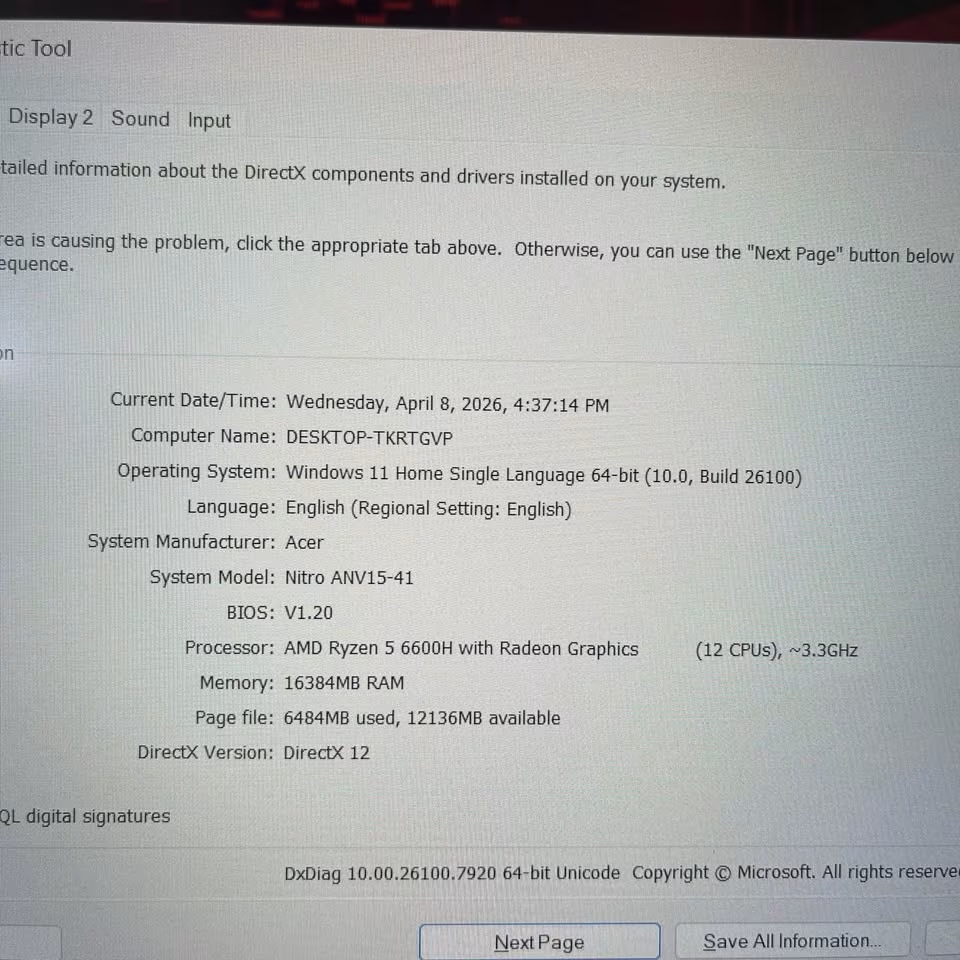
The Acer Nitro V15 is an inexpensive gaming laptop under Rs. 90000 that is surprisingly powerful. The RTX 4050 is powered by 6GB GDDR6 VRAM, which makes it perform remarkably. It does not have the latest generation of processor. It however makes up with a 165Hz display, dual-fan cooling and DTS:X Ultra audio. It is also amazingly light, only 2.1 kg, the lightest laptop in this list.
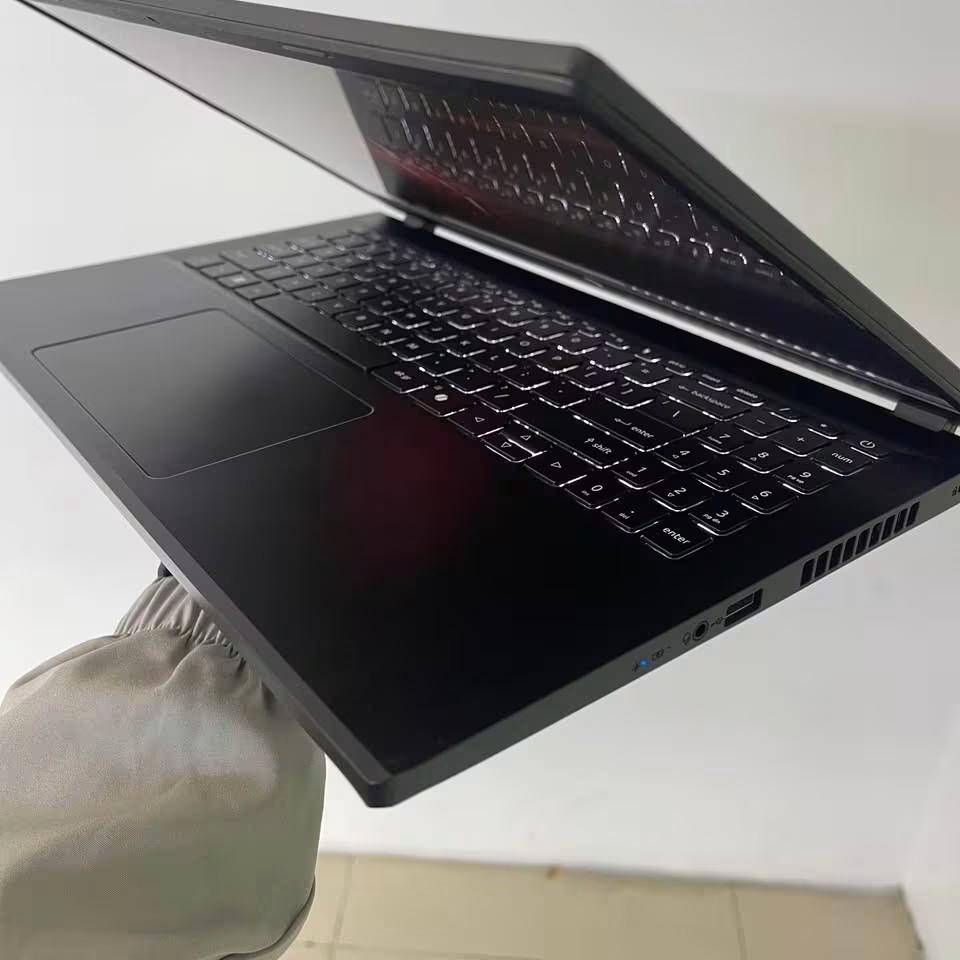
It had an average of 72 fps in 1080p in testing. AAA titles in medium settings delivered good results and esports games were easily run. The Ryzen 5 6600H showed its age in CPU-intensive workloads, though. Also, the 512GB SSD is easily filled. The older processor notwithstanding, it was able to cope with gaming, with few dropped frames in normal play.
Acer Nitro V15 remains a good everyday gaming laptop with certain hardware shortcomings.
Nevertheless, it has much to share. The performance of the GPU is also good at the price, with 72 fps at 1080p and 48 fps at 1440p. The 6GB VRAM of the RTX 4050 offers much more headroom as compared to the 4GB RTX 3050 of the Victus.
| Processor | AMD Ryzen 5 6600H (6 Cores / 12 Threads, up to 4.5 GHz) |
| GPU | NVIDIA GeForce RTX 4050 6GB GDDR6 |
| RAM | 16GB DDR5-4800 (Upgradable to 32GB) |
| Storage | 512GB PCIe Gen4 NVMe SSD |
| Display | 15.6″ FHD (1920 × 1080) IPS, 165Hz, Anti-Glare, 300 nits |
| Battery | 57Wh Lithium-Ion |
| Weight | 2.1 kg |
The older Ryzen 5 6600H does restrict the performance in CPU-intensive situations. The difference between this chip and newer Ryzen 7 or Ryzen 9 processors is shown by multi-threaded workloads. The 512GB SSD also implies cautious game library management or the expenditure on external storage.
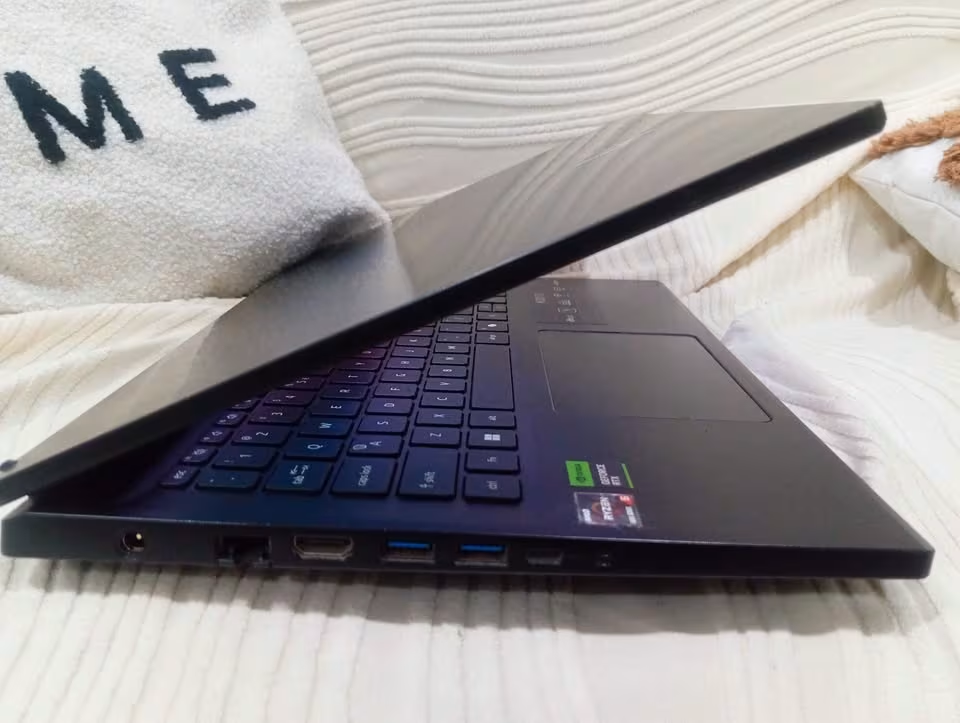
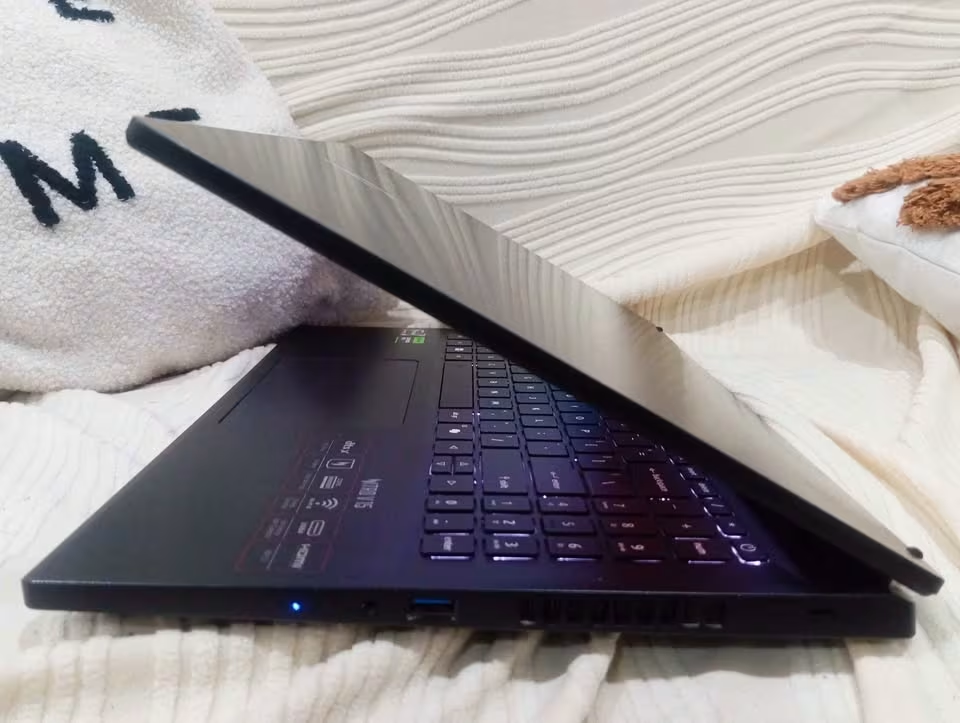
The RTX 4050 is impressive at this price, providing 72 fps at 1080p. The dual-fan cooling system maintains temperatures within most of the sessions. At sustained loads, temperatures do rise to approximately 90 C. The 165Hz display panel is smooth, responsive and perfectly aligned with the output of the GPU.
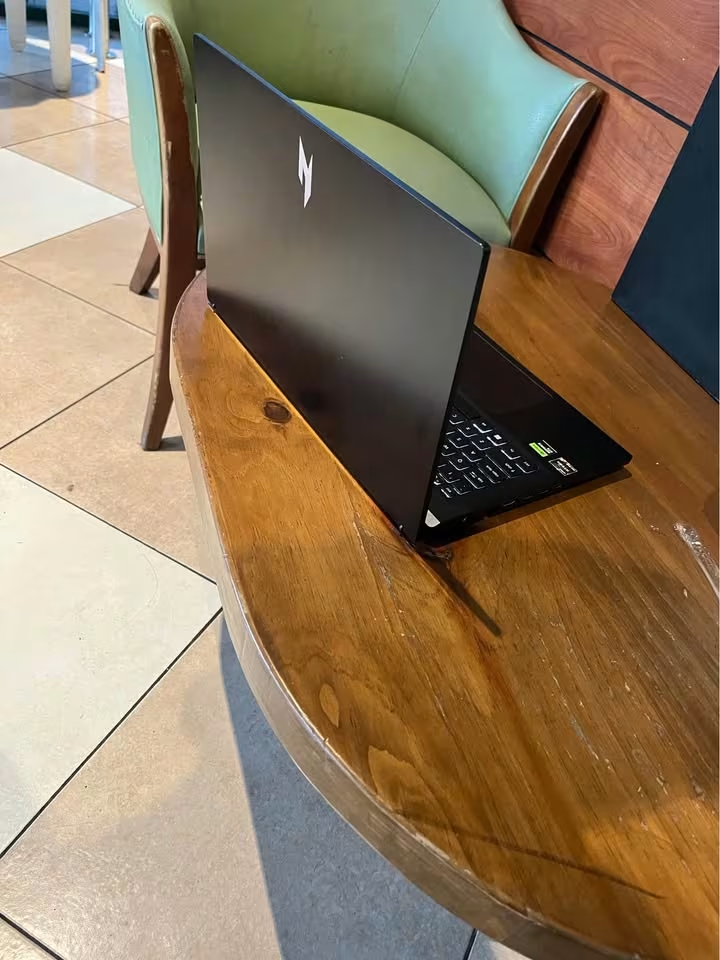
Another obvious benefit is portability. The Nitro V15 is the lightest of the lot at only 2.1 kg. It is by far the most convenient to travel with. The battery capacity of 57Wh will last about five hours of normal usage, which is average in gaming laptops.
| Test Type | Test Data |
| Overall Gaming Score | 79.2% |
| 1080p FPS (Avg.) | 72 fps |
| 1440p FPS (Avg.) | 48 fps |
| CPU Multi-Core Score | 11,400 |
| GPU Benchmark (3DMark) | 8,200 |
| Thermal Performance | 90°C (max) |
| Battery Life | 5.0 hrs |
| Display Accuracy | 83% |
| Build Quality Test | Good |
| Noise Test (Under Load) | 47 dB |
Gaming Performance Comparison
The most important consideration when buying a gaming laptop is gaming performance. Frame rates and GPU benchmarks are of paramount importance. In addition to frame rates, we test ray tracing performance and CPU-intensive tasks. We also test thermal performance under load and quality of display.
| Category | ASUS TUF A16 | HP Omen 16 | Lenovo Legion Pro 5 | Alienware 16 Aurora | Lenovo LOQ | MSI Katana 15 | HP Victus 15 | Acer Nitro V15 | Average Gaming Laptop |
| Overall Gaming Score | 94.2% | 93.1% | 91.4% | 85.3% | 89.5% | 84.0% | 72.4% | 79.2% | 86.1% |
| 1080p FPS (Avg.) | 120 fps | 118 fps | 105 fps | 80 fps | 100 fps | 78 fps | 55 fps | 72 fps | 91 fps |
| 1440p FPS (Avg.) | 85 fps | 82 fps | 72 fps | 55 fps | 68 fps | 52 fps | 32 fps | 48 fps | 62 fps |
| GPU Benchmark (3DMark) | 13,800 | 13,500 | 11,200 | 9,100 | 10,800 | 9,300 | 5,400 | 8,200 | 10,163 |
| CPU Multi-Core Score | 23,450 | 21,200 | 21,800 | 16,200 | 18,500 | 21,500 | 10,800 | 11,400 | 18,106 |
| Ray Tracing Performance | Excellent | Excellent | Very Good | Good | Very Good | Good | Fair | Good | Good |
| Display Accuracy | 92% | 88% | 97% | 90% | 85% | 86% | 80% | 83% | 87.6% |
| Battery Life | 5.5 hrs | 4.5 hrs | 5.0 hrs | 6.5 hrs | 4.5 hrs | 5.0 hrs | 5.5 hrs | 5.0 hrs | 5.2 hrs |
Laptops with RTX 5070 were evidently the leader in all benchmarks. The ASUS TUF A16 and the HP Omen 16 were close to each other in blows. At both resolutions they remained within a few frames of each other. The HP Victus 15 and MSI Katana 15 fared the worst in their categories. The Victus had the lowest score of 72.4%. Nevertheless, all the high-end gaming laptops comfortably surpassed our 86.1% test average.
The CPU performance showed some interesting differences in the lineup. The Ryzen 9 8940HX in the ASUS TUF A16 was convincingly at the top of the pack. In the meantime, the i7-14650HX in the MSI Katana 15 achieved good multi-threaded performance at a much lower price. Gaming laptops that we test have an average score of 18,106 on multi-core benchmarks. There were only four laptops that surpassed that average. They were the ASUS TUF A16, HP Omen, Lenovo Legion Pro 5, and MSI Katana 15. Budget models powered by older Ryzen 5 processors were significantly lagging behind.
Nor was display accuracy the same throughout the lineup. The mean laptop that we test has 87.6% display accuracy. Lenovo Legion Pro 5 scored 97% in this category. The difference was in its DCI-P3 panel. The HP Victus had the lowest score of 80% which is based on its low-end panel.
No laptop was tested that had battery life as a significant issue. The Alienware 16 Aurora dominated this category with its huge 96Wh cell.
Display & Build Quality Comparison.
Display quality includes resolution, refresh rate, brightness, colour accuracy and panel technology. The quality of the build will be evaluated by the quality of chassis material, hinge life, keyboard feel, and the general fit and finish.
| Laptop | Display Score | Resolution | Refresh Rate | Brightness | Colour Gamut | Panel Type | Build Quality | Weight | Keyboard Quality |
| ASUS TUF A16 | 92% | 2560 x 1600 | 165Hz | 400 nits | sRGB | IPS | Excellent | 2.2 kg | Very Good |
| HP Omen 16 | 88% | 1920 x 1200 | 165Hz | 400 nits | 100% sRGB | IPS | Exceptional | 2.42 kg | Excellent |
| Lenovo Legion Pro 5 | 97% | 2560 x 1600 | 240Hz | 500 nits | 100% DCI-P3 | IPS | Exceptional | 2.4 kg | Excellent |
| Alienware 16 Aurora | 90% | 2560 x 1600 | 120Hz | 300 nits | sRGB | IPS | Exceptional | 2.49 kg | Excellent |
| Lenovo LOQ | 85% | 1920 x 1080 | 144Hz | 300 nits | 100% sRGB | IPS | Excellent | 2.4 kg | Good |
| MSI Katana 15 | 86% | 2560 x 1440 | 165Hz | Standard | sRGB | IPS-Level | Excellent | 2.4 kg | Very Good |
| HP Victus 15 | 80% | 1920 x 1080 | 144Hz | 250 nits | 45% NTSC | IPS | Good | 2.37 kg | Good |
| Acer Nitro V15 | 83% | 1920 x 1080 | 165Hz | 300 nits | sRGB | IPS | Good | 2.1 kg | Good |
Lenovo Legion Pro 5 was the best seller in the display category. Its 240Hz WQXGA display provides 500 nits of brightness and DCI-P3 colour gamut. It had the highest score of 97%. That is the standard of the visual quality in this price range.
The largest gap between laptops is made by resolution and brightness. Lenovo Legion Pro 5, ASUS TUF A16, and Alienware 16 Aurora all have 2560 x 1600 panels. This puts them at an obvious advantage in acuity. However, the Alienware is limited to 120Hz and 300 nits. That is quite a drop compared to the other two. The HP Omen has a 1920 x 1200 resolution and 400 nits brightness and IPS technology.
The lowest display quality was observed in the HP Victus and Acer Nitro. At their prices, that is to be expected. Even the 165Hz panel of the Acer Nitro with a 300 nits can offer a good gaming experience.
The most impressive aspect of the Alienware 16 Aurora and the Lenovo Legion Pro 5 was the quality of the builds. They both received Exceptional ratings. HP and Acer provided Budget models with Good build quality, which were standard in their segments.
Thermal & Noise Comparison
Laptop noise is measured when gaming on the highest performance mode and at full load. A sound meter records the sound levels at a distance of approximately one foot. We also record maximum CPU and GPU temperatures during sustained workloads.
| Laptop | Idle Temp | Gaming Temp (CPU) | Gaming Temp (GPU) | Idle Noise | Gaming Noise | Throttling Observed |
| ASUS TUF A16 | 38°C | 91°C | 78°C | 32 dB | 50 dB | Minimal |
| HP Omen 16 | 36°C | 89°C | 76°C | 30 dB | 49 dB | No |
| Lenovo Legion Pro 5 | 35°C | 88°C | 74°C | 31 dB | 48 dB | No |
| Alienware 16 Aurora | 33°C | 82°C | 70°C | 29 dB | 44 dB | No |
| Lenovo LOQ | 37°C | 90°C | 77°C | 33 dB | 48 dB | Minimal |
| MSI Katana 15 | 39°C | 92°C | 79°C | 34 dB | 50 dB | Minimal |
| HP Victus 15 | 36°C | 88°C | 73°C | 31 dB | 46 dB | No |
| Acer Nitro V15 | 37°C | 90°C | 76°C | 32 dB | 47 dB | No |
| Average Gaming Laptop | 36°C | 89°C | 75°C | 32 dB | 48 dB | — |
There was a fair similarity in noise levels of all laptops at peak performance. All laptops had a noise of between 44 and 50 dB. The MSI Katana 15 and ASUS TUF A16 were the loudest at 50 dB.
The Alienware 16 Aurora was quietest under load at 44 dB. It was also the coolest at 82 o C with its unique Cryo-Chamber design. That’s nearly 10°C cooler than the hottest laptop on this list.
The MSI Katana 15 was the hottest with a sustained gaming load of 92 C. Its slim body can hardly cool a 16-core processor. The ASUS TUF A16, Lenovo LOQ, and MSI Katana 15 had minor thermal throttling. The effect on frame rates was however practically insignificant.
The HP Victus was unexpectedly thermally performing. It maintained temperatures at 88 o C even though its cooling design was old. The RTX 3050 and Ryzen 5 5600H are just able to produce less heat compared to newer parts.
Features & Connectivity Comparison
The features and connectivity depend on the price range and intended audience. Lenovo Legion Pro 5 and HP Omen have performance tuning based on AI and high-quality audio. The Acer Nitro V15 is all about basics at a low price. Some of the laptops in this list come with software such as Microsoft Office and game subscriptions.
Each laptop has its features and specifications as outlined in the table below. There are various versions of some laptops with varying specifications.
| Laptop | Wi-Fi Generation | Bluetooth | USB-C Ports | Total USB Ports | HDMI | Ethernet | RGB Keyboard | AI Features | Bundled Software |
| ASUS TUF A16 | Wi-Fi 6E | 5.4 | Yes | 5 | 2.1 | Yes | 1-Zone RGB | No | M365 Basic + Office 2024 |
| HP Omen 16 | Wi-Fi 6 | 5.4 | Yes | 4 | 2.1 | Yes | 4-Zone RGB | No | M365 + Office 2024 + Game Pass |
| Lenovo Legion Pro 5 | Wi-Fi 7 | 5.4 | Yes | 5 | 2.1 | Yes | 1-Zone RGB | Yes (AI Engine+) | Office 2024 + AI Now |
| Alienware 16 Aurora | Wi-Fi 7 | 5.4 | Yes | 4 | 2.1 | Yes | No | No | None |
| Lenovo LOQ | Wi-Fi 6 | 5.3 | Yes | 4 | 2.1 | Yes | Backlit | Yes (AI Engine+) | Office 2024 + Game Pass |
| MSI Katana 15 | Wi-Fi 6 | 5.3 | Yes | 4 | 2.1 | Yes | 4-Zone RGB | Yes (AI Engine) | None |
| HP Victus 15 | Wi-Fi 6 | 5.2 | No | 3 | 2.0 | No | Single Zone | No | Office 2021 |
| Acer Nitro V15 | Wi-Fi 6 | 5.0 | Yes (USB 4) | 4 | 2.1 | Yes | Multi-Color | No | None |
High-end laptops such as the Lenovo Legion Pro 5 and Alienware 16 Aurora have Wi-Fi 7. This offers the highest wireless speeds ever. Mid-range models compromise with Wi-Fi 6 or 6E, which is also sufficient to play online games. The HP Victus is the least equipped, without Ethernet or USB-C ports.
The use of AI in performance tuning of gaming laptops is an emerging trend. The Lenovo Legion Pro 5 and LOQ have Lenovo AI Engine+, which has a dedicated AI Core chip. It also automatically changes performance settings according to your workload. MSI Katana 15 provides something comparable with the MSI AI Engine. Other laptops use manual switching of performance mode.
The line has a wide range of RGB keyboard options. Both the HP Omen and MSI Katana have 4-zone RGB lighting. Budget models provide simple single-zone backlighting. The most advanced feature of the HP Omen is the 26 key rollover anti-ghosting technology of the keyboard.
Value & Pricing Comparison
Value is based on hardware specifications, features and the price offered. The following table contrasts the price of each of the laptops with important performance measures.
| Laptop | Price (Approx.) | GPU | RAM | Storage | Price per FPS (1080p) | Value Score |
| ASUS TUF A16 | ₹1,99,990 | RTX 5070 (8GB) | 16GB DDR5 | 1TB | ₹1,667 | Very Good |
| HP Omen 16 | ₹1,87,490 | RTX 5070 (8GB) | 32GB DDR5 | 1TB | ₹1,589 | Very Good |
| Lenovo Legion Pro 5 | ₹2,02,490 | RTX 5060 (8GB) | 32GB DDR5 | 1TB | ₹1,928 | Good |
| Alienware 16 Aurora | ₹1,59,990 | RTX 5050 (8GB) | 16GB DDR5 | 1TB | ₹2,000 | Good |
| Lenovo LOQ | ₹1,46,961 | RTX 5060 (8GB) | 24GB DDR5 | 1TB | ₹1,470 | Excellent |
| MSI Katana 15 | ₹1,14,990 | RTX 5050 (8GB) | 16GB DDR5 | 512GB | ₹1,474 | Very Good |
| HP Victus 15 | ₹83,000 | RTX 3050 (4GB) | 16GB DDR4 | 512GB | ₹1,509 | Good |
| Acer Nitro V15 | ₹75,324 | RTX 4050 (6GB) | 16GB DDR5 | 512GB | ₹1,046 | Excellent |
The latest GPUs in ASUS TUF A16 and HP Omen provide the best frame rates. However, the price-per-frame measure tells another tale. The Acer Nitro V15 is the best value at 1080p with a price of ₹1,046 per frame. It is the most effective way to spend your budget. Lenovo LOQ is next at ₹1,470 per frame with RTX 5060 performance.
The Alienware 16 Aurora is the highest priced at ₹2,000 per frame. You are paying a high price due to superior build quality and thermal design. The Lenovo Legion Pro 5 also has a higher price per frame. Its excellent display partly warrants that premium.
The HP Omen 16 is arguably the best balanced in the high end market. It integrates the performance of RTX 5070 with 32GB RAM but at a little lower price compared to TUF A16. Nonetheless, the TUF A16 has a superior display and a more potent Ryzen 9 processor.
Acer Nitro V15 is a budget-friendly option that gamers should consider. Although it is the lowest priced laptop in this list, it has RTX 4050 performance that is even better than the more expensive HP Victus. It is the most economical in general no matter what your price range is.
How We Test
Gaming laptops are tested on a battery of 10 data-driven tests. We combine objective testing and subjective evaluation. We consider performance in gaming, quality of the build, thermal performance, display quality and value.
We selected the best gaming laptops based on top scores under ₹2 lakh. Our objective testing measures performance on five key factors. Price and value were also taken into consideration.
We could have included other gaming laptops in our list. We selected the most appropriate ones in various price categories.
We have an elaborate testing process. All laptops are tested on a standardized benchmark suite. This comprises of AAA games, 3DMark Time Spy, and CPU stress tests. We also perform thermal monitoring, display calibration analysis and real world battery drain tests. Our testing process and scoring formulas are described in detailed write-ups in the links below.