
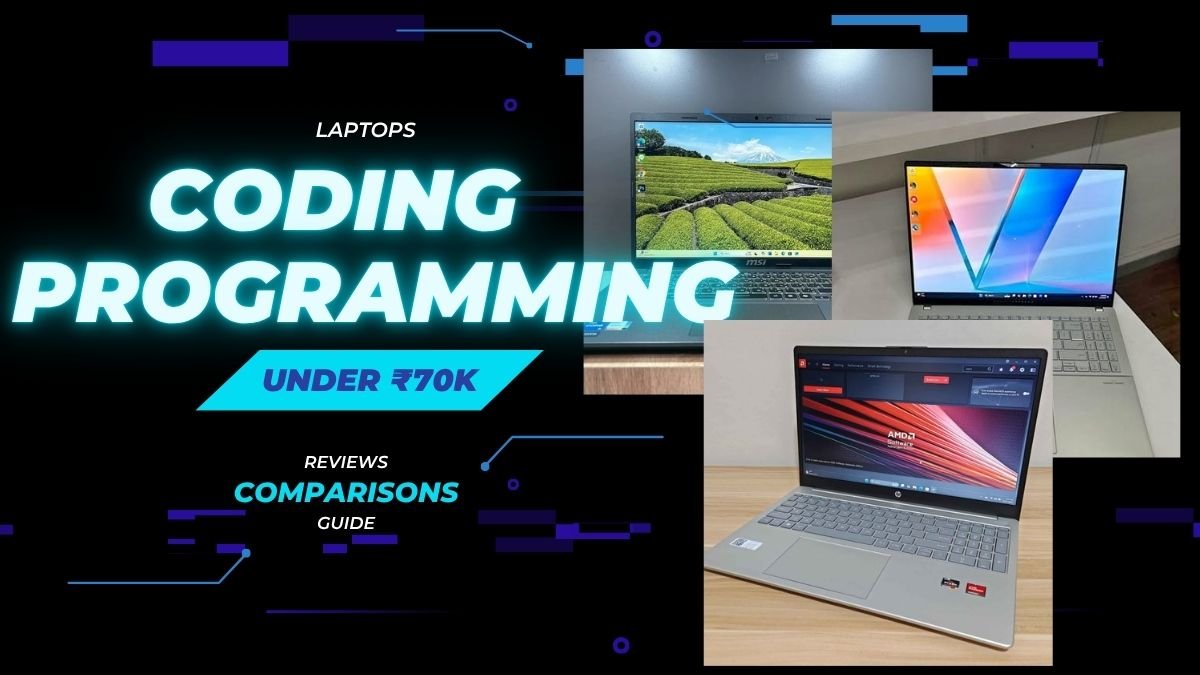
In this hands-on review for best laptop for coding and programming in India, we are testing 8 of top-selling models for recommending the best one out from them.
Choosing of right laptop is ensuring the efficient coding, compatibility with various development environments and overall one productive experience. For example, not every laptops are handling the resource-heavy IDEs like Android Studio or IntelliJ IDEA in good way. Some is having enough RAM for running the Docker containers, while some are struggling with this.
A laptop having higher RAM and powerful processor is giving best coding performance, whereas a thin and light laptop is having best portability and ease for use. Similarly, a laptop with big display is most productive one for split-screen coding, while a compact MacBook is excellent option for those developers who is preferring the macOS ecosystem. So, the selection which you are making is ultimately depending on your specific requirement.
For this article, we have got some model to test some of best laptops for coding and programming in India and putted them through many tests for finding the one which is suitable for your needs. Before coming to our testing process, here is our top recommendations.
Disclosure: This website is part of the Amazon Associates Program. I may earn a commission from qualifying purchases at no extra cost to you.
Top 8 Laptops for Coding and Programming In India under 70K
| Product | CPU | RAM | Storage | USP |
| Lenovo IdeaPad Slim 3 Ryzen 7 8840HS | AMD Ryzen 7 | 16 GB DDR5 | 512 GB NVMe | Fastest CPU with 5.1 GHz boost and WUXGA 16:10 display |
| ASUS Vivobook S16 Core 5 210H | Intel Core 5 | 16 GB DDR5 | 512 GB NVMe | Largest 16″ 144Hz display with 20-hr battery claim |
| MSI Modern 15 i7-1355U | Intel Core i7 | 16 GB DDR4 | 512 GB NVMe | MIL-STD-810G durability with i7 performance |
| HP OmniBook Ryzen AI 5 330 | AMD Ryzen AI 5 | 24 GB DDR5 | 1 TB NVMe | Highest RAM (24 GB) with AI NPU and 1 TB storage |
| Apple MacBook Neo 13 A18 Pro | Apple A18 Pro | 8 GB Unified | 256 GB SSD | Best display, macOS, and AI-native Apple Silicon |
| Dell Inspiron 3530 i5-1334U | Intel Core i5 | 16 GB DDR4 | 1 TB NVMe | Best storage value at 1 TB with 120Hz display |
| Samsung Galaxy Book4 i5-1335U | Intel Core i5 | 16 GB LPDDR4X | 512 GB SSD | Best port selection with RJ45 LAN and Dolby Atmos |
| Acer Aspire 3 A325 i5-1334U | Intel Core i5 | 8 GB DDR4 | 512 GB SSD | Best budget pick for light coding and learning |
How We Tested?
For testing, we build some mid-size projects in C++ and also Java, then we measure the build time on every laptop for simulating the real coding work that developer do daily. For checking how IDE is performing in daily usage, we load the Visual Studio Code along with 15+ extensions installed on it.
Because most developer are working on many tools at same time, we run one IDE, one browser having 20+ tabs opened, Docker containers and few terminal windows together, so we can judge the multitasking power of each laptop. For getting proper idea about comfort when someone is working for long hours, we did test the battery backup of laptops while continuously coding and also checked thermal performance of laptops when compilation load is going on for long time.
After that, we spend more than one week with every laptop as our main coding machine in normal home office type setup. That means there is no lack of multitasking, we keep switching between editor, terminal and browser whole day. Using it like a daily driver also give us good idea about the keyboard comfort, the trackpad accuracy, display readability, the fan noise and other such things. This, and also the objective tests, give fair idea about which laptop is suitable for coding and programming purpose. Keeping all these points in mind, below are our top recommendation of laptops for coding in India.
Top 8 Laptops for Coding and Programming In India
For me the most important thing when choosing a laptop for programming is that the device has enough RAM and a powerful processor so it doesn’t throttle under load or at least has upgradable components.
Apart from processing power, SSD speed is another very important factor and keyboard quality.
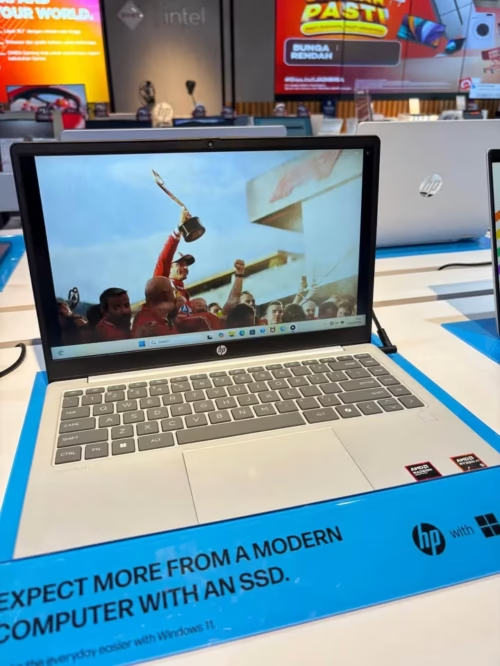
With a balanced spec sheet and class-leading 24GB DDR5 RAM, the HP OmniBook is one of the best laptop for coding and programming under ₹70000 in India.
The main plus point of this laptop is the 24GB DDR5 RAM, which is highest in all options we tested. Because of this, it handle VS Code with many extensions, a browser with lot of tabs, and a Docker container at same time without any problem.
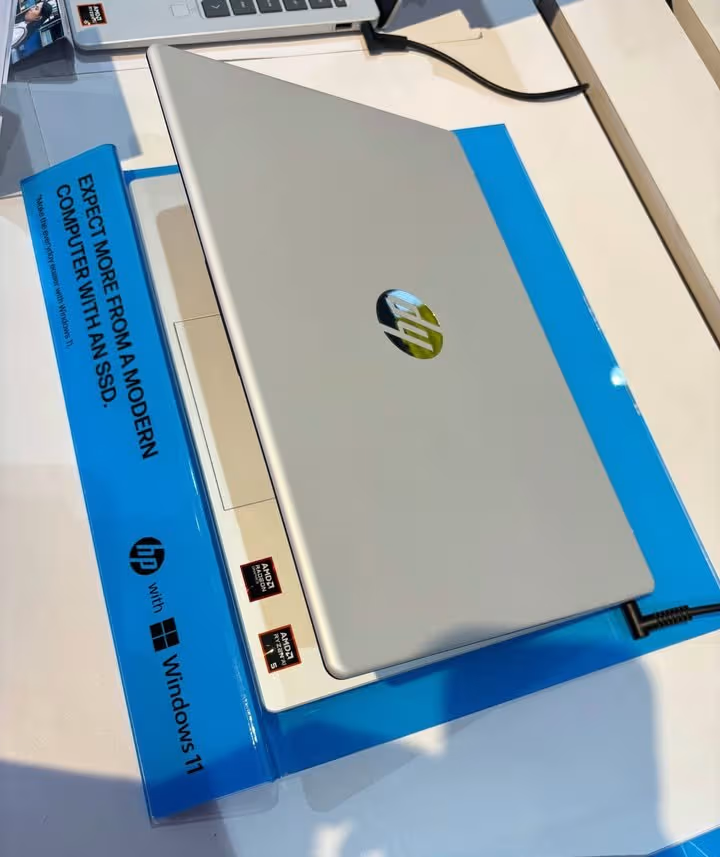
Along with the big RAM, the laptop also come with 1TB PCIe Gen4 NVMe SSD. This is not only giving enough space for your projects, but also it make boot time fast, file indexing quick, and project loading in IDEs is also very fast.
| Specification | Details |
| Processor | AMD Ryzen AI 5 330 |
| Base / Boost Clock | Up to 4.5 GHz |
| Cores / Threads | 4 Cores / 8 Threads |
| RAM | 24 GB DDR5-5600 |
| Storage | 1 TB PCIe Gen4 NVMe M.2 SSD |
| Display | 15.6″, FHD (1920×1080), Anti-Glare, 250 nits |
| Graphics | AMD Radeon 840M + 50 TOPS NPU |
| Battery | 41 Wh |
| Weight | 1.7 kg |
| OS | Windows 11 Home |
| Ports | 3 USB + 1 HDMI |
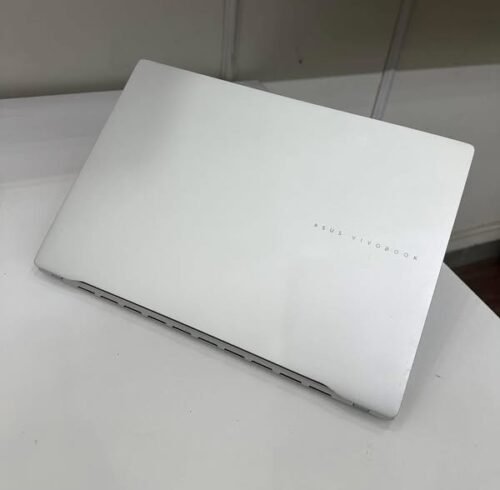
If you are feeling that HP OmniBook’s small display is not enough for your work, then ASUS Vivobook S16 is one good option to think about, because it is bigger in size and also more brighter. Both of these laptops are sharing many features in common.
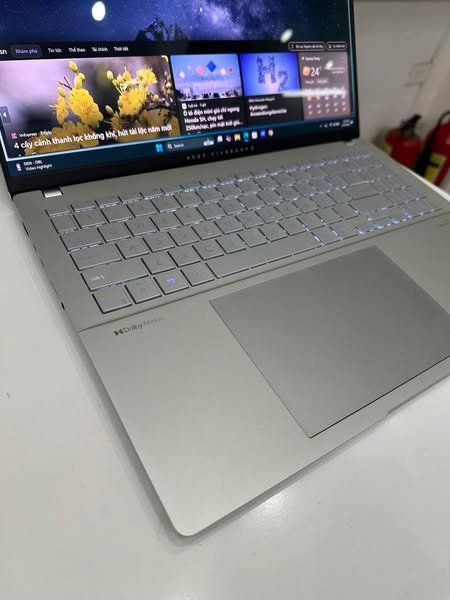
Same like HP OmniBook, the ASUS Vivobook S16 is also coming with 16GB DDR5 RAM. But here, the Intel Core 5 210H processor is having 8 cores and 12 threads, which is giving much better multi-threaded performance, and because of this the compilation and build type of tasks become faster. Then, the 16-inch FHD+ display with 300-nit brightness and 144Hz refresh rate is giving a much better visual feeling. Also, it is having fast charging feature, which can charge the battery upto 60% in just 49 minutes only.
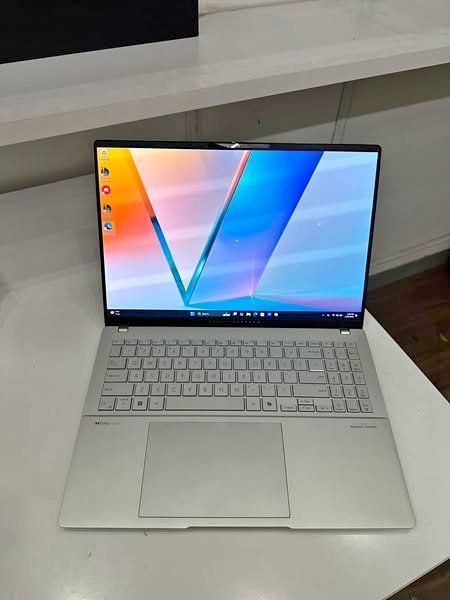
| Specification | Details |
| Processor | Intel Core 5-210H |
| Base / Boost Clock | 2.2 GHz / 4.8 GHz |
| Cores / Threads | 8 Cores / 12 Threads |
| RAM | 16 GB DDR5 |
| Storage | 512 GB M.2 NVMe PCIe 4.0 SSD |
| Display | 16″, FHD+ (1920×1200), 144Hz, 300 nits, 89% STB |
| Graphics | Intel UHD Graphics (Integrated) |
| Battery | 70 Wh, up to 20 hrs (claimed) |
| Weight | 1.7 kg |
| OS | Windows 11 Home |
| Ports | 4 USB + 1 HDMI + 6 Total |
| Price | ₹68,990 |
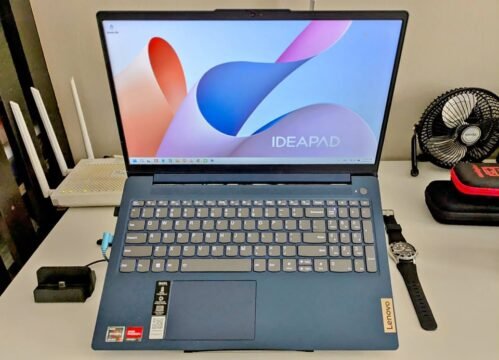
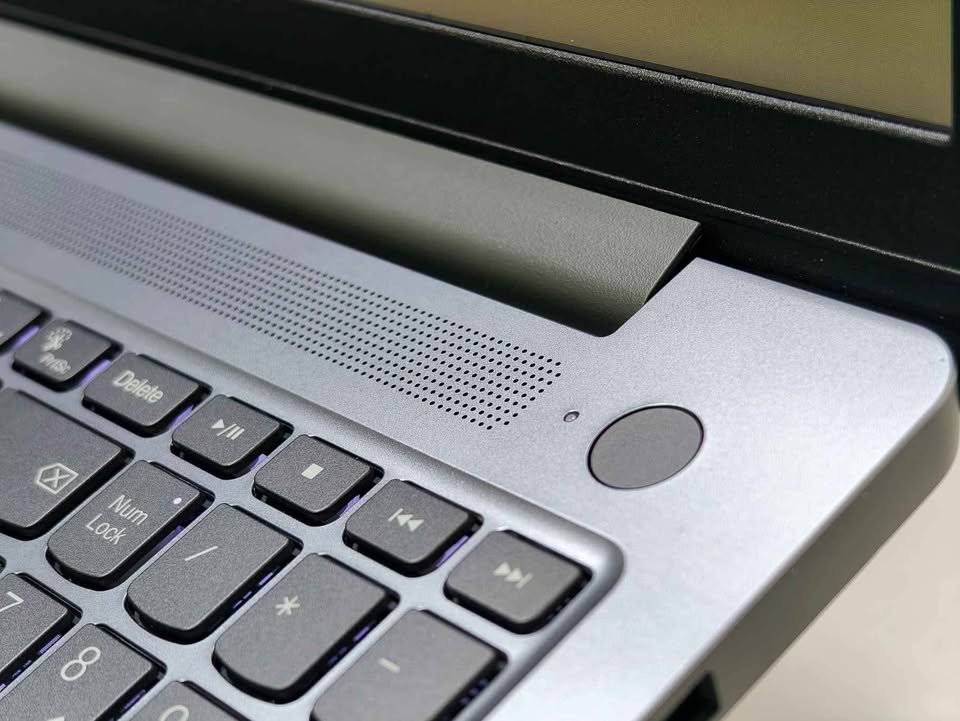
Priced little above our ₹70,000 budget at ₹77,490, the Lenovo IdeaPad Slim 3 is demanding attention mainly because of its powerful Ryzen 7 8840HS chip. If you can stretch the budget some bit, it is giving the best raw processing power among all the options we tested till now.
The AMD Ryzen 7 8840HS is having 8 cores and 16 threads, with boost clock going upto 5.1 GHz. This is a big jump compared to the 4-core Ryzen AI 5 inside HP OmniBook and also the 8-core Intel Core 5 in ASUS Vivobook S16. For doing heavy compilation works, running many Docker containers at one time, or working on heavy frameworks, this processor is performing very nicely.
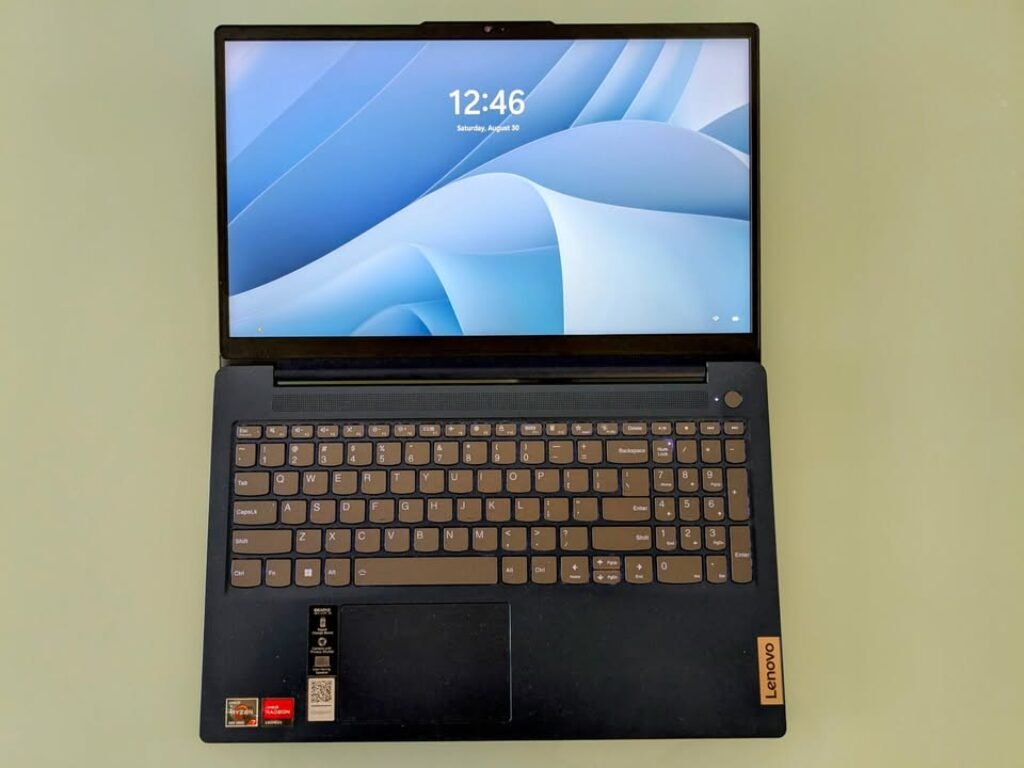
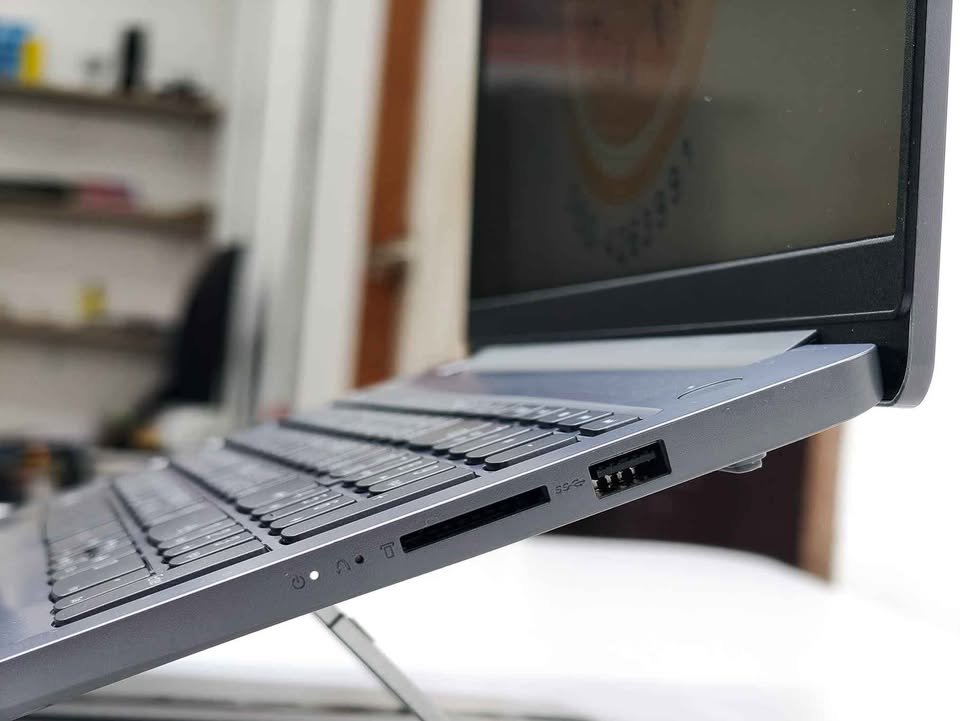
The 15.3-inch WUXGA (1920×1200) panel with 16:10 ratio is one of best display in this list. The extra vertical pixels, when you compare with normal FHD (1920×1080) screens, means you can read more lines of code without doing scrolling again and again. The 300-nit brightness and TUV Low Blue Light certification is making it comfortable for long coding sessions. Anti-glare coating is also helping to reduce eye strain.
| Specification | Details |
| Processor | AMD Ryzen 7 8840HS |
| Base / Boost Clock | 3.3 GHz / 5.1 GHz |
| Cores / Threads | 8 Cores / 16 Threads |
| RAM | 16 GB DDR5-5600 (Expandable to 24 GB) |
| Storage | 512 GB PCIe Gen4 NVMe M.2 SSD |
| Display | 15.3″, WUXGA (1920×1200), IPS, 16:10, 300 nits |
| Graphics | AMD Radeon 780M (Integrated) |
| Battery | 50 Wh, up to 14.5 hrs |
| Weight | 1.59 kg |
| OS | Windows 11 Home |
| Ports | 3 USB + 1 HDMI + 7 Total |
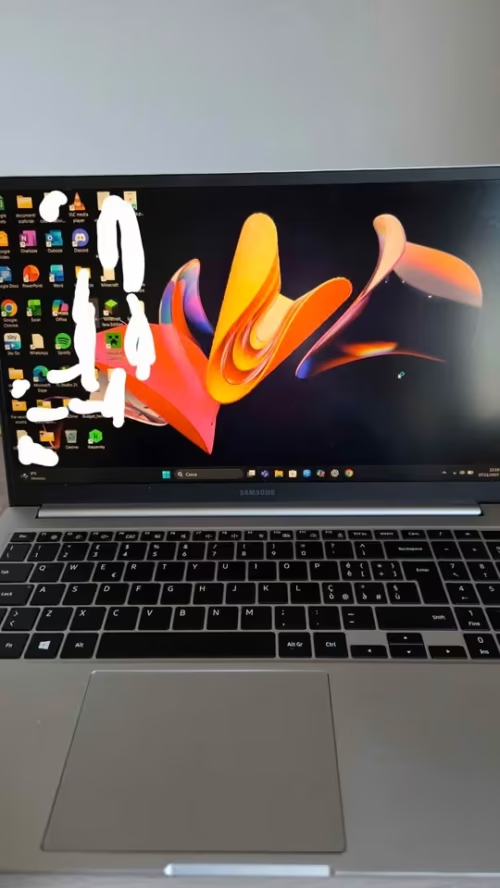
Samsung Galaxy Book4 is one of the well-known laptop in India because of brand value and the competitive price at ₹62,800. It is powered with Intel Core i5-1335U processor along with 16GB LPDDR4X RAM and 512GB SSD storage. The previous options which we discussed are coming with different strengths and form factors, but Samsung Galaxy Book4 is more like a all-rounder option that cover the basics in effective way.
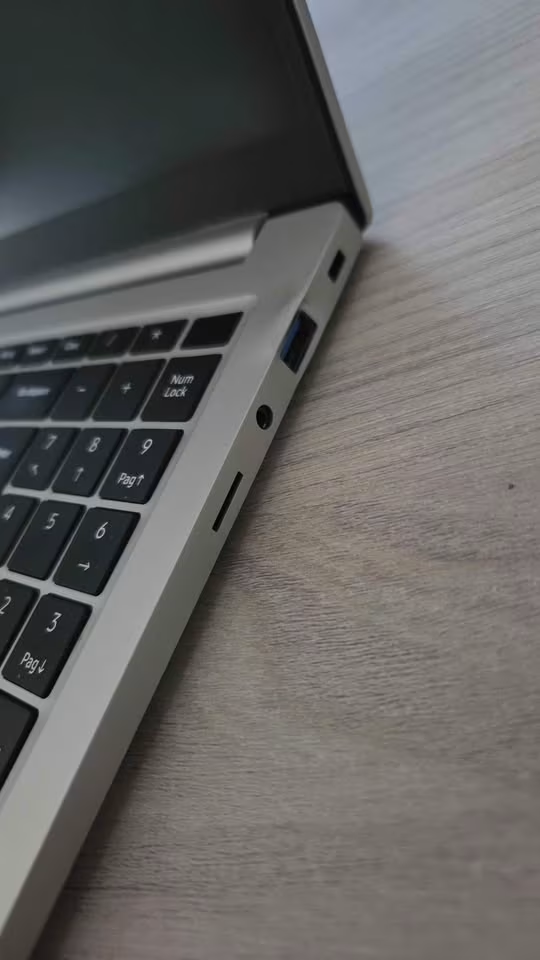
One notable thing is the RJ45 LAN port. Many modern laptops these days have removed the LAN port, but Samsung still keeping it. This is very useful for developers who is needing a stable wired connection for doing Git operations, deployments, downloading of large repositories and also for remote server access. Also it is coming with total 4 USB ports, which is among the highest in this list. Apart from this, the 54Wh battery is the second largest among Windows laptops in this list, after ASUS Vivobook S16 which is having 70Wh.
| Specification | Details |
| Processor | Intel Core i5-1335U |
| Base / Boost Clock | 1.3 GHz / 4.6 GHz |
| Cores | 10 Cores (2P + 8E) |
| RAM | 16 GB LPDDR4X |
| Storage | 512 GB SSD |
| Display | 15.6″, FHD (1920×1080), 60Hz |
| Graphics | Intel Iris Xe Graphics (Integrated) |
| Battery | 54 Wh, ~5.5 hrs |
| Weight | 2.0 kg |
| OS | Windows 11 Home |
| Ports | 4 USB + 1 HDMI + RJ45 LAN = 7 Total |
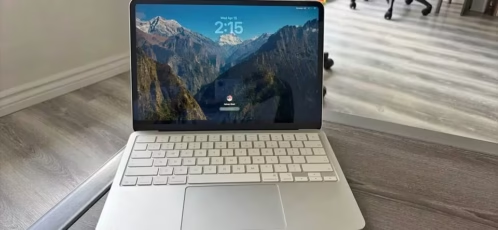
Apple MacBook Neo 13-inch is build differently compared to other laptops in this list. It is running macOS, which is based on Unix, so developers can directly use Terminal, Homebrew, SSH and full Unix toolchain without doing any extra setup. The A18 Pro chip is having 6-core CPU, 5-core GPU and 16-core Neural Engine, and it gives very good performance and at same time stays power efficient.
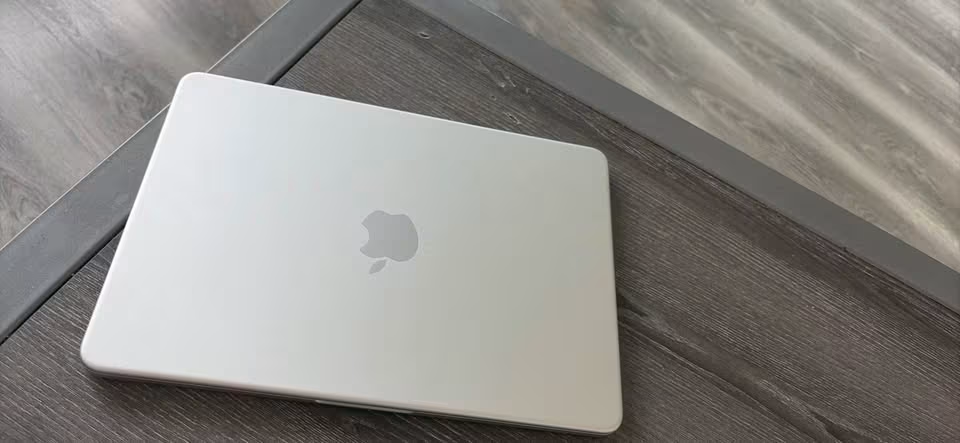
One of the main advantage of this laptop is the Liquid Retina display, which is best one in this whole list by far. With 2408×1506 native resolution, 219 pixels per inch and 500-nit brightness, the text is looking very sharp and easy on the eyes. For developers who are spending many hours reading and writing code daily, this display quality is making a clear difference and reduce the eye strain. It also support 1 billion colours, which is helpful for designers who do coding work also.
| Specification | Details |
| Processor | Apple A18 Pro (6-core CPU, 5-core GPU) |
| Neural Engine | 16-core, 60 GB/s memory bandwidth |
| RAM | 8 GB Unified Memory |
| Storage | 256 GB SSD |
| Display | 13″, Liquid Retina (2408×1506), 219 PPI, 500 nits |
| Graphics | 5-core Apple GPU |
| Battery | 36.5 Wh, up to 16 hrs video / 11 hrs wireless web |
| Weight | ~1.24 kg |
| OS | macOS |
| Ports | 1 USB 3 (USB-C) + 1 USB 2 (USB-C) + 3.5mm jack |
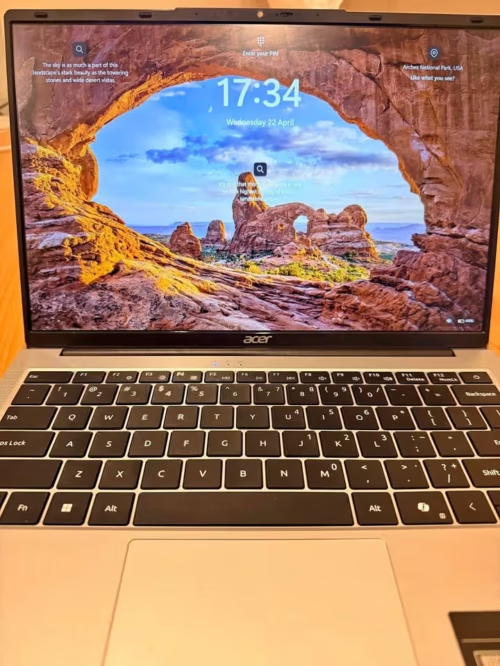
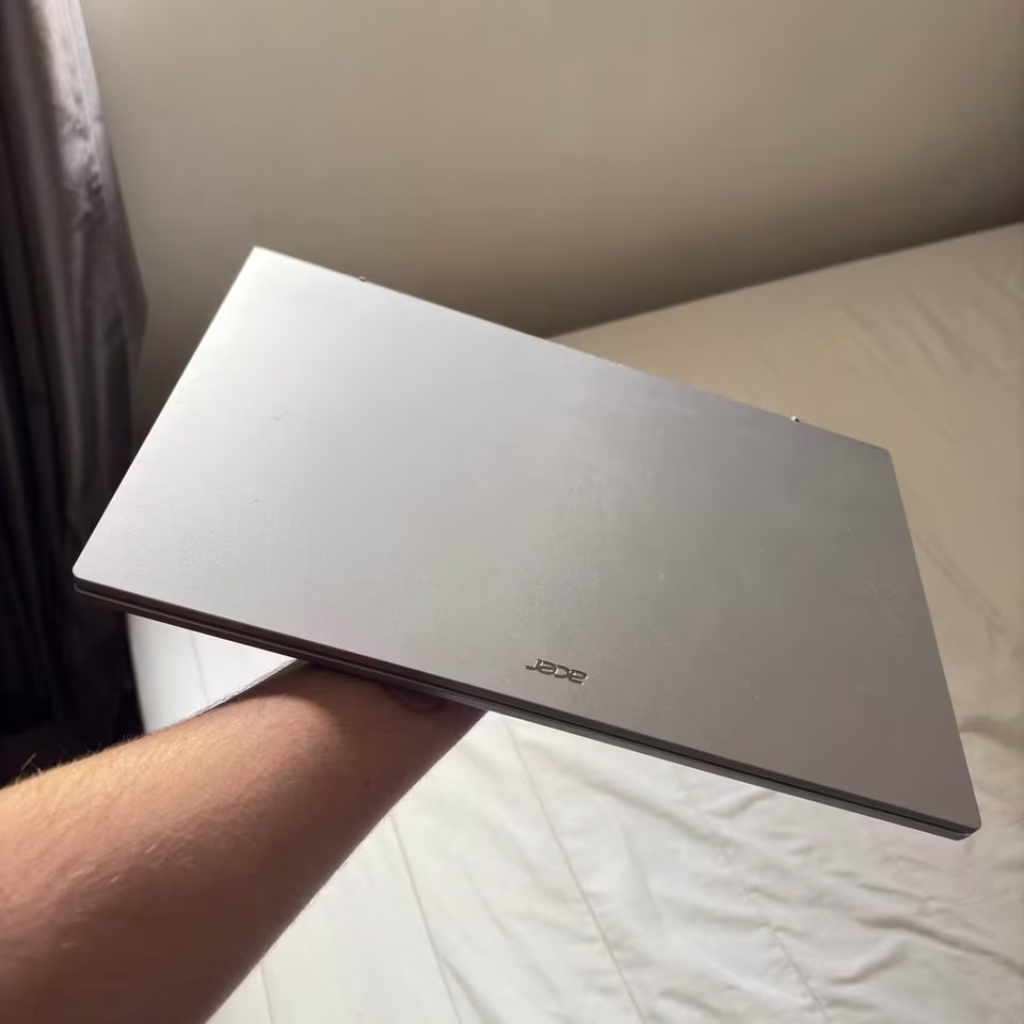
As the name itself is telling, Acer Aspire 3 is one entry-level laptop which is mainly targeting the students and beginners peoples who are just starting their coding journey only. It is coming with Intel Core i5-1334U processor inside, along with 8GB DDR4 RAM and one 512GB SSD also.
First of all, we have tried to use this laptop for our daily coding works. Even the price is budget-friendly only, but still the performance was actually okay-okay for us. The laptop was running VS Code in smooth manner, compiling small-small Python and JavaScript projects without any delay issue, and also it was handling web browsing with many-many tabs in fair way. But the moment we tried some heavier tasks like running IntelliJ IDEA with one mid-size Java project, then it was managing only with some occasional lagging in between. If you are having patience, then the laptop is doing the job in reasonable way only. The best thing which we have noticed is, it was staying relatively cool during light to medium workloads also. Normally, budget laptops are becoming warm even on basic tasks itself. But in this case, that thing was not happening.
| Specification | Details |
| Processor | Intel Core i5-1334U |
| Base / Boost Clock | Up to 3.4 GHz |
| RAM | 8 GB DDR4 (Expandable to 16 GB) |
| Storage | 512 GB SSD |
| Display | 15.6″, FHD (1920×1080), IPS, 60Hz, 250 nits |
| Graphics | Intel UHD Graphics (Integrated) |
| Battery | 3-Cell, ~8 hrs |
| Weight | 2.0 kg |
| OS | Windows 11 Home |
| Ports | USB 3.2 + USB 2.0 + USB-C + HDMI |
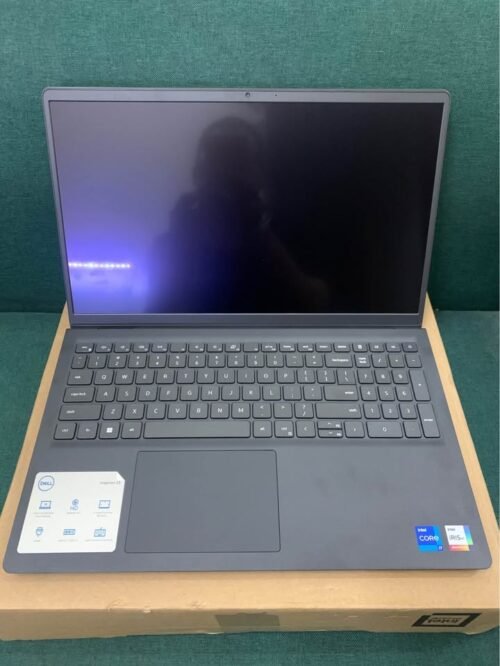
Price wise, Dell Inspiron 3530 is around ₹66,490, and this laptop is sitting between HP OmniBook and ASUS Vivobook S16 if we talk about value. It is giving a nice mix of storage, light weight and price together.
This laptop is coming with Intel Core i5-1334U processor, 16GB DDR4 RAM and a big 1TB NVMe SSD also. It is running on Windows 11 Home and MS Office 2024 is already there pre-installed, which mean you no need to spend more money for productivity softwares separately. One special thing is, same like HP OmniBook, it is also giving 1TB SSD storage but in a cheaper price.
The build is light, only 1.62 kg, and the 15.6-inch 120Hz FHD display with backlit keyboard (numeric keypad also there) is making the laptop easy to carry and friendly for daily use also.
Talking about coding, this laptop is doing the normal development job like running VS Code, writing python scripts, making small web apps and doing git operations. The Intel Core i5-1334U has 2 performance cores and 8 efficiency cores, and is able to handle daily coding and medium compilation tasks well. However, when you have a lot of work going on, such as Android Studio running, or large Java projects compiling, you can sometimes experience some lag during that time. The i5-1334U is just a 15W processor while the Core 5 210H in ASUS Vivobook S16 is a 45W-class processor. Thus, when it comes to heavy load, user side doesn’t need a lot of patience.
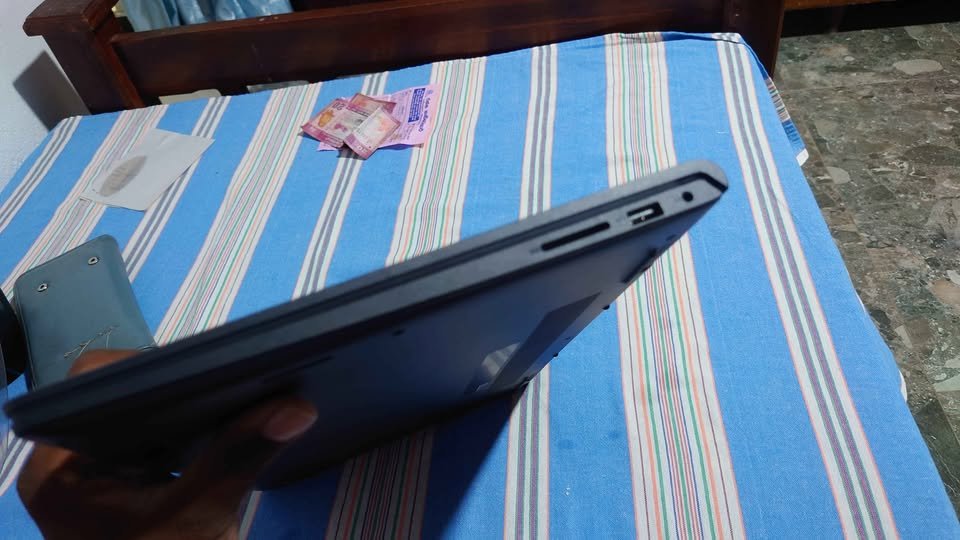
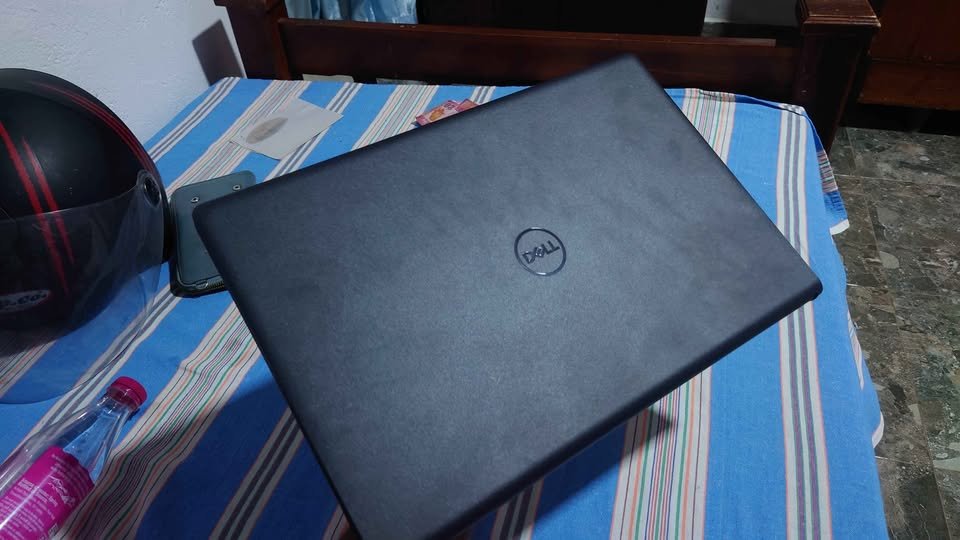
| Specification | Details |
| Processor | Intel Core i5-1334U |
| Base / Boost Clock | Up to 4.6 GHz |
| Cores / Threads | 12 Cores (2P + 8E + 2LP) |
| RAM | 16 GB DDR4 |
| Storage | 1 TB M.2 NVMe SSD |
| Display | 15.6″, FHD (1920×1080), IPS, 120Hz, 250 nits |
| Graphics | Intel Iris Xe Graphics (Integrated) |
| Battery | 41 Wh |
| Weight | 1.62 kg |
| OS | Windows 11 Home |
| Ports | 3 USB + 1 HDMI |
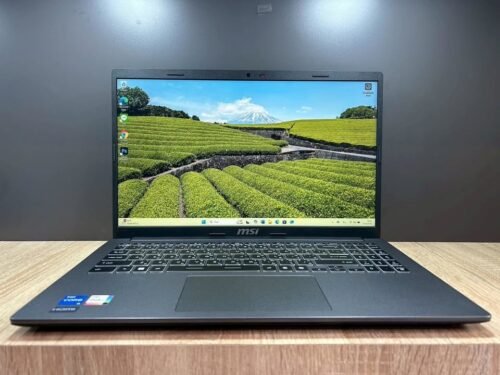
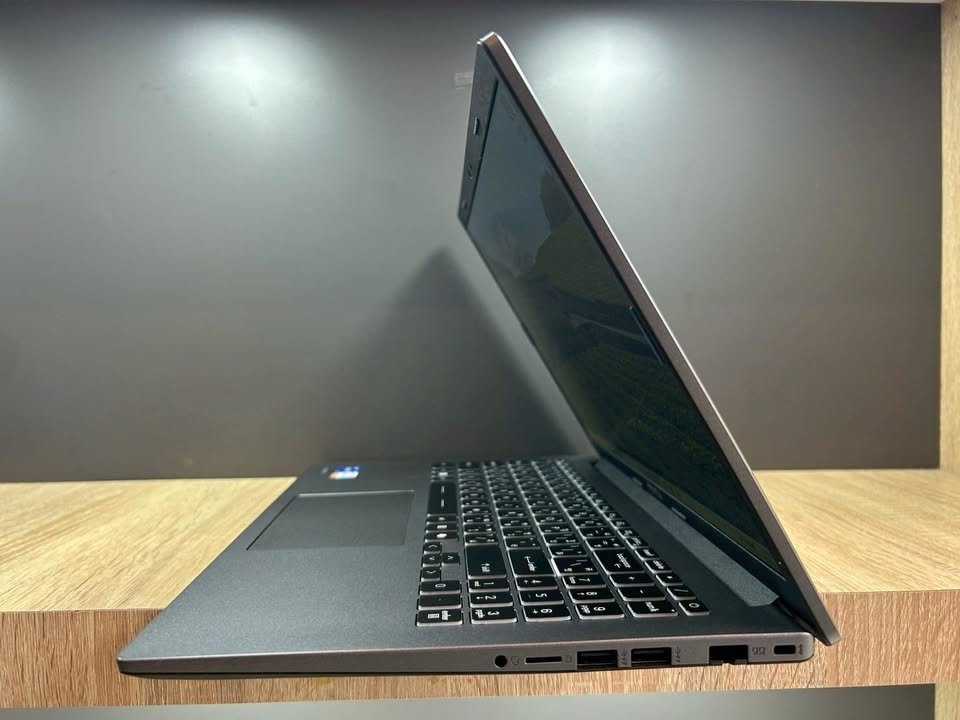
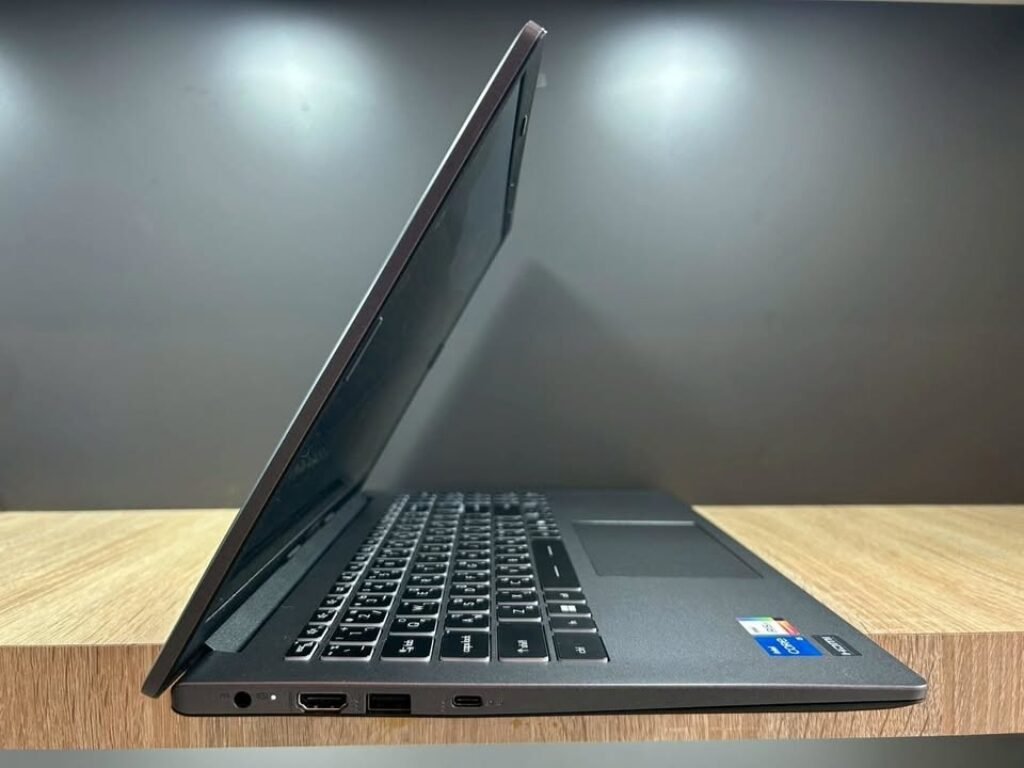
MSI Modern 15 is mostly similar to Dell Inspiron 3530 when we are talking about the price side. Both are coming in almost same price bracket only. Both having 16GB DDR4 RAM and also 512GB SSD storage is there. The form factor also looking quite same, slim and lightweight around 1.7 kg only it is. For doing the normal coding works, both are running fine. But MSI Modern 15 is having one stronger processor, that is Intel Core i7-1355U.
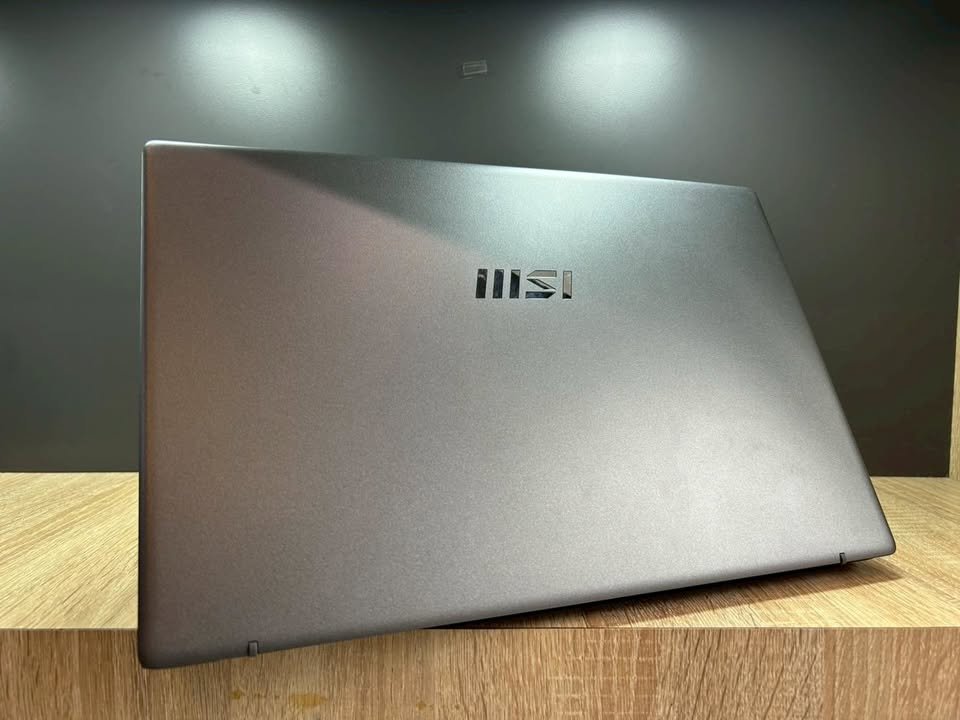
The actual differentiating point here is the processor part only. MSI Modern 15 is giving Intel Core i7-1355U, which is having 2 performance cores plus 8 efficiency cores, and the max boost clock also going till 5 GHz. Because of this, it is becoming the most powerful U-series chip in this whole list. The compilation related tasks it is handling much faster compared to the i5 chips which are coming in Dell and Samsung side. The i7 is becoming specially helpful when you are doing compile of big codebases, or running build scripts, or doing some compute-heavy data processing type works.
Another one differentiating thing is the MIL-STD-810G military-grade certification part. This is making sure the laptop is able to handle some mild drops, little vibrations, and also temperature changes, which is giving nice peace of mind for the developers who are taking the laptop here and there daily. So no need to worry much about small bumps happening during the daily travel and all.
| Specification | Details |
| Processor | Intel Core i7-1355U |
| Base / Boost Clock | Up to 5.0 GHz |
| Cores / Threads | 10 Cores (2P + 8E) |
| RAM | 16 GB DDR4 |
| Storage | 512 GB NVMe SSD |
| Display | 15.6″, FHD (1920×1080), 60Hz |
| Graphics | Intel Iris Xe Graphics (Integrated) |
| Battery | 3-Cell Lithium Polymer |
| Weight | 1.7 kg |
| OS | Windows 11 Home |
| Ports | 4 USB + 1 HDMI |
How To Choose A Laptop For Coding And Programming?
Type of Laptop
The first and most important aspect which you need to decide when you are choosing a laptop for coding is what type of laptop you actually need.
A thin and light Windows laptop is portable and convenient to carry around to office, college or even co-working spaces. Mostly they weigh under 1.7 kg and comes with slim profile body. But one thing is, they may have limited processing power when compared with thicker performance-oriented laptops. These type are ideal for doing web development, scripting works and general-purpose programming stuffs.
A performance-oriented laptop which has higher wattage processor and better thermal management is suitable for doing demanding tasks like compiling of large codebases, running virtual machines and also working with AI or ML frameworks. They give superior multi-threaded performance but in return they are bit heavier and the battery life also may be shorter. Options like Lenovo IdeaPad Slim 3 which comes with Ryzen 7 8840HS processor falls into this category.
MacBooks are running on macOS, and macOS is based on Unix. Because of this, developers get native access to Terminal, command-line tools and the whole Unix ecosystem. They are essential if you are doing iOS and Swift development using Xcode. But you have to be ready to spend money on higher configurations, because the base models mostly comes with limited RAM and storage only. The cheaper MacBooks may not having enough memory to do heavy multitasking. However, the ones with 16GB or more will make sure coding experience is smooth. Also, unless you are willing to splurge on options with more storage, the default 256GB SSD may not be enough for your needs.
Gaming laptops also can be considered for coding purpose. They have powerful processor and also dedicated GPU. But the thing is, they are heavy, noisy and battery life is shorter. Unless you are specifically needing a GPU for machine learning or graphics programming work, a regular laptop will be more suitable for doing coding.
Since most of the developers and students are going for thin and light Windows laptops, we have mainly focused on them only in this article.
Processor
The processor is obviously the most important thing you should consider when you buying a laptop for coding purpose. But this is not something which you can judge only by looking at core count or clock speed number. Rather, you have to see the overall balancing. From testing of several laptops, we are finding that having highest core count doesn’t really means the best everyday coding experience. Because when you writing code inside an IDE, the single-threaded performance is matter more than anything. Also sometimes the processor get throttled under sustain load, due to the poor thermal management inside the chassis. So the processor choosing along with thermal design is quite important aspect which defines your coding efficiency in long run.
| Category | Lenovo Slim 3 | ASUS Vivobook | MSI Modern 15 | HP OmniBook | Apple MacBook | Dell Inspiron | Samsung Book4 | Acer Aspire 3 |
| Overall Coding Score | 88 | 87 | 80 | 82 | 80 | 79 | 73 | 66 |
| CPU Boost (GHz) | 5.1 | 4.8 | 5.0 | 4.5 | N/A (ARM) | 4.6 | 4.6 | 3.4 |
| Cores / Threads | 8C / 16T | 8C / 12T | 10C | 4C / 8T | 6-core | 12C | 10C | 12C |
| RAM (GB) | 16 DDR5 | 16 DDR5 | 16 DDR4 | 24 DDR5 | 8 Unified | 16 DDR4 | 16 LPDDR4X | 8 DDR4 |
| Storage (GB) | 512 | 512 | 512 | 1000 | 256 | 1000 | 512 | 512 |
| SSD Generation | PCIe Gen4 | PCIe Gen4 | NVMe | PCIe Gen4 | Apple SSD | NVMe | SATA SSD | NVMe |
RAM
If you coding work is only about simple text editing or doing lightweight scripting, then you are in luck because 8GB RAM is enough for this type of works. Off course, 16GB giving much better experience when you running IDEs, browsers and terminals at same time – — we cover this fully in our guide on 8GB Vs 16 GB RAM for Beginners Learning Programming and we are talking about this more in the detailed review part. But if your work involve Docker containers, or virtual machines, or running the heavy IDEs such as Android Studio, then minimum 16GB you need, or even more is better. One more thing, the RAM type also matter a lot. DDR5 is faster one and also more power-efficient compare to DDR4. Some laptops are coming with upgradable RAM slots also, which is giving big advantage for future-proofing the device.
Storage
The another important aspect is the storage. This one is specially important for the developers because the project files, Git repositories, Docker images and also the development tools are eating lot of space. In ideal case, it should be minimum 512GB SSD. But 1TB SSD is more recommend so you don’t need to manage the storage again and again while you working on multiple projects at same time. One more equal important thing is the SSD interface also. The PCIe Gen4 NVMe SSDs are much more faster compare to Gen3 or SATA ones. It should be giving fast read and write speed so that your IDE can load the projects in quick time, the builds are compiling more faster and overall system is staying responsive without any lag.
Display
If you are using your laptop for just doing basic text editing works, then any FHD display is enough for the job. But a laptop which is used for long coding sessions, it need a good display so that eye strain become less. Having the right display is important thing for the prolonged usage. The brightness should be minimum 250 nits, although 300 nits or more is more preferred when you are working near to windows or under the bright lights. Anti-glare coating also play important role for reducing the reflections. Screen size is also matter here. A 15-16 inch display is the ideal one for coding because it gives enough space for doing split-screen setups. Aspect ratio is one more factor to look. The 16:10 aspect ratio give more vertical space for viewing the code when we compare it with the standard 16:9 one. Also, the higher refresh rates such as 120Hz or 144Hz make the scrolling through code visibly much smoother and it reduce the eye fatigue also. So because of this, it is important thing that you are choosing a laptop having display which is suitable as per your specific working conditions. Still unsure about sizing? This 14-Inch Vs 16-Inch Laptop guide helps you pick the right fit.
| Category | Lenovo Slim 3 | ASUS Vivobook | MSI Modern 15 | HP OmniBook | Apple MacBook | Dell Inspiron | Samsung Book4 | Acer Aspire 3 |
| Screen Size | 15.3″ | 16.0″ | 15.6″ | 15.6″ | 13.0″ | 15.6″ | 15.6″ | 15.6″ |
| Resolution | 1920×1200 | 1920×1200 | 1920×1080 | 1920×1080 | 2408×1506 | 1920×1080 | 1920×1080 | 1920×1080 |
| Refresh Rate | Not spec’d | 144 Hz | 60 Hz | 60 Hz | 60 Hz | 120 Hz | 60 Hz | 60 Hz |
| Brightness (nits) | 300 | 300 | 250 | 250 | 500 | 250 | 300 | 250 |
| Aspect Ratio | 16:10 | 16:10 | 16:9 | 16:9 | 16:10 | 16:9 | 16:9 | 16:9 |
| Panel Type | IPS | IPS | LCD | LCD | Liquid Retina | IPS | LCD | IPS |
| Anti-Glare | Yes | Yes | No | Yes | No | No | No | No |
Keyboard and Trackpad
The keyboard quality is one important thing to think about if you are spending many hours for typing the code everyday. A good key travel, at least 1.5mm, is making sure that typing is comfortable and also it reduce the tiredness in fingers when you do long coding sessions. Backlit keyboard is must-have feature for doing coding in dim light room or in late night time when lights are off. Some laptops are coming with full-size keyboard which also include the numeric keypad, and this is very useful for data entry works and those tasks where numbers are used heavily. Mostly the keyboards in laptops of this price range are decent enough, but some premium one like MSI Modern 15 is giving better tactile feedback and the typing sound is also more quiet. And if you are person who feel very sensitive about typing comfort, then you should go for a laptop which has minimum 1.5mm key travel with proper spacing between the keys.
Battery Life
Battery life is deciding how much long you can do coding without searching for power plug. You should look for laptops which having at least 50Wh battery capacity for getting proper runtime. Talking about battery performance, one important thing to notice is that laptops having power-efficient processors are lasting more longer when comparing to the high-performance ones.
| Category | Lenovo Slim 3 | ASUS Vivobook | MSI Modern 15 | HP OmniBook | Apple MacBook | Dell Inspiron | Samsung Book4 | Acer Aspire 3 |
| Battery (Wh) | 50 | 70 | ~45 | 41 | 36.5 | 41 | 54 | ~38 |
| Claimed Life | 14.5 hrs | 20 hrs | 6 Hrs | 9 Hrs | 16 hrs | 8 Hrs | 5.5 hrs | ~8 hrs |
| Fast Charging | Yes (15min) | Yes (49min) | No | No | Yes (20W) | No | No | No |
| Weight (kg) | 1.59 | 1.7 | 1.7 | 1.7 | ~1.24 | 1.62 | 2.0 | 2.0 |
Some of the laptops are coming with fast charging technology also. For example, the ASUS Vivobook S16 is charging upto 60% in around 49 minutes only, whereas the Lenovo IdeaPad Slim 3 can give 2 hours runtime with only 15 minutes of charging. This is very much useful when you are having less time in hand. In comparison, MacBooks are generally giving the best battery life between all laptops because of their power-efficient ARM-based chips. Windows laptops having Intel U-series processors also giving decent battery backup, but H-series processors are draining faster side. Since they are having bigger battery capacity of 50-70Wh, you can do coding for 8-12 hours before need to recharge again. But, laptops with smaller 41Wh battery should be used near to power outlet only for long sessions. Otherwise, battery may get finished during your important coding work.
Build Quality and Portability
Build quality is much important thing because it decide how many years your laptop will survive in daily usage. You should try to see laptops which have metal body or aluminium made, for example Lenovo IdeaPad Slim 3 is having aluminium top panel on it. The metal body not only giving premium feeling in hand but also it is more durable than plastic ones in most cases. Weight is also one equally important factor you cannot ignore. For coding purpose, the laptop weight should be under 1.7 kg ideally, so you can carry it easily here and there without getting tired. Some laptops are coming with MIL-STD certification also, like MSI Modern 15 is having this one, and it give extra confidence that laptop can handle small drops, shocks and vibrations during travel.
Ports and Connectivity
Having enough ports is make sure you can connect external monitors, peripherals and storage devices without need of adapter hubs everytime. At the minimum, you should look for atleast one USB Type-C port which is having DisplayPort support for connecting the external monitors. Two or more USB Type-A ports are necessary because of mouse, keyboard and external drives usage. One HDMI port is also useful for connecting with projectors and bigger monitors. A headphone jack for audio purpose, Wi-Fi 6 and Bluetooth 5.0 or above version for modern wireless connectivity these are essential things. Some laptops are also coming with RJ45 LAN port like in Samsung Galaxy Book4, which is useful for developers those who need stable wired internet for doing remote server access and transferring large files.
| Category | Lenovo Slim 3 | ASUS Vivobook | MSI Modern 15 | HP OmniBook | Apple MacBook | Dell Inspiron | Samsung Book4 | Acer Aspire 3 |
| Total Ports | 7 | 6 | 5 | 3 | 2 | 3 | 7 | 4 |
| USB-A Ports | 2 | 2 | 3 | 2 | 0 | 2 | 3 | 2 |
| USB-C Ports | 1 | 2 | 1 | 1 | 2 | 1 | 1 | 1 |
| HDMI | Yes | Yes | Yes | Yes | No | Yes | Yes | Yes |
| RJ45 LAN | No | No | No | No | No | No | Yes | No |
| Wi-Fi Standard | Wi-Fi 6 | Wi-Fi 6 | Wi-Fi | Wi-Fi 6 | Wi-Fi 6E | Wi-Fi | Wi-Fi 6 | Wi-Fi 6 |
| Bluetooth | 5.2 | Yes | Yes | 5.4 | 6 | Yes | Yes | 5.2 |
| Fingerprint | No | No | No | Yes | Touch ID | No | Yes | No |
Price Comparison Of Laptops For Coding
One common question which mostly come when buying a coding laptop is what is the difference between cheap and expensive laptop. Here is our comparison between budget-friendly and premium laptops for coding-
From our experience, we have seen that cheap laptops under ₹40,000 are having limited RAM, mostly only 8GB and that too non-upgradeable. The SSD is normally 256GB only, which getting filled very fast with IDEs and project files. The displays are mostly dim and having poor viewing angle also. The keyboards don’t have backlight and the build quality is so-so with full plastic body. We also noticed that budget laptops are throttling when load is continuous, which making compilation and build task slow. Port selection is also less in them. Cheaper laptops mostly having smaller battery also, which reduce the usability when you are on the move. If you are looking laptop for learning programming for only 2-3 years or less, then cheaper option will work fine for you.
Expensive laptops in ₹60,000-70,000 range have much better build quality and they are durable for 5-7 years or even more, it depends how you maintain it. They are coming with 16GB RAM or more, which means no need to worry about memory limitation when you running multiple development tools together. Also, DDR5 RAM in premium options is faster and more power-efficient too. These laptops have better processor which handle compilation and multitasking in efficient way. Apart from that, they having brighter display with better colour accuracy and higher refresh rate. With bigger battery and better keyboard, they are more comfortable for long coding sessions. More importantly, expensive coding laptops are coming with faster NVMe PCIe Gen4 SSDs which reduce project loading time, build duration and overall system responsiveness in big way.
Laptop for Coding and Programming FAQs
If you are searching for powerful and versatile laptop which have best multitasking capability, then HP OmniBook with 24GB DDR5 RAM and 1TB SSD is one of best option suitable for all type of development tasks. But its display is little bit dim. A more balance option will be ASUS Vivobook S16, which having exceptional battery life, spacious 16-inch display and solid coding performance also, making it ideal for developers who do coding on the go.
Acer Aspire 3 at ₹51,000 is the best laptop for coding under ₹55,000 which we recommend. With Intel Core i5 processor, 512GB SSD, FHD IPS display and upgradeable RAM, it is an adequate option for students and beginners both. However, we strongly suggest to upgrade its 8GB RAM to 16GB for getting significantly better coding experience.
Most of the coding and programming tasks does not require a dedicated GPU. Integrated graphics from Intel Iris Xe, Intel UHD or AMD Radeon are perfectly enough for web development, app development, scripting and general programming work. A dedicated GPU is only needed for machine learning, AI model training, GPU-accelerated computing or graphics programming. For regular coding, investing in more RAM and better processor is far more beneficial than a dedicated GPU. Having said that, a good laptop with integrated graphics handle all standard development tasks without any issue. Something which older laptops having weaker integrated GPUs used to struggle with earlier.
Both are excellent for coding purpose. macOS have the advantage of native Unix terminal, which is preferred by many web developers, and is essential for iOS development using Xcode. Windows offer WSL (Windows Subsystem for Linux) for a near-native Linux experience and also has wider software and hardware compatibility. Also, Windows laptops generally give better value for money with higher RAM and storage at same price point. The choice finally depends on your development ecosystem and personal preference only.