
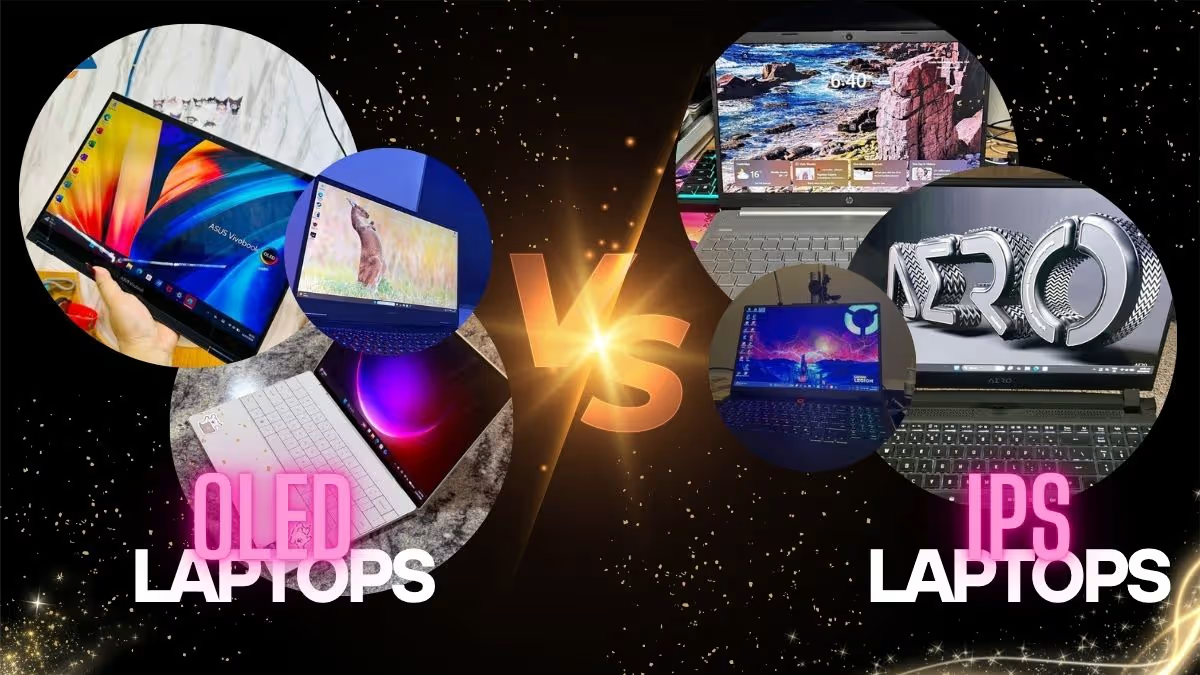
If you’re in the market for an ultrabook, chances are, you have likely heard of OLED vs. IPS displays. OLED is well known for stunning visuals and perfect blacks.
IPS may not have as many models under its proverbial belt, but if you’re looking for proven reliability and better battery life, IPS may be a good fit.
Which is right for you? Let’s dive in and find out.
OLED vs. IPS Comparison Chart
Lenovo Yoga Slim 7 OLED
• Battery Life: 20.8 hours video
• Burn-in Protection: HDR True Black 500
HP OmniBook 7 OLED
• Battery Life: 20.8 hours video
• Burn-in Protection: HDR True Black 500
ASUS Vivobook Go 15 OLED
• Battery Life: 50Wh capacity
• Burn-in Protection: TÜV Rheinland certified
ASUS Vivobook S16 IPS
• Battery Life: 20 hours average
• Burn-in Protection: None needed
Lenovo IdeaPad Slim 3 IPS
Battery Life: 11.5 hours video
Burn-in Protection: None needed

Acer Aspire Lite IPS
Battery Life: 11 hours average
Burn-in Protection: None needed
OLED vs. IPS: The Differences
The OLED lineup includes:
• Lenovo Yoga Slim 7 OLED
• HP OmniBook 7 OLED
• Acer Swift Lite 14 OLED
• ASUS Vivobook Go 15 OLED
The IPS lineup includes:
• ASUS Vivobook S16 IPS
• Lenovo IdeaPad Slim 3 IPS
• HP Pavilion 15 IPS
• Acer Aspire Lite IPS
Note: This does not include every ultrabook model from each category, but for the sake of simplicity and clarity, we’ve decided to highlight the flagship models from each display technology.
Best Model Recommendations
Depending on what exactly you’re looking for, OLED and IPS may both have models that suit your needs.
Here are some quick highlights:
Best Performance
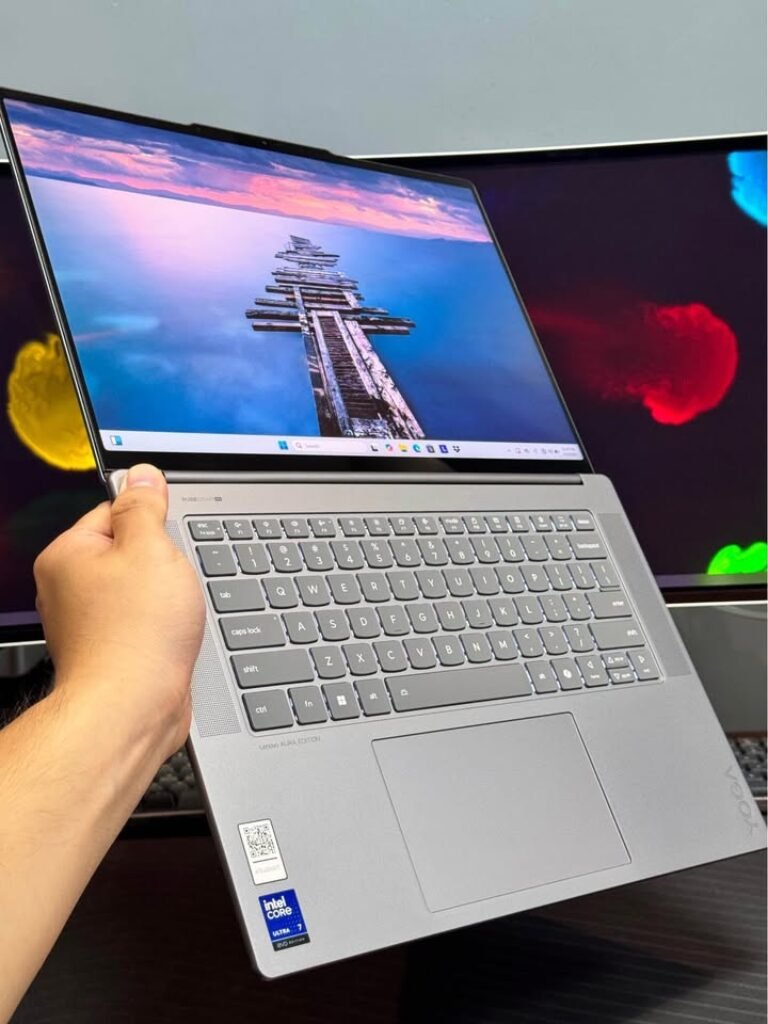
Lenovo Yoga Slim 7 OLED
• Display: 14″ OLED
• Battery: 65Wh
• Colour Gamut: 100% DCI-P3
• Weight: 1.39 kg
• Price: ₹₹₹
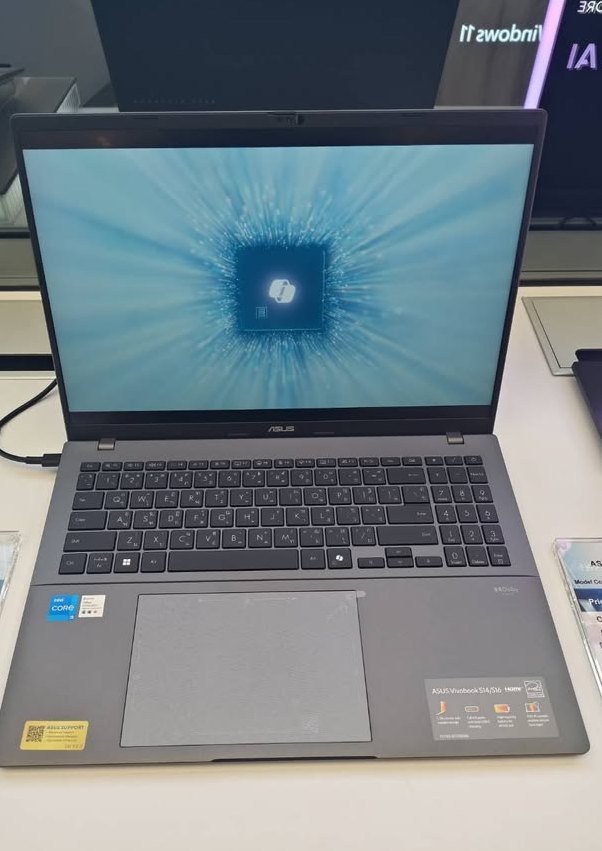
ASUS Vivobook S16 IPS
• Display: 16″ IPS 144Hz
• Battery: 70Wh
• Colour Gamut: 45% NTSC
• Weight: 1.7 kg
• Price: ₹₹
For the best performance from each technology, we have to highlight the Lenovo Yoga Slim 7 OLED and ASUS Vivobook S16. Although their specs have quite a few differences, these are the upper echelon ultrabooks from each collection.
Advantages of the Yoga Slim 7 OLED over the S16 include perfect blacks and superior colour accuracy (100% DCI-P3).
The advantages of the ASUS Vivobook S16 is primarily the longer battery life, but it does have high refresh rate and zero burn-in risk.
HONORABLE MENTIONS: HP OmniBook 7 OLED (basically a more premium and slightly more featured version of the Yoga Slim 7) and the Lenovo IdeaPad Slim 3 IPS (lacks high refresh rate and has less impressive colour gamut, but good bottom dollar).
Best Value
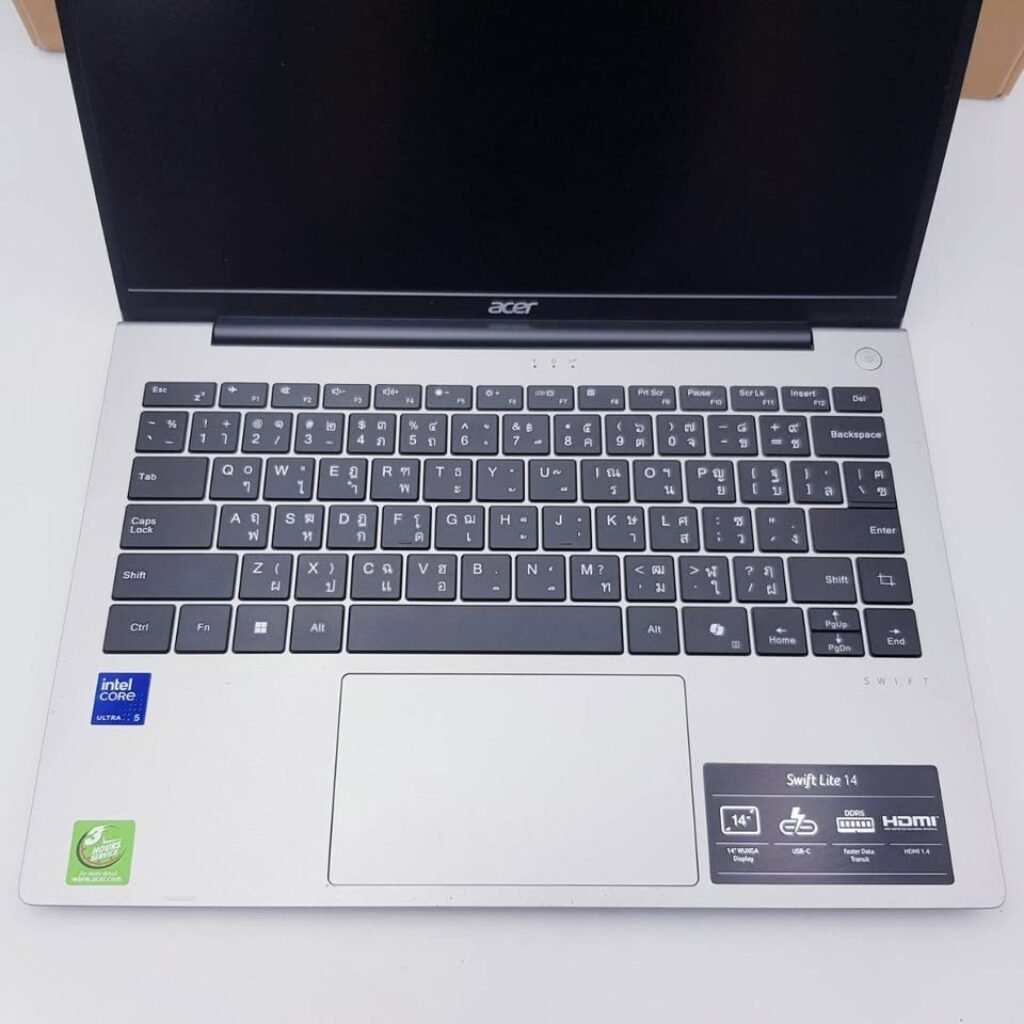
Acer Swift Lite 14 OLED
• Display: 14″ OLED
• Battery: Not specified
• Colour Gamut: 100% DCI-P3
• Weight: 1.1 kg
• Price: ₹₹
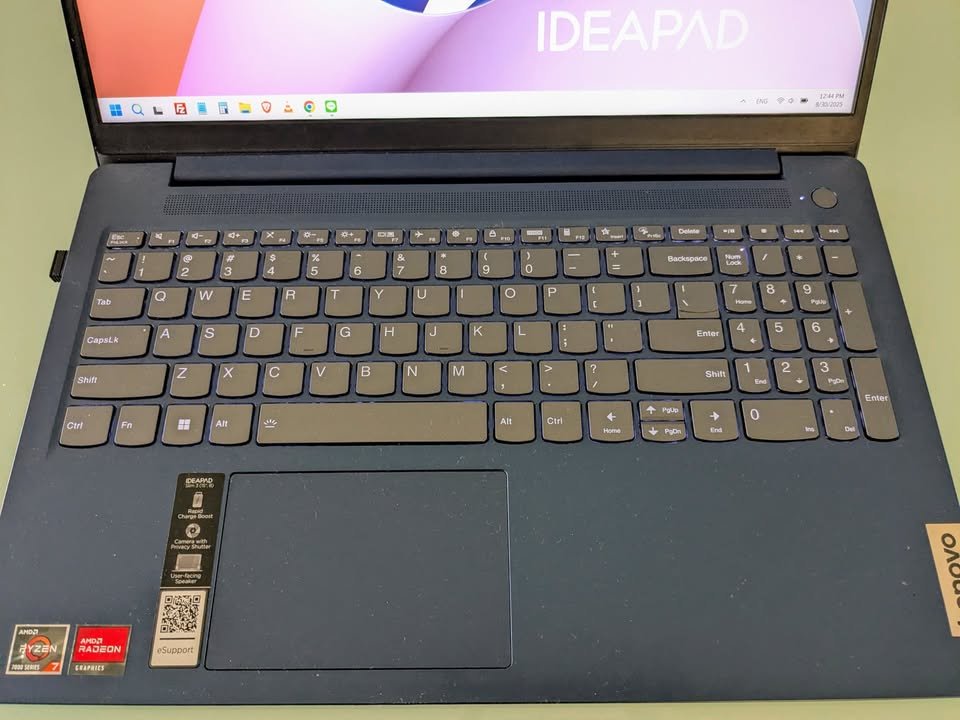
Lenovo IdeaPad Slim 3 IPS
• Display: 15.3″ IPS
• Battery: 50Wh
• Colour Gamut: Standard
• Weight: 1.59 kg
• Price: ₹₹
For the best bang for your buck, we’ve got to give it to the Acer Swift Lite 14 OLED or the Lenovo IdeaPad Slim 3. The IdeaPad has better battery life and no burn-in concerns, but the Swift Lite still has stunning OLED visuals and ultralight design.
HONORABLE MENTIONS: ASUS Vivobook Go 15 OLED or HP Pavilion 15 IPS
Best Budget
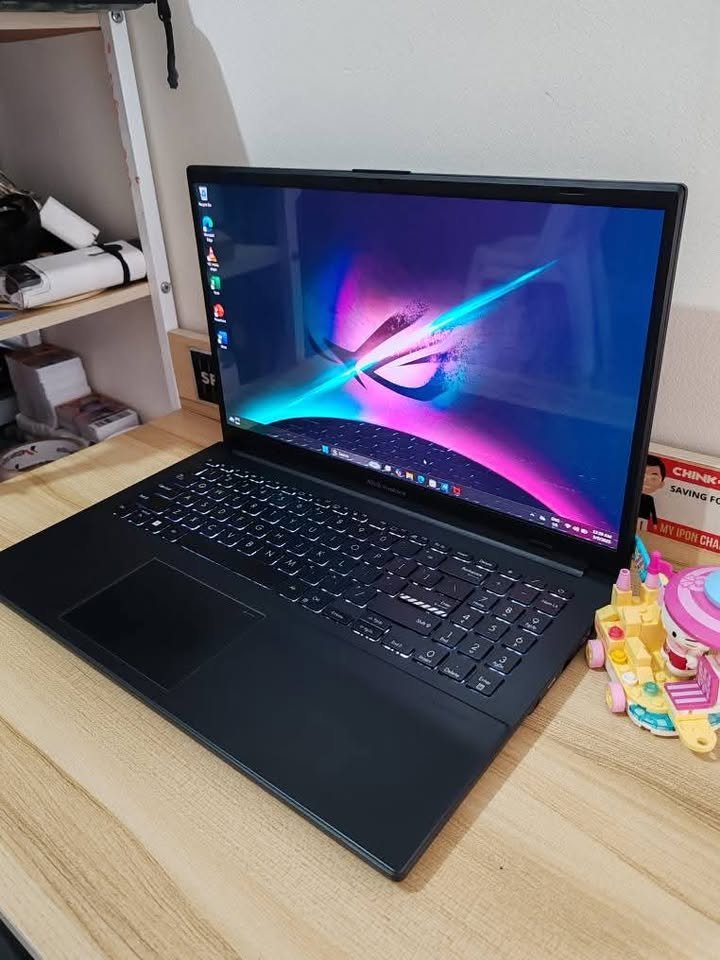
ASUS Vivobook Go 15 OLED
• Display: 15.6″ OLED
• Battery: 50Wh
• Colour Gamut: FHD OLED
• Weight: 1.63 kg
• Price: ₹
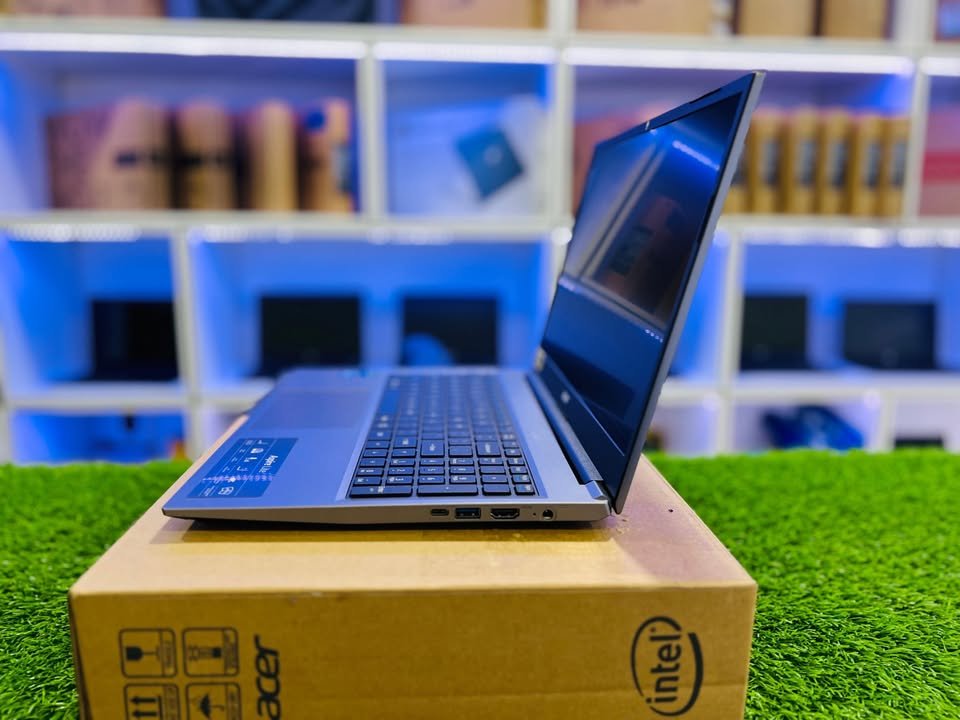
Acer Aspire Lite IPS
• Display: 15.6″ IPS
• Battery: 36Wh
• Colour Gamut: Standard
• Weight: 1.59 kg
• Price: ₹
If the price tag is the most important, IPS is likely the best option as many of their models fall in the budget tier. For an OLED that hits the same price point, I would recommend the ASUS Vivobook Go 15.
It still has TÜV Rheinland certification and solid visual performance, but uses a budget OLED panel (a step down from the premium OLED on newer models).
OLED vs. IPS Model Comparison
Here’s a breakdown of each model and how it compares. Scroll to learn about them all or click the links below to jump right to the specific model you’d like to read about.
- Lenovo Yoga Slim 7 OLED
- HP OmniBook 7 OLED
- ASUS Vivobook S16 IPS
- Lenovo IdeaPad Slim 3 IPS
- Acer Swift Lite 14 OLED
- HP Pavilion 15 IPS
- ASUS Vivobook Go 15 OLED
- Acer Aspire Lite IPS
Lenovo Yoga Slim 7 OLED
The Lenovo Yoga Slim 7 OLED is the newest OLED ultrabook to hit the market, released in 2024. It has HDR True Black 500 certification, up to 400 nits brightness, Dolby Vision support and Intel Core Ultra 7 processor.
It has 65Wh battery capacity and rapid charge technology (2 hours runtime with 15-minute charge) but no touch screen.
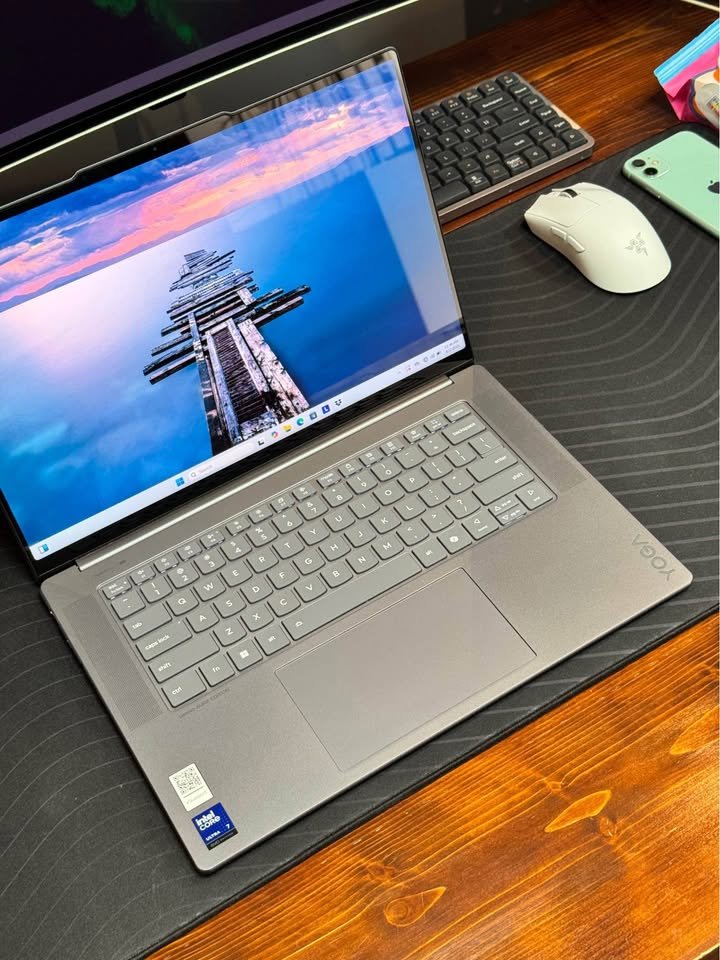
There are a couple of variants of the Yoga Slim 7, with minor differences:
• Yoga Slim 7 OLED: standard ultrabook with OLED display
• Yoga Slim 7 IPS: same specs with IPS panel
• Yoga Slim 7 Pro: includes dedicated graphics
Here are the detailed specs for the standard Lenovo Yoga Slim 7 OLED:
• Size: 14″ x 1.49cm H
• Runtime: Up to 20.8 hours video playback
• Weight: 1.39 kg
HP OmniBook 7 OLED
The HP OmniBook 7 OLED is the most advanced ultrabook we’ve seen. It has 3K resolution and variable 48-120Hz refresh rate.
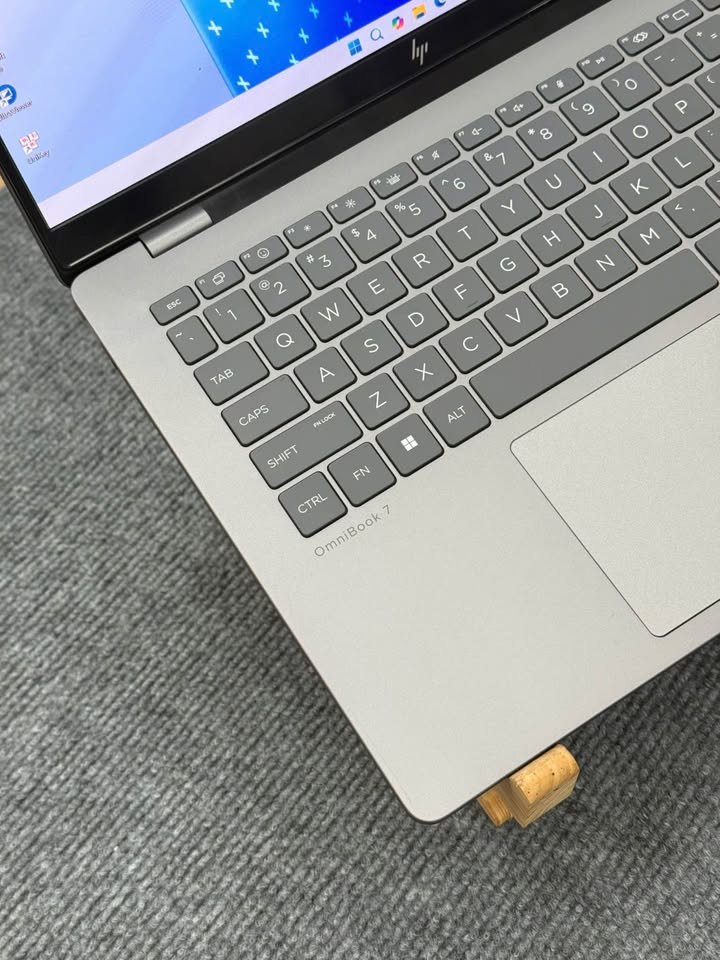
Other notable features include 32GB RAM, 1TB storage, Intel Arc graphics, 500 nits HDR brightness and more. It’s the most advanced and expensive OLED ultrabook we’ve tested so far.
• Size: 14″ x 35.6cm W
• Runtime: 68Wh battery capacity
• Weight: 1.5 kg
ASUS Vivobook S16 IPS
The ASUS Vivobook S16 is one of the top performing ultrabook in the IPS series. As a “144Hz” model, it has higher refresh rate than standard ultrabook display.
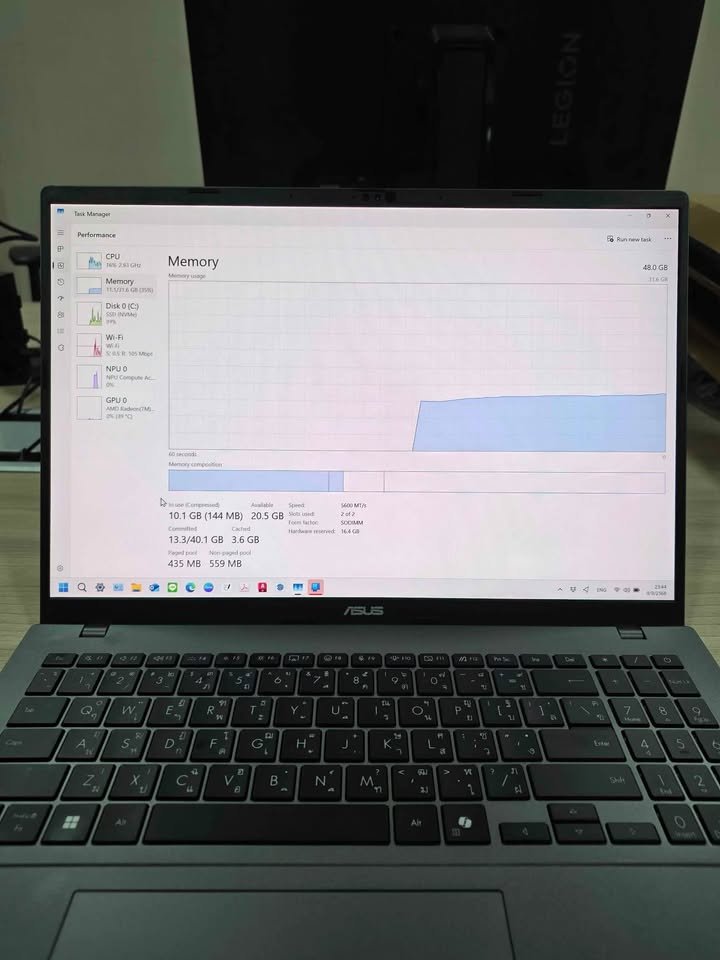
Besides smooth motion, the S16 also has great battery life (20 hours average), WiFi 6 and Intel 13th Gen processor.
• Size: 16″ x 48.9cm W
• Runtime: Up to 20 hours average
• Weight: 1.7 kg
Lenovo IdeaPad Slim 3 IPS
Lenovo IdeaPad Slim 3 IPS is a powerful ultrabook with AMD Ryzen 7 8840HS processor and great performance. Features include 24GB RAM configuration, TUV Low Blue Light certification and military-grade durability.
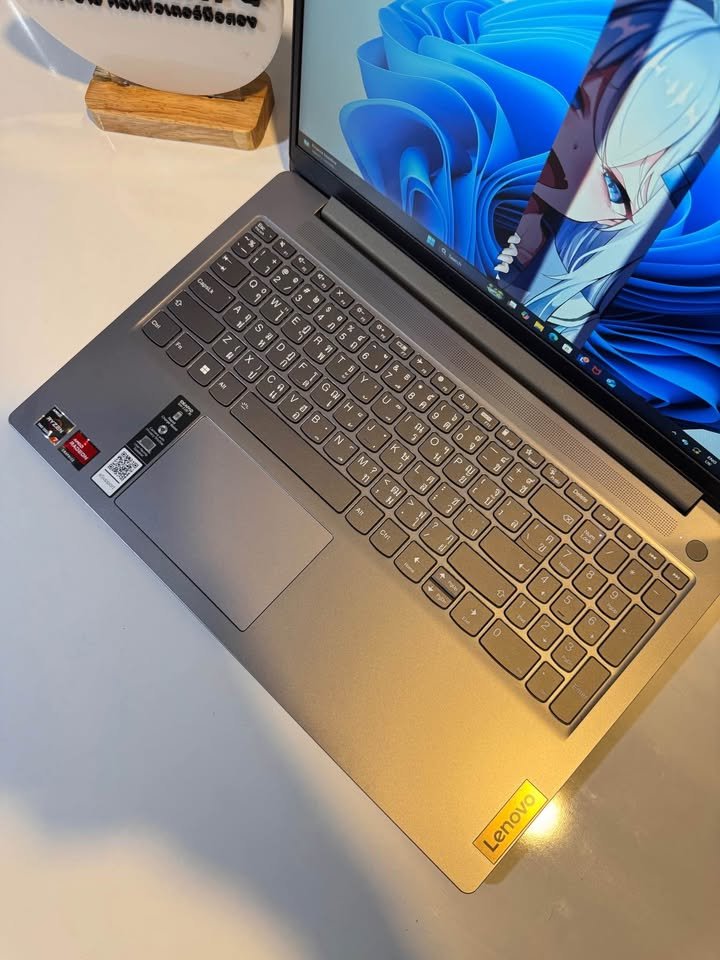
Like other IPS models, the IdeaPad Slim 3 has zero burn-in risk so it’s perfect for users who work with static content like spreadsheets or coding.
Rapid Charge Boost gives you 2 hours of runtime with just 15 minutes of charging which is great for on-the-go users.
• Dimensions: 15.3″ diagonal x 1.79cm H
• Run Time: 11.5 hours video playback
• Weight: 1.59 kg
Acer Swift Lite 14 OLED
Acer Swift Lite 14 OLED is the lightest ultrabook in our comparison at 1.1kg. It has Intel Core Ultra 5 processor, 100% DCI-P3 colour gamut and dedicated Copilot key for AI assistance.
Like premium OLED models, the Swift Lite 14 has vibrant colours and perfect blacks but burn-in protection is not as comprehensive as higher-end models.
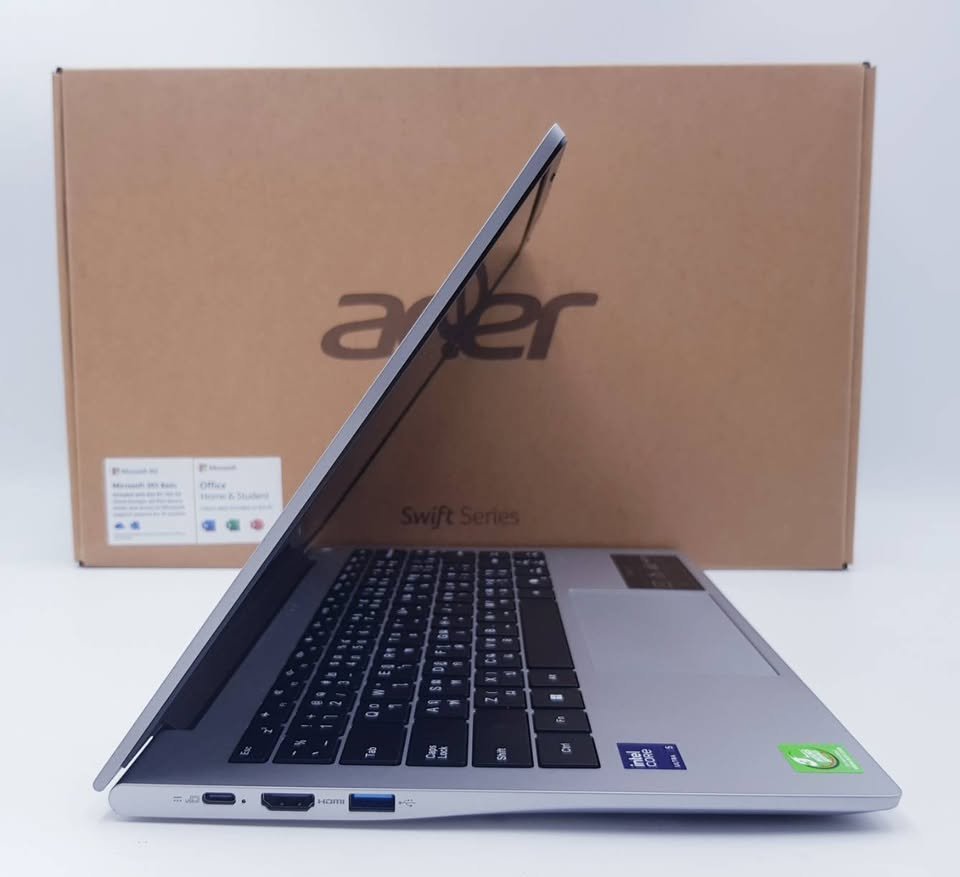
Unlike heavier ultrabooks, the Swift Lite 14 prioritizes portability without sacrificing display quality but battery life is not specified.
• Dimensions: 14″ diagonal x 15.9mm H
• Run Time: 6 to 8 Hrs
• Weight: 1.1 kg
HP Pavilion 15 IPS
HP Pavilion 15 IPS has reliable performance with Intel 13th Gen processor. It has Intel Iris Xe graphics, 9.5 hours battery life, fast charging and B&O audio tuning.
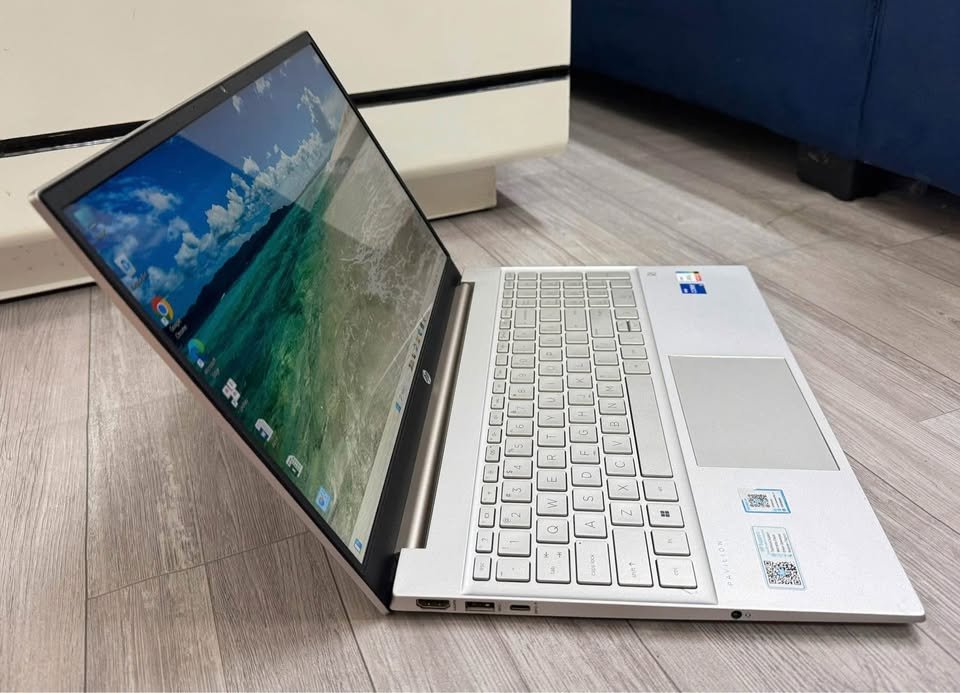
250 nits brightness which is good for indoor use but may struggle in bright environment compared to OLED.
• Dimensions: 15.6″ diagonal x 30.8cm W
• Run Time: Up to 9.5 hours average
• Weight: 1.75 kg
Check Price
ASUS Vivobook Go 15 OLED
The ASUS Vivobook Go 15 OLED brings OLED technology to the budget segment. It offers AMD Ryzen 5 7520U processor, TÜV Rheinland eye-care certification, and military-grade durability.
The 180-degree lay-flat hinge provides flexibility, while the OLED panel delivers improved visuals, though burn-in remains a consideration for static content users.
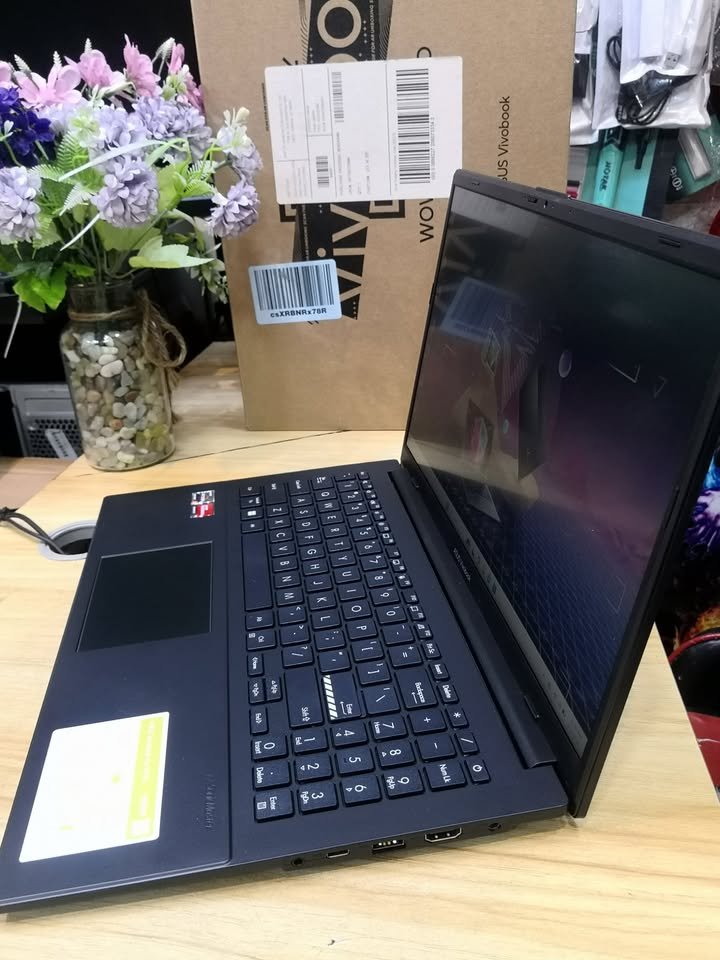
One thing it lacks is higher battery capacity. If you want longer runtime without charging see comparable battery life to IPS models, the Vivobook Go 15 OLED may not be the best option for you.
• Dimensions: 15.6″ diagonal x 18mm H
• Run Time: 50Wh battery capacity
• Weight: 1.63 kg
Check Price
Acer Aspire Lite IPS
The Acer Aspire Lite IPS is the most budget-friendly option in our lineup, but is still in the flagship category. The Aspire Lite is a solid option for reliable performance at a decent price.
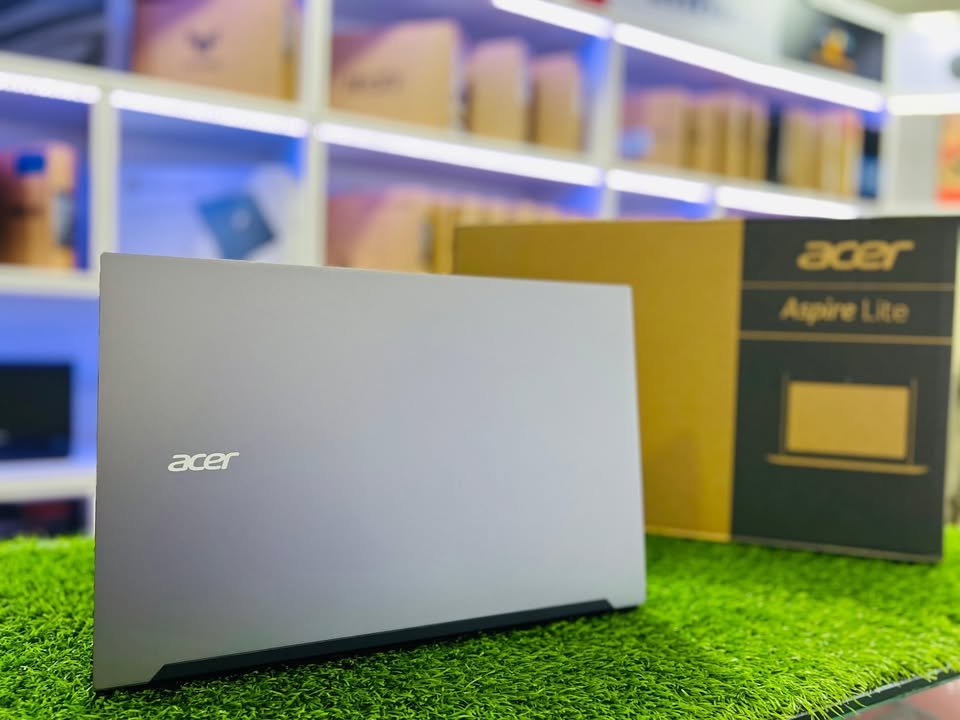
It offers many practical features like AMD Ryzen 7 processor, 1TB storage, upgradable RAM to 32GB, and 180-degree hinge flexibility.
The Aspire Lite models also have Nahimic Audio with surround sound, providing better audio experience than typical budget ultrabooks.
• Dimensions: 15.6″ diagonal x 18.9mm H
• Run Time: Up to 11 hours
• Weight: 1.59 kg
Check Price
Should You Buy OLED or IPS?
Alright, so we covered a lot of ground here, reviewing 8 different models across the two different display technologies. Specs, features, battery impact, and more.
So at the end of the day, which display technology is best for you? The answer comes by looking at exactly what your needs are.
If you’re looking for an ultrabook with zero burn-in risk, go with:
• ASUS Vivobook S16 IPS: The price tag is reasonable, but it’s hard to beat the performance of the Vivobook S16 if you’re looking for an ultrabook that has excellent battery life, 144Hz refresh rate, worry-free usage, and proven reliability. Bottom-line? Vivobook S16 is the best IPS overall.
• Lenovo IdeaPad Slim 3 IPS: Similar to the S16, the IdeaPad also has zero burn-in risk and many of the same benefits. It has slightly lower refresh rate, but still plenty for productivity work.
If you’re looking for the best visual experience, I’d recommend the:
• Lenovo Yoga Slim 7 OLED: The Yoga Slim 7 has HDR True Black certification, a long battery life for OLED, and a reasonable price. If you don’t mind managing burn-in risk and want superior colours, the Yoga Slim 7 is a good option.
• HP OmniBook 7 OLED: This ultrabook is premium-priced, but also has 3K resolution, variable refresh rate (which helps prevent burn-in), and top-tier specifications.
If you’re looking for a solid option on a budget, go with:
• Any IPS model: Basically all IPS ultrabooks fall easily under premium OLED pricing, give or take. While the technology skips the perfect blacks and superior colour gamut that OLED offers, IPS still makes a reliable display.
• Acer Aspire Lite IPS: The Aspire Lite is our top pick for budget options. It is affordable, still has 11-hour battery life and good performance (AMD Ryzen 7 processor).
Have Questions?
Still have questions or need help deciding which display technology is right for you?
Use the comment form below to ask your question. We do our best to answer all questions within 24 hours.