
How We Test
We don’t just like laptops – we are living for them.
When you reading a review on LaptopInsights, you can be sured that you getting the honest opinion from the expert laptop testers only. Simply saying, if we tell something is great, then you can trust it really is. This is because our awards are earned by hardwork, not buyed by anyone.
For keeping the full transparency, this page is telling you everything about our laptop testing process. Here you will find out how we are getting the laptops for testing, how the testing is done, how our scoring system is working, and what our product awards is actually meaning.
How we are getting laptops for review?
The laptops mostly come into our hands (or on our desk, or onto the test bench) by one of the three ways.
How we do the testing?
Laptops are tested by using them for the exact purpose which they are made for. Ultrabooks and productivity laptops, as a example, will be used for putting many serious hours on heavy workloads.
Gaming laptops we will expose to as much AAA titles and thermal stress runs as possible we can throw on them. Creator laptops, on other hand, will be taken into the real editing sessions (or a colour-graded timeline, if the laptop is made for content professional peoples), then rendered and exported also.
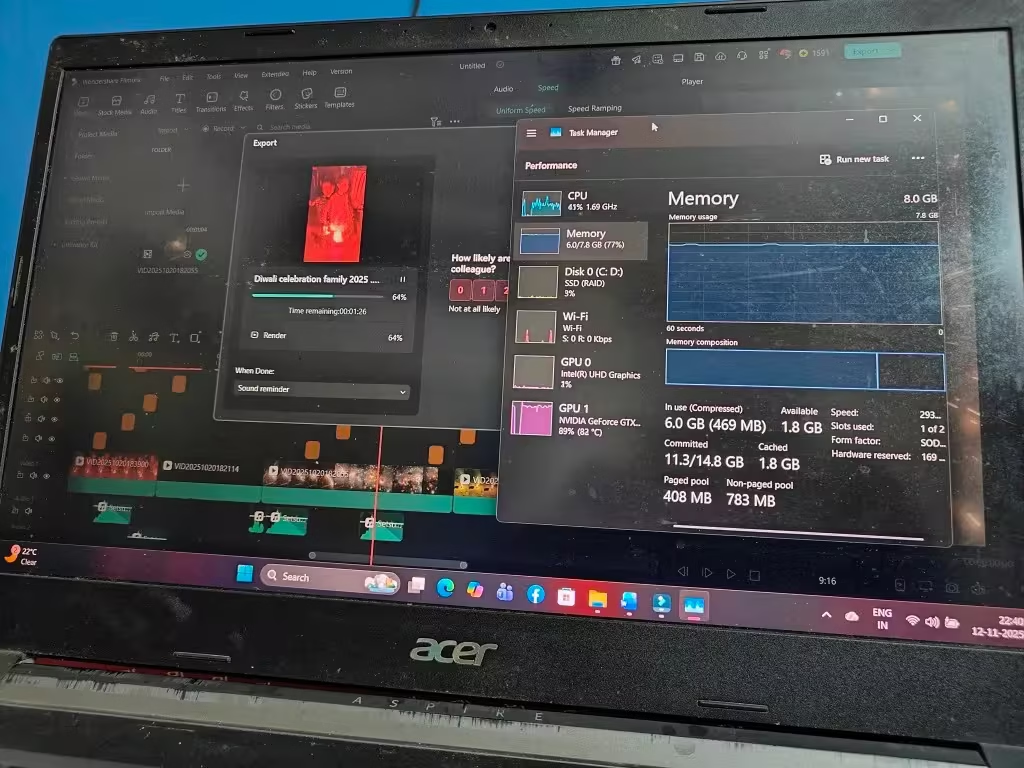
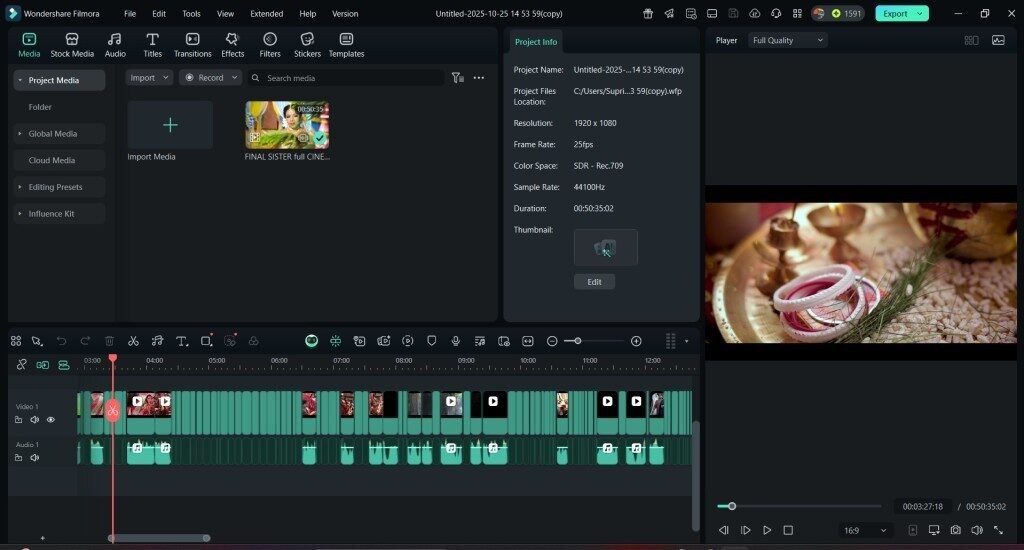
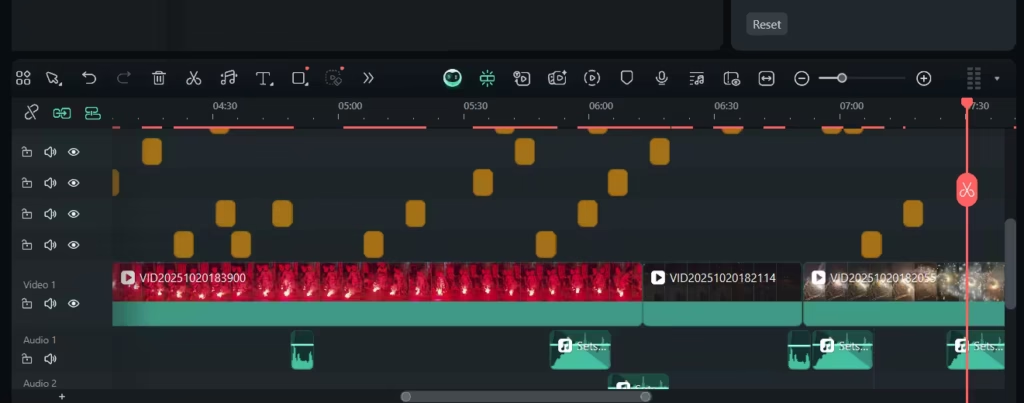
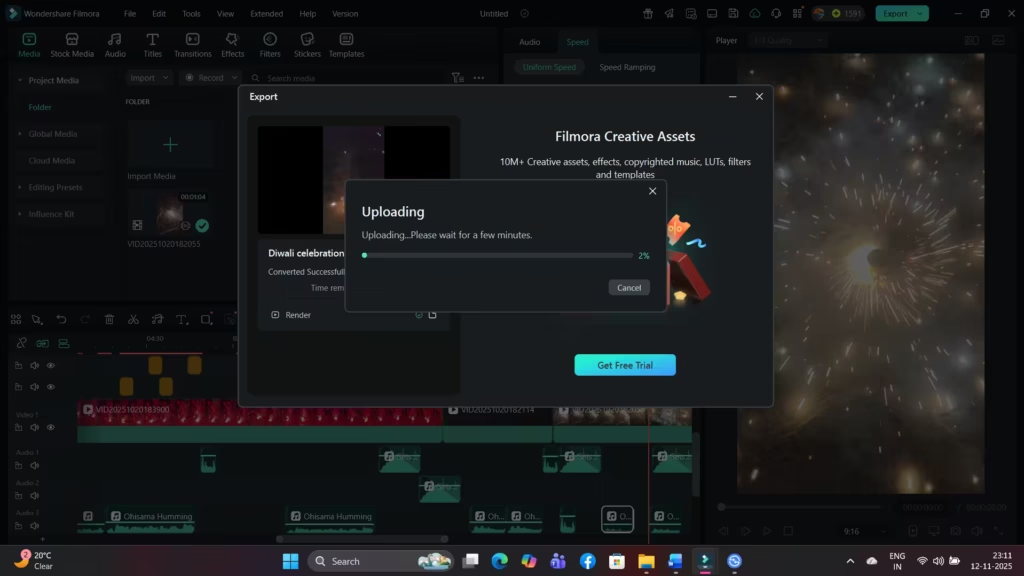
Backpacks full of cables will be packed, carried, and unpacked again, while the everyday laptops will be used over the long working days in different different environments and temperatures also.
In simple words, we will use the laptop exactly like how you will use it, so you can be sure that our opinion is relevant for you also.
Side by side with this, we are always searching for the data-driven ways to test the machines too. This can be like the battery rundown tests on fixed brightness and workload, for example, or the comparing of display colour accuracy of one panel against the calibrated reference colorimeter. Oh, and one more thing – we always do the weighing and measuring of each laptop by ourself only.
Who is doing the testing of laptops?
At LaptopInsights, we are having one permanent squad of reviewers, and also one team of trusted freelance testers which are spreaded across India and many foreign countries also. All of our reviewers they are tech enthusiast peoples and also experts for putting the laptops through the paces properly. Because of this, their opinions are very much informed, reliable in nature, and also relevant to the readers.
If you are wanting to know more things about the team at LaptopInsights and what is their specialist area of interest, kindly head over to our ‘About The Author’ page for the same.
Our Review Process by the Numbers
10+ individual tests, 50+ data points, 140+ laptops tested.
We are doing minimum 10 individual tests on every laptop to make sure full thoroughness. We collect more than 50 data points on each machine for deep analysis. And 140+ active laptops are there in our database, tested by our expert team since 2014.
Our scoring system, explained
Head-to-head testing of laptops
The laptops, they will be rated on around 4 to 6 separate elements only, and the specifics of it is depending fully on what is being reviewed at that time. These elements they may be including the performance and the thermals (means heating), value for the money spent, build quality of chassis, battery life backup, and also other factors which are relevant. Each one element is then given one score out of five marks (half ratings is also included in this), and after that the laptop is finally given one overall rating which is based on all these scores combined together.
Every laptop is getting graded on a weighted 100-points scoring system, which is broken into the categories that is mattering most to real users:
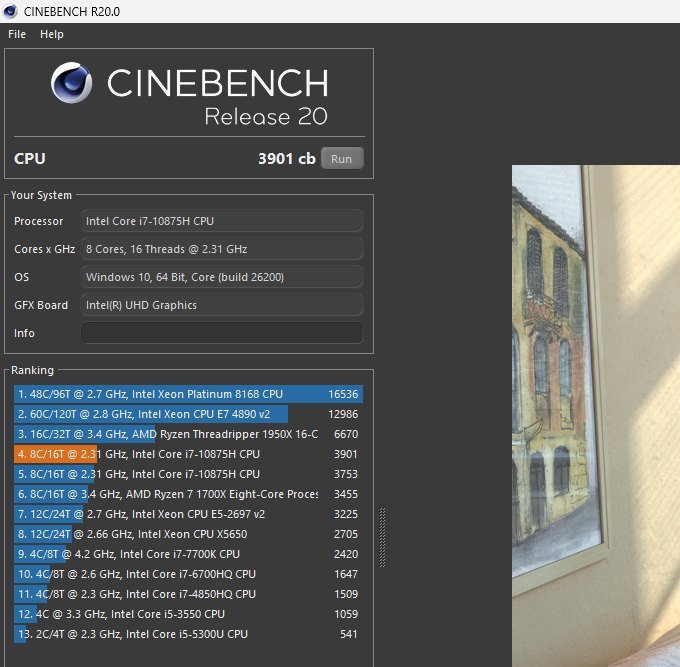
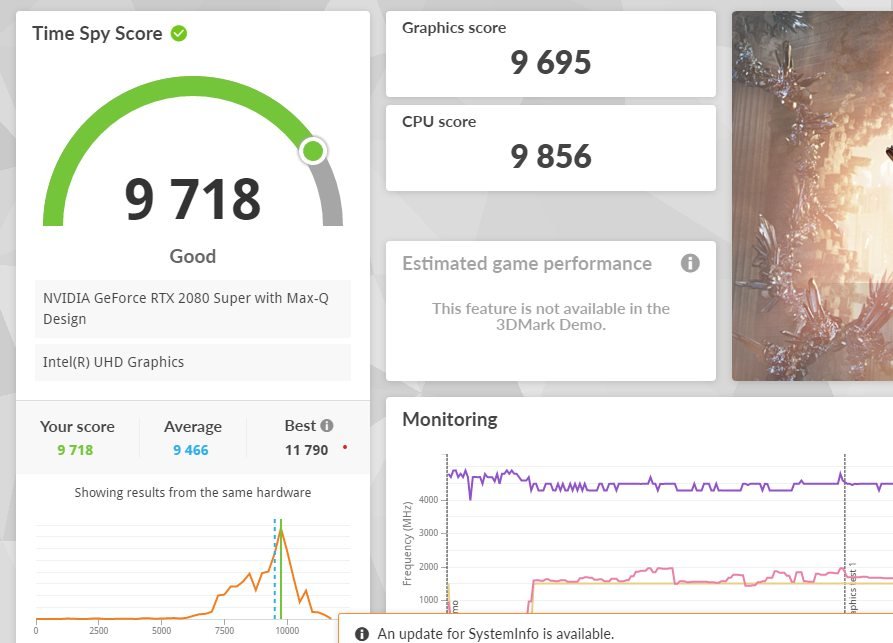
- Performance (25 points): CPU and GPU benchmarks (Cinebench R23, Geekbench 6, 3DMark), and also real-world workloads like video export, code compilation, and gaming FPS.
- Display Quality (15 points): Brightness (in nits), colour accuracy (Delta E), colour gamut coverage (sRGB, DCI-P3), refresh rate and contrast ratio.
- Battery Life (15 points): Web browsing loop test, video playback, productivity workload, and also gaming/heavy-load drain test.
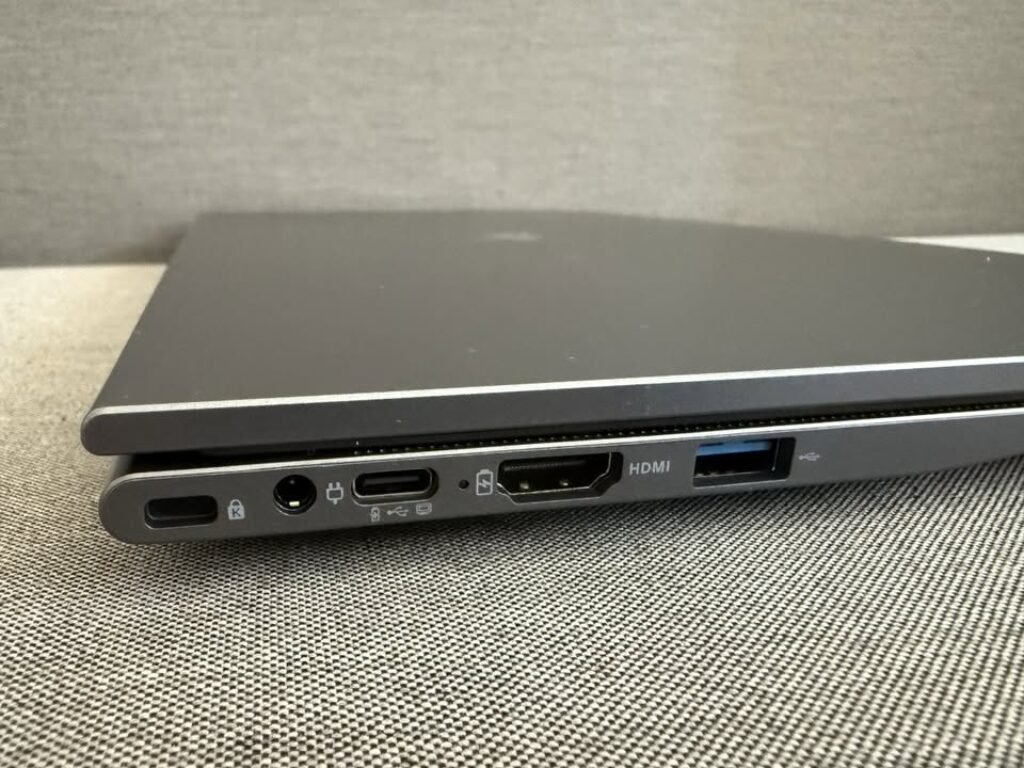
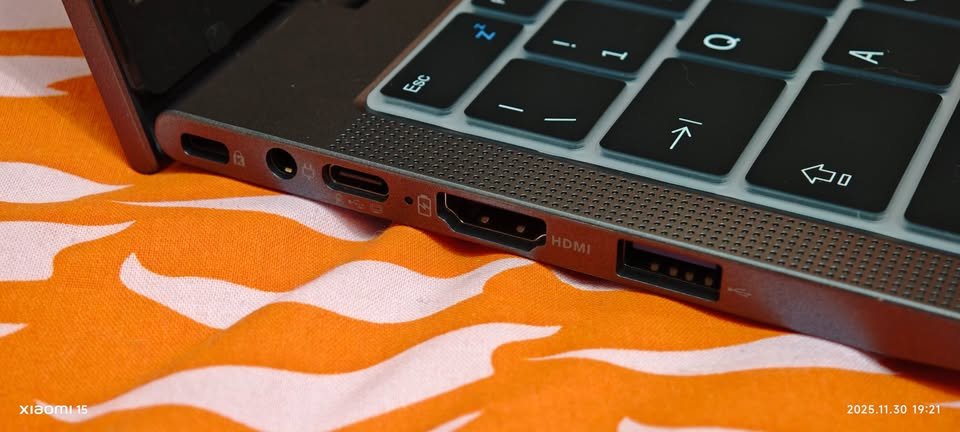
- Build & Design (10 points): Materials used, hinge quality, port selection, weight and overall portability.
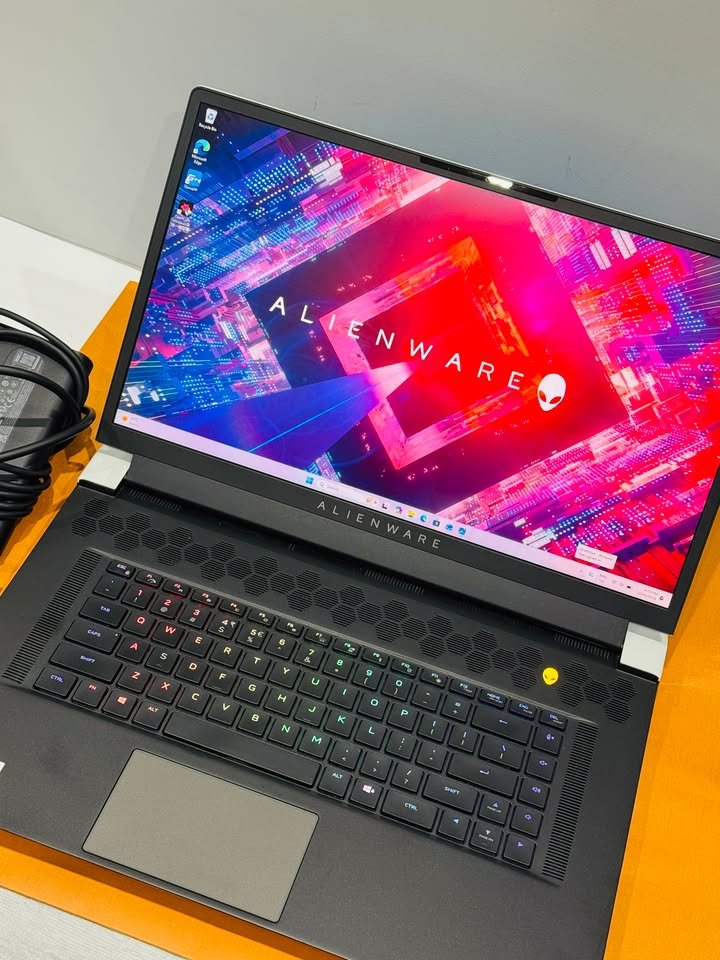
- Keyboard & Trackpad (10 points): Key travel, typing comfort, backlight, and trackpad precision.
- Thermals & Noise (10 points): Surface temperature and fan noise (in dB) when laptop is under sustained load.
- Speakers, Webcam & Mic (5 points): Tested in real video calls and during media playback.
- Value for Money (10 points): Price-to-performance ratio, compared with competitors in same segment.
Sometimes, if one laptop is truly deserve it, we maybe give extra reward also, like “best lightweight option” or “best for creators.” This help us to point out some laptops that fit for one specific need.
Why you can trust on us
We already say before and we will say it one more time, our laptop testers is expert peoples. Honestly speaking, we can even call them geeks. And even they know almost everything about CPU architecture, panel response time, VRM design, and small details of cooling system, this maybe not make them very fun in parties, but for sure it make them very good in doing laptop review.
But more important thing is, they are same like you. They have love for technology, doesn’t matter if it is coding, gaming or doing creative works. They understand one thing very well, that having a laptop which is working properly can make big difference between actually enjoying the time on screen, or just somehow tolerating it. Same like you, they are big fan of hardware that do its job, and they have zero patience for those kits which is not delivering what they promise.
Even our experts is having many years of experience in back, and lot of benchmarks already done by them, still in the end they are only human being. Sometime mistake can also happen. So if you find any wrong information in our reviews, please feel free for contacting us, so we can fix it wherever it is needed.